V0913, 5.6
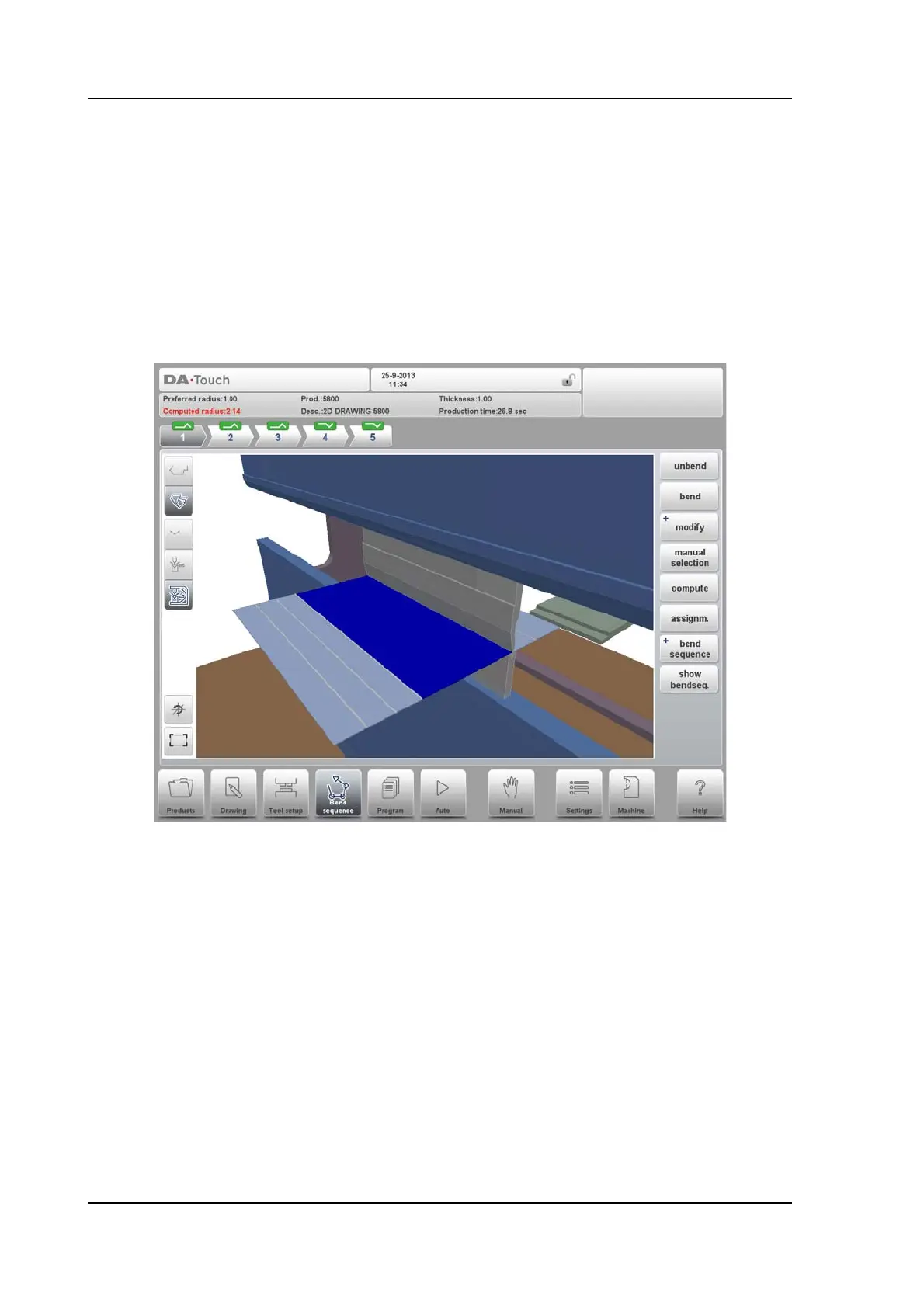
5.2. Unbend product
In order to generate a CNC-program the bend sequence must be known. There are two ways
to achieve this:
• Press the function key Compute. The control will automatically compute the quickest
possible bend sequence for this product.
• Press the function key Unbend repeatedly, until the product is completely unbent.
When the product is completely unbent, press the function Bend sequence and Save to
generate and save the CNC-program.
It is possible that no bend sequence has been found for various reasons:
• The installed tools are not correct. Return to the tool configuration menu to change the
tool configuration.
• The assignments are incorrect. Return to the assignments menu to modify the
assignments.
• A collision has been detected during unbending. It is possible to manually adjust the
bend sequence with the available functions. This is explained in the following sections.



 To Next Page