V0913, 6.2
The main screen shows the existing numerical program or, when starting a new program, the
first to be programmed bend.
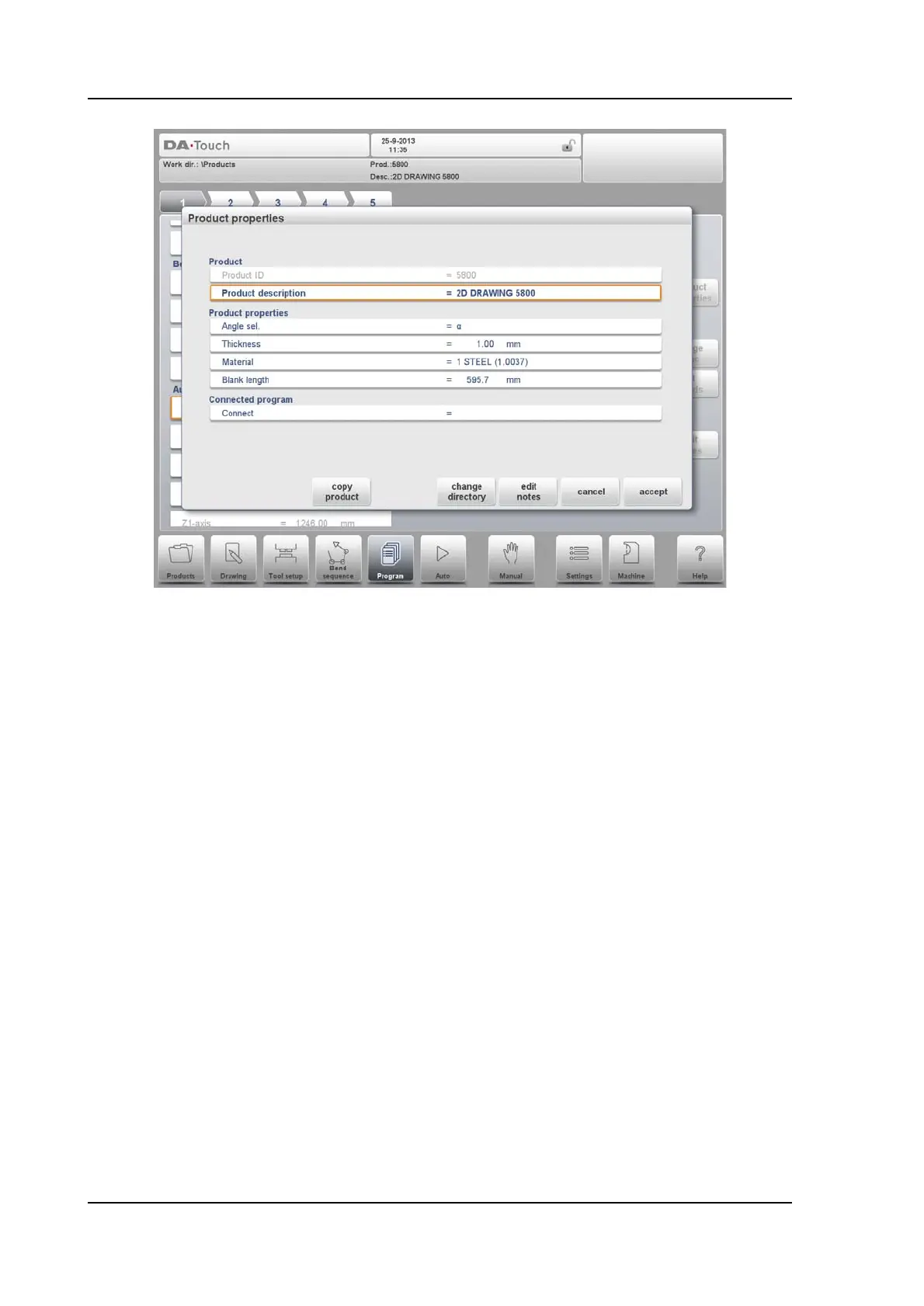
To change the main product properties tap Product Properties. These parameters of the
program are the same for every bending of the program (main data of program).
Functions
Copy product
Copy the current product. When pressed, you must enter a new product ID for the copy
program.
Change directory
Choose another location (directory) on the local disk to store the current product. The product
is automatically copied to the new location.
Edit notes
Opens a window enabling viewing and editing of notes about the current product. See more
on Edit Notes further in this paragraph.



 To Next Page