V0913, 5.3
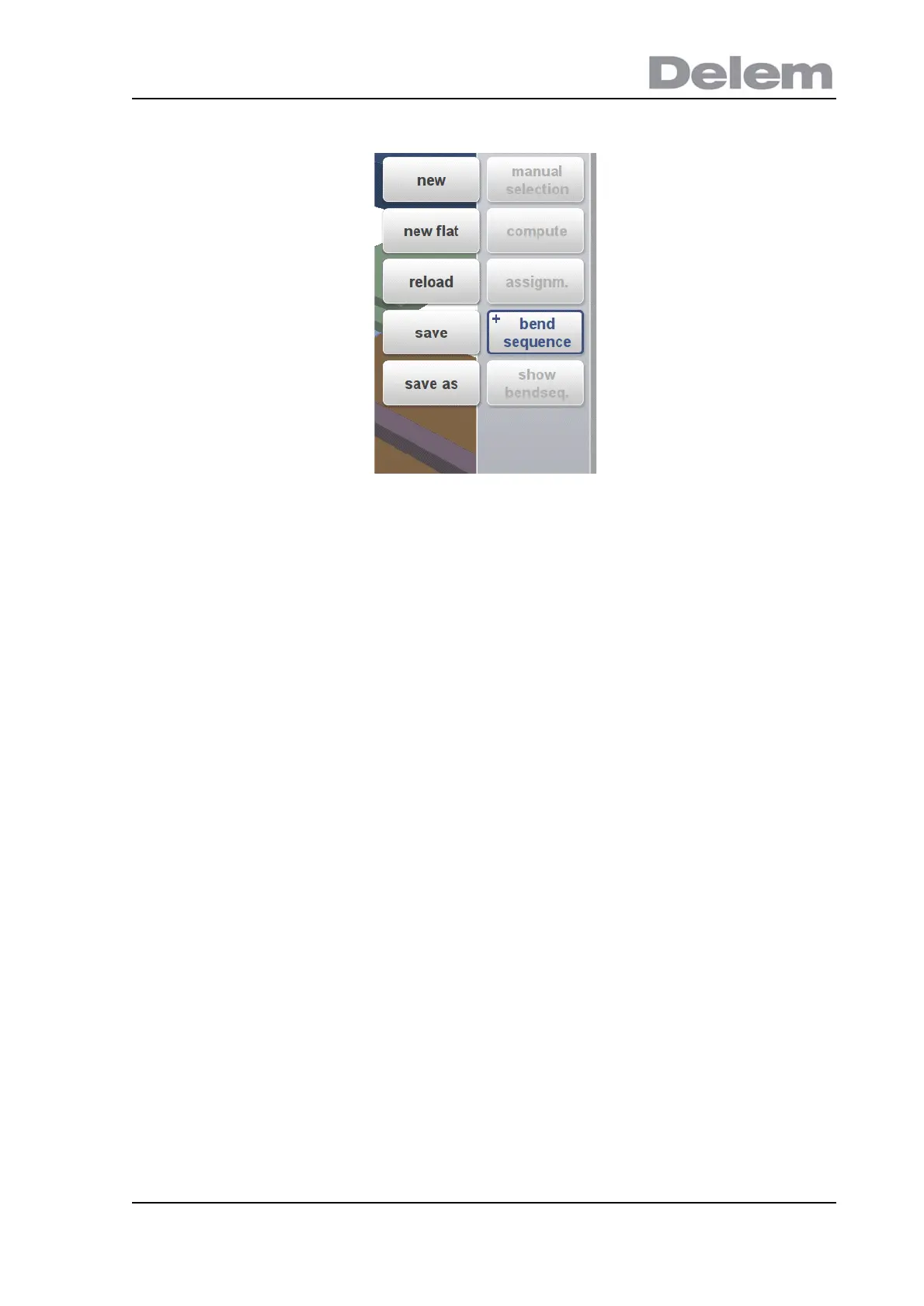
After a bendsequence has been calculated or determined, the Save and Save as can also be
found in this menu.
+Save
Save a bendsequence will save the resulting CNC program on disk. The resulting CNC
program contains all necessary axis positions and tool numbers. This command can only be
executed when a complete bend sequence has been determined.
+Save as
Save as can be used to save the current product and its bendsequence under an alternative
name. This enables an easy way to make product differentiations (variants).
When the bendsequence screen is left, the product will automatically be saved. If there are
changes made, and save is not used, this will be prompted on the screen.
Show Bendsequence
To show a mosaic screen with a step-by-step graphical overview of the bend sequence.
The bend sequence can also be viewed and determined in a 3D view. This can be achieved
via the view mode selection.



 To Next Page