V0913, 4.5
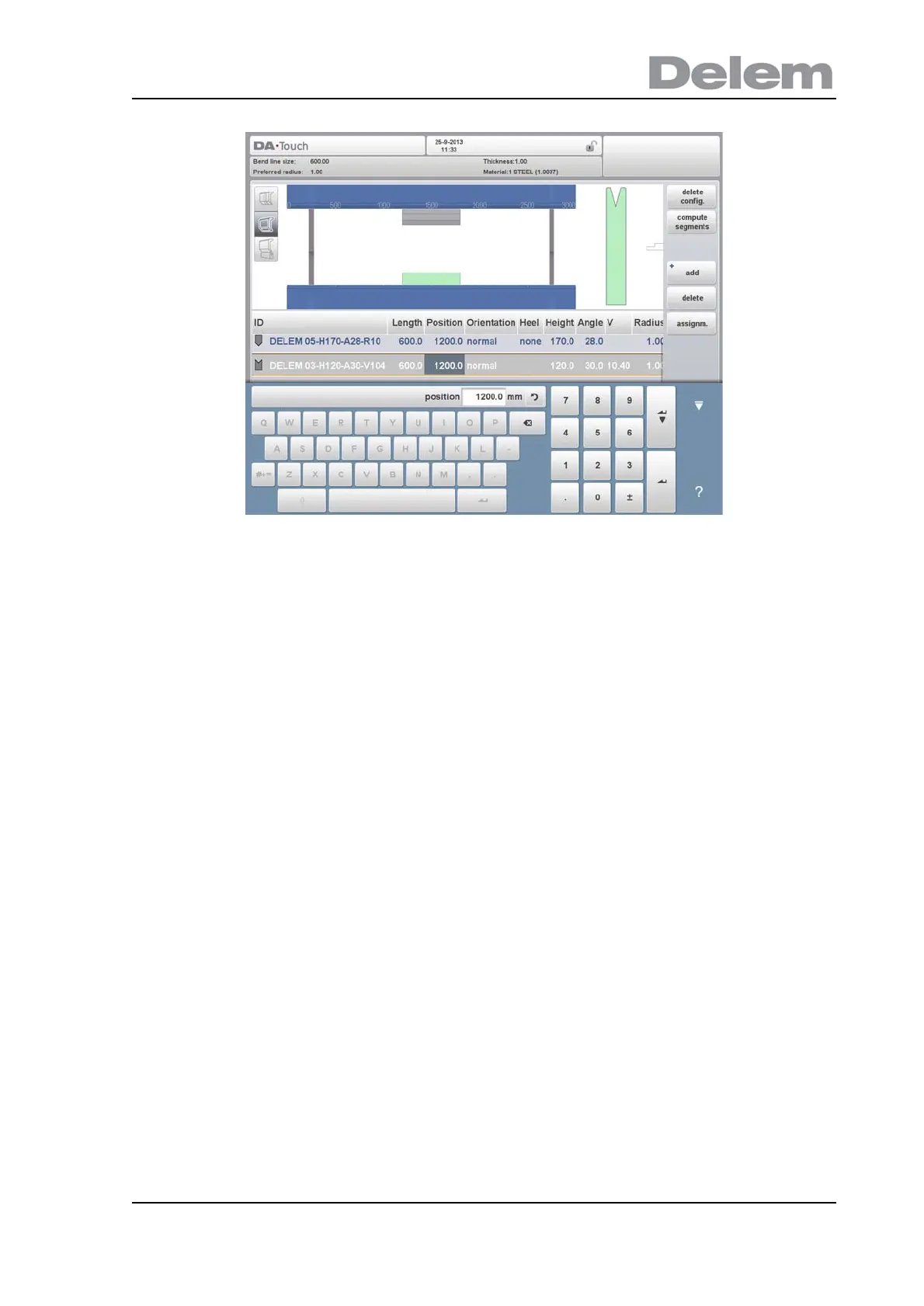
The tool set-up can be modified with the available functions or by changing a value in the list
view. Punches and dies can be added or deleted, the existing tools can be moved to a
different position, their length can be modified, the orientation can be changed (i.e. the tool
can be turned around) and heel types can be changed.
Delete config.
The existing configuration is deleted and a new tool configuration can be started.
Add
Add a new tool to the tool configuration. When pressed, some new functions are offered to
choose the tool: punch, die or adapter (if enabled).
Delete
Delete the currently selected tool.



 To Next Page