V0913, 4.3
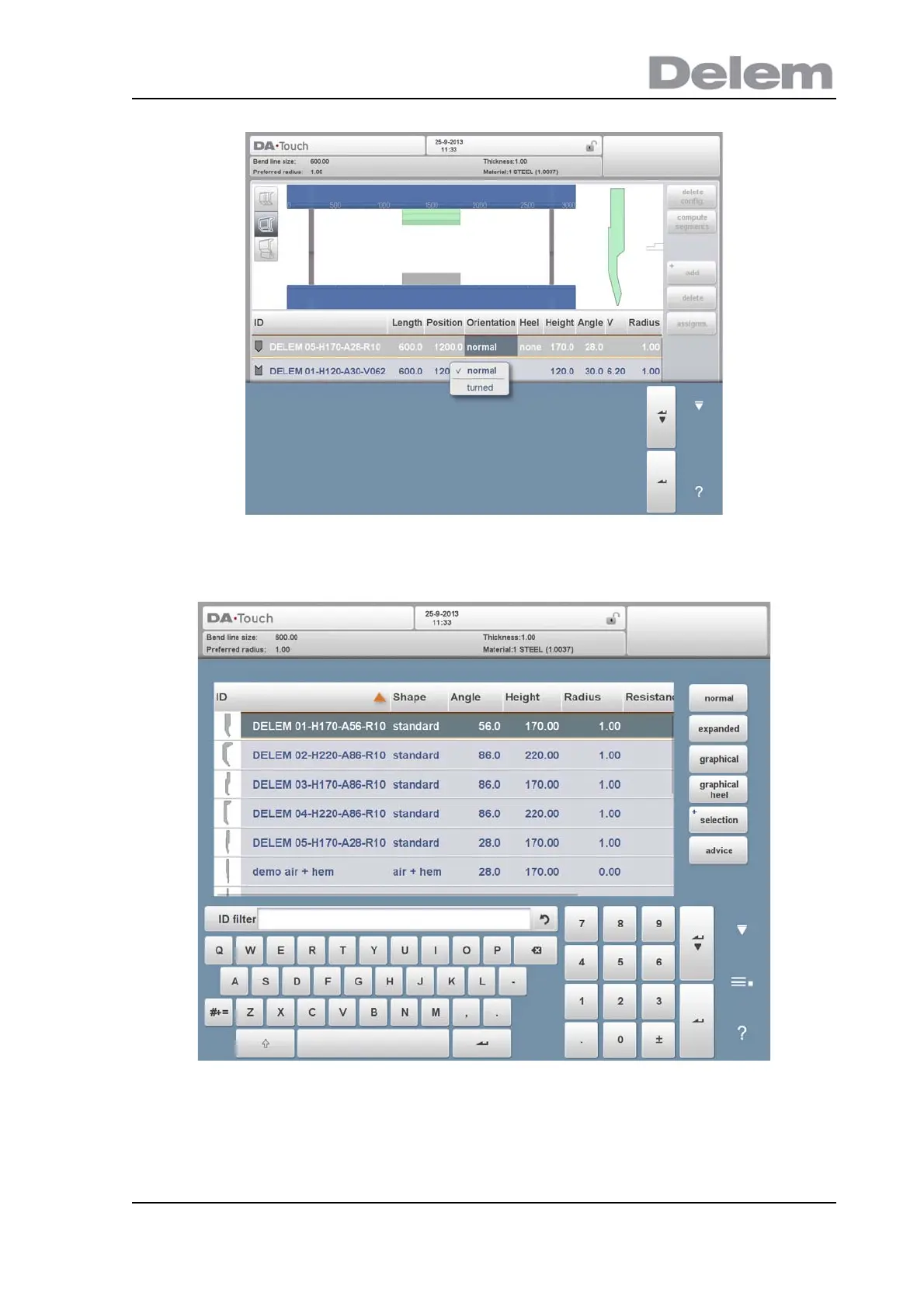
After a tool is placed, the tool ID can be changed by selecting the Punch ID in the screen and
tapping on the List view.
If only a part of the tool ID is typed, the control automatically offers a list of tools with the typed
characters. This is a filtering function.
By tapping Advise from this screen a limited selection from the available tools will be made
and displayed. The criteria for the selection are:



 To Next Page