V0913, 1.6
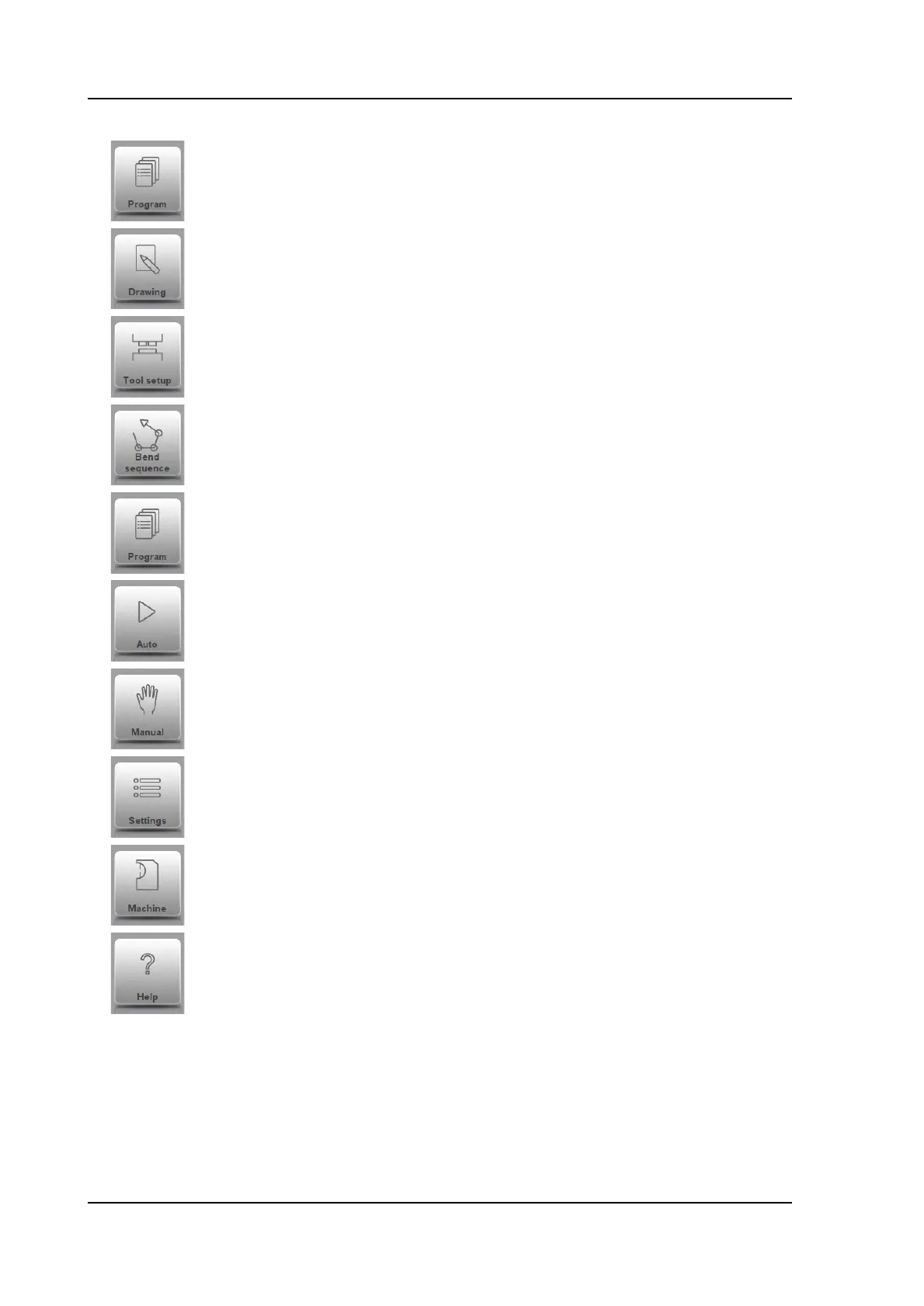
Explanation of the main modes / navigation buttons
To make a new program and select a program out of the product
library.
To draw/create a new product or edit an existing product
(graphically).
To setup the machine and modify existing tool setups.
To compute and modify the bend sequence.
To create a new CNC-program or edit an existing CNC- program
numerically.
To start production of the selected product/program.
To program all settings for making one single bend, not related to a
program.
User settings and preferences applicable to the programming of
new products and programs. Also the required material properties
can be programmed in the Material library.
User settings and preferences applicable to the machine, tooling
library including the tool editor, backup/restore of data, software
version info etc.
Wherever you are in the control, via this button you can access the
help system which will provide you with context sensitive
information.



 To Next Page