V0913, 9.3
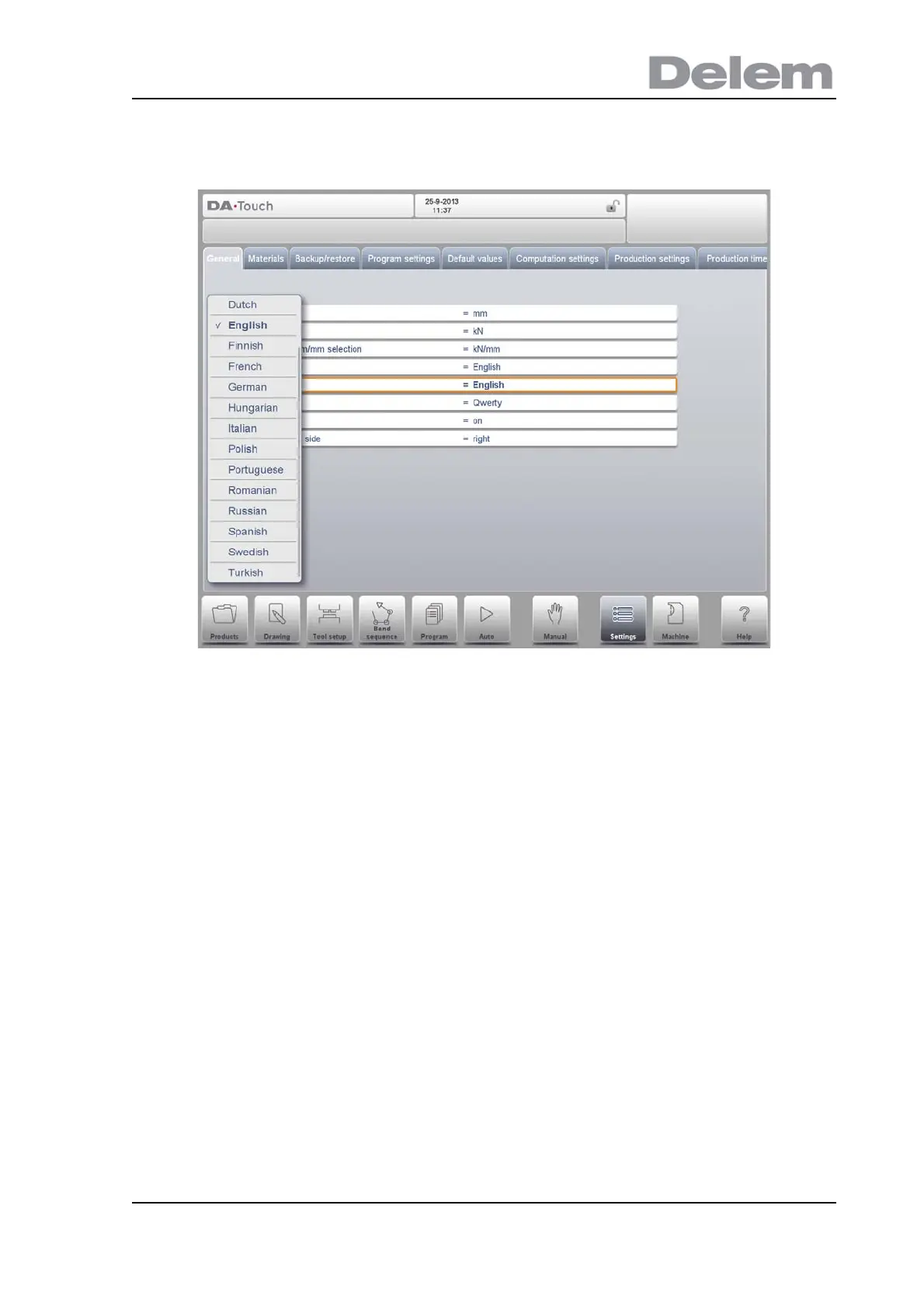
With this function you can install a new help language on the control. Make sure the
required help file is present on the control disk or another accessible location (network,
USB disk). It will automatically be selected and installed.
Keyboard layout
Upon choice one can select Qwerty, Qwertz or Azerty keyboard layout. Default layout is
Querty.
Key sound
Switch the sound function of the input panel on or off. Default sound is on.
Command panel side
Switch the command panel to the left side of the screen. Default is right side.



 To Next Page