V0913, 6.8
Edit notes
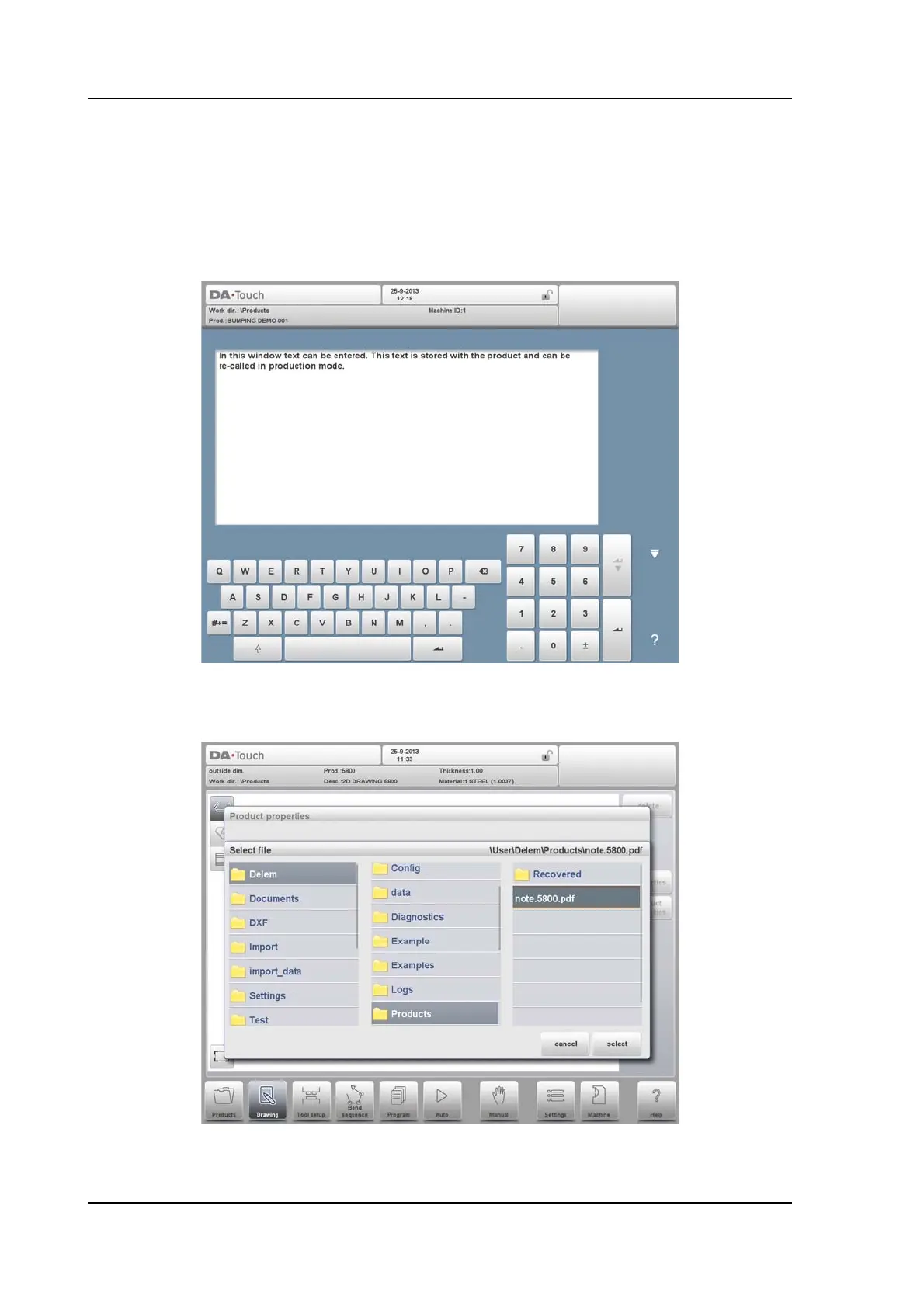
It is possible to add a note to your product, in order to store comment or background
information about the current product. It is also possible to add a note to each bend.
The note is a simple text field, it has no influence on product values or bend sequence
calculations. The maximum allowed length of the note is 1023 characters.
To attach a PDF file to the note tap Attach PDF. Via the directory browser a PDF file can be
selected and will be incorporated in the product file.
When solely a PDF file is attached without a textual note, the PDF will be shown
instantaneously when the user presses the Notes indicator in Auto mode.



 To Next Page