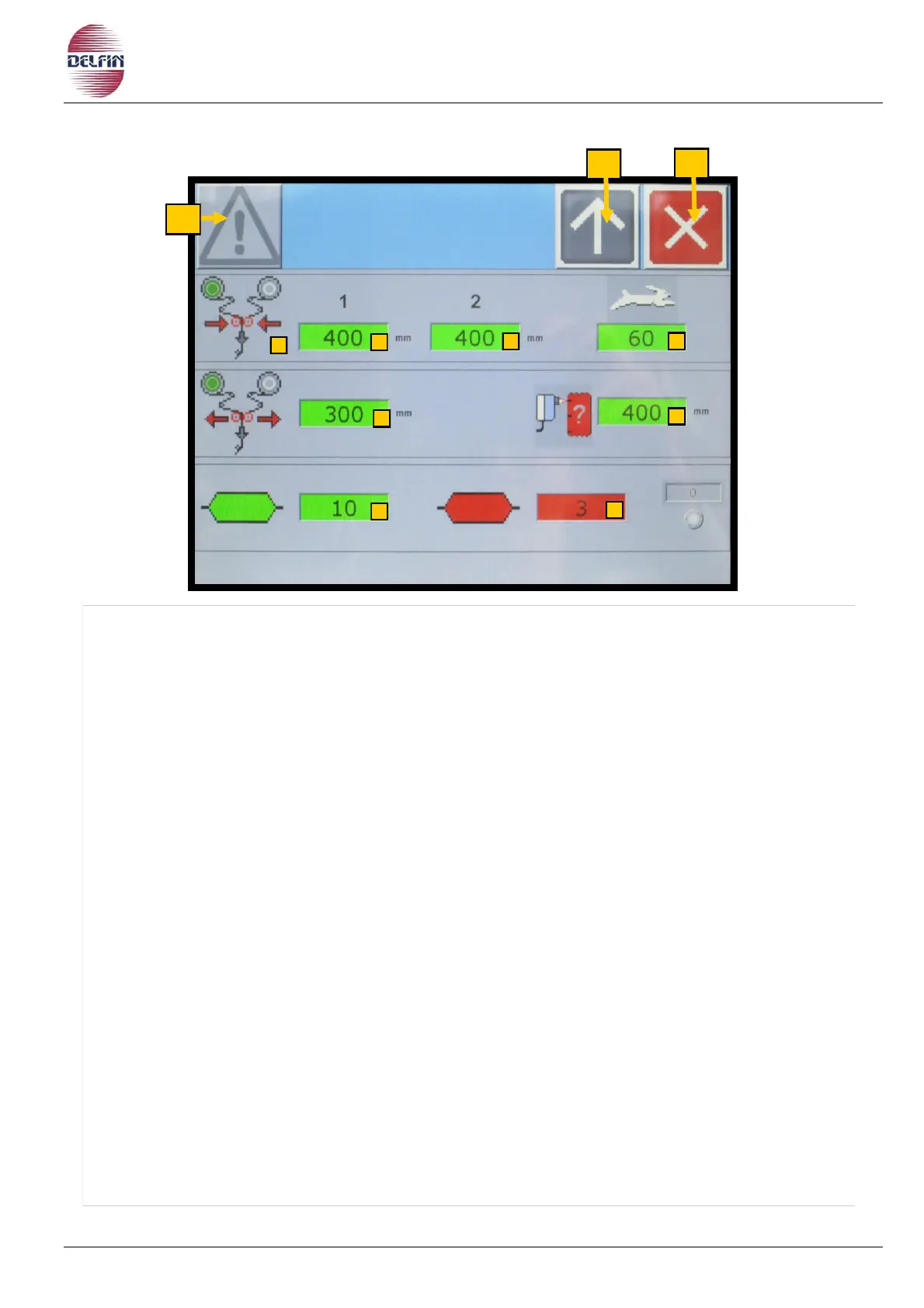
1) Button to go to the alarm page.
In the presence of an active alarm the color of the triangle button is yellow.
3) Button to return to the previous page.
4) Button to close this page.
5) Icon to indicate the current working reel.
6) Button to set the millimetres of delay, before doing the film junction, with the left reel
holder.
7) Button to set the millimetres of delay, before doing the film junction, with the right reel
holder.
8) Button to set the machine speed during the film junction.
9) Button to set the millimetres to cover, before opening the rolls of the film junction.
10) Button to set the distance in millimetres, in which the machine doesn’t read the notch.
11) Number of good bags, during the film junction.
12) Number of default bags, during the film junction.

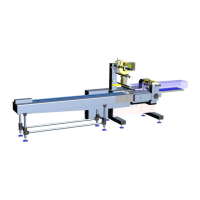

 To Next Page