Maintaining Your Printer 623
2
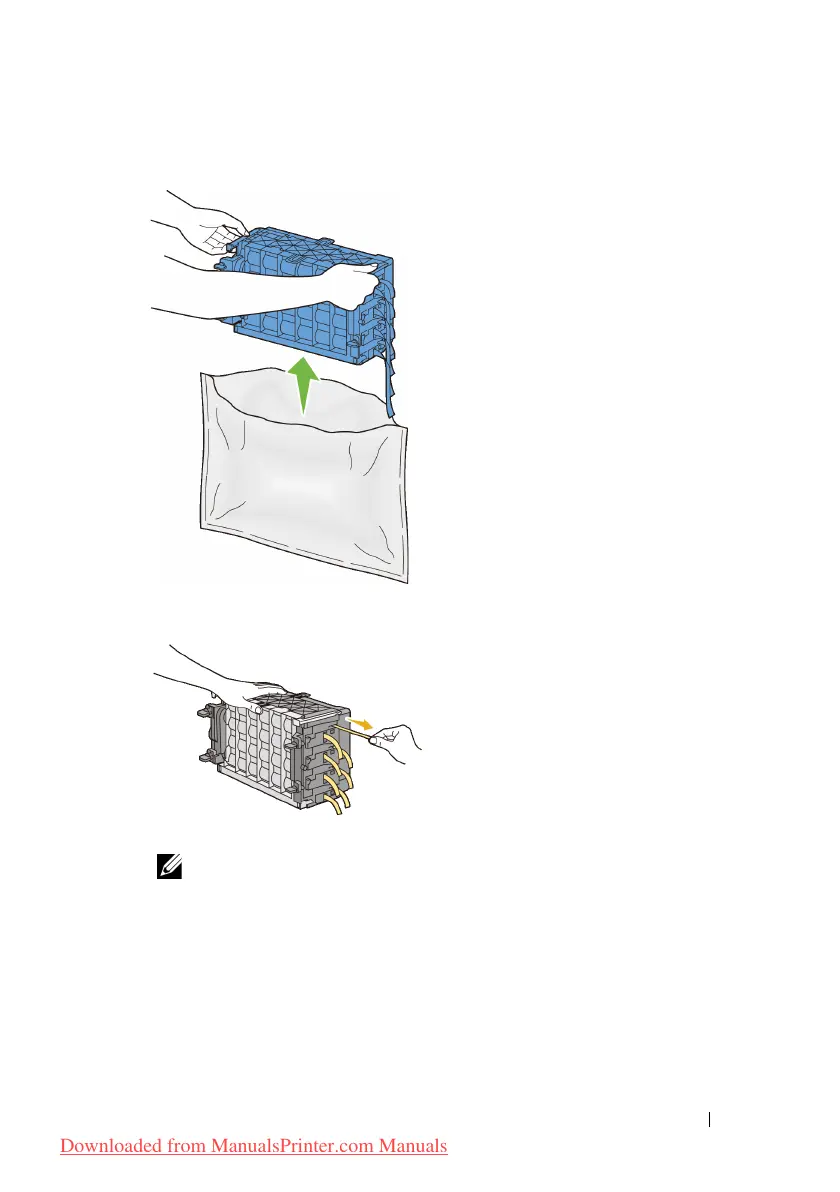
Take out the PHD unit from the packaging.
3
Completely pull out the eight yellow ribbons from the PHD unit.
4
Remove the rear protective cover from the PHD unit.
NOTE: Do not remove the front protective cover at this moment.
Downloaded from ManualsPrinter.com Manuals











 To Next Page