Clearing Jams 665
FILE LOCATION: C:\Users\fxstdpc-
admin\Desktop\0630_UG??\Mioga_AIO_UG_FM\Mioga_AIO_UG_FM\section30.fm
DELL CONFIDENTIAL – PRELIMINARY 9/13/10 - FOR PROOF ONLY
2
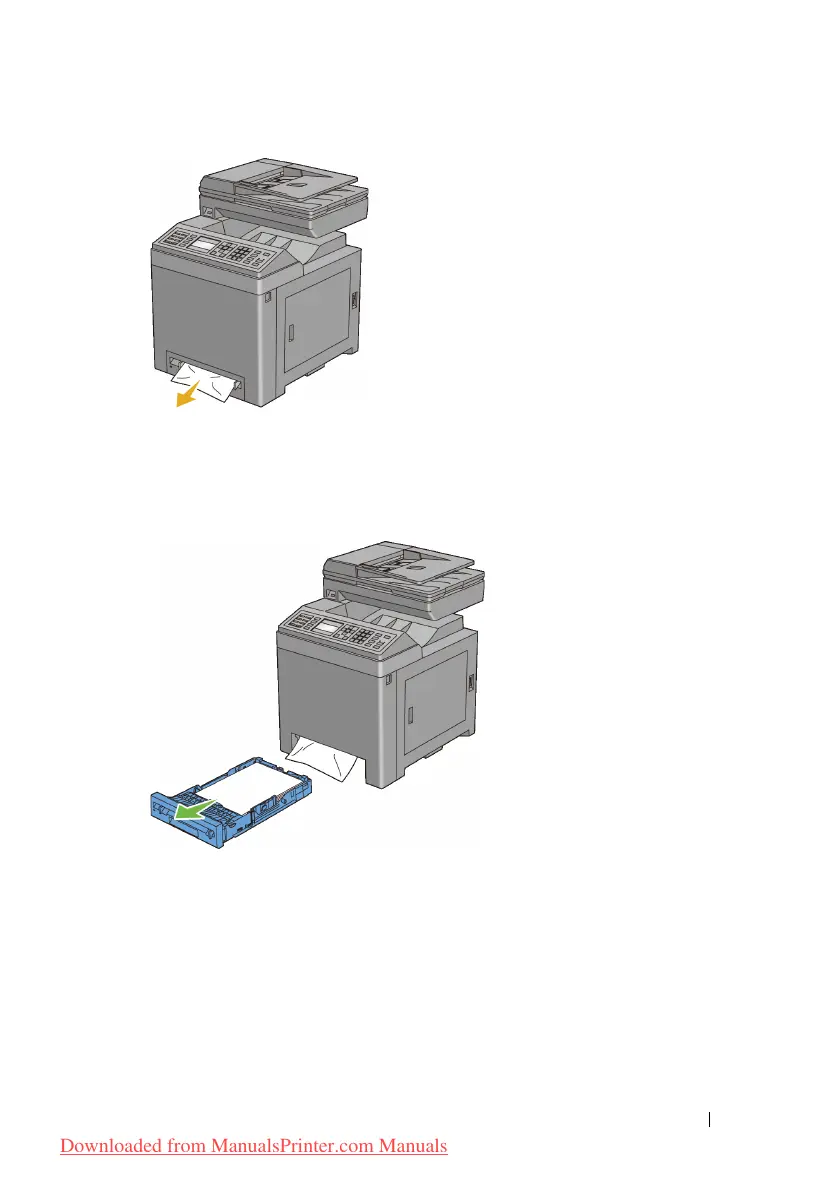
Remove the standard 250-sheet tray from the printer, and then pull out the
jammed paper remaining inside the printer. If no jammed paper can be found
or you are unable to remove the paper, go to the next step to remove the
jammed paper from the inside of the printer.
Downloaded from ManualsPrinter.com Manuals











 To Next Page