88 Installing Optional Accessories
5
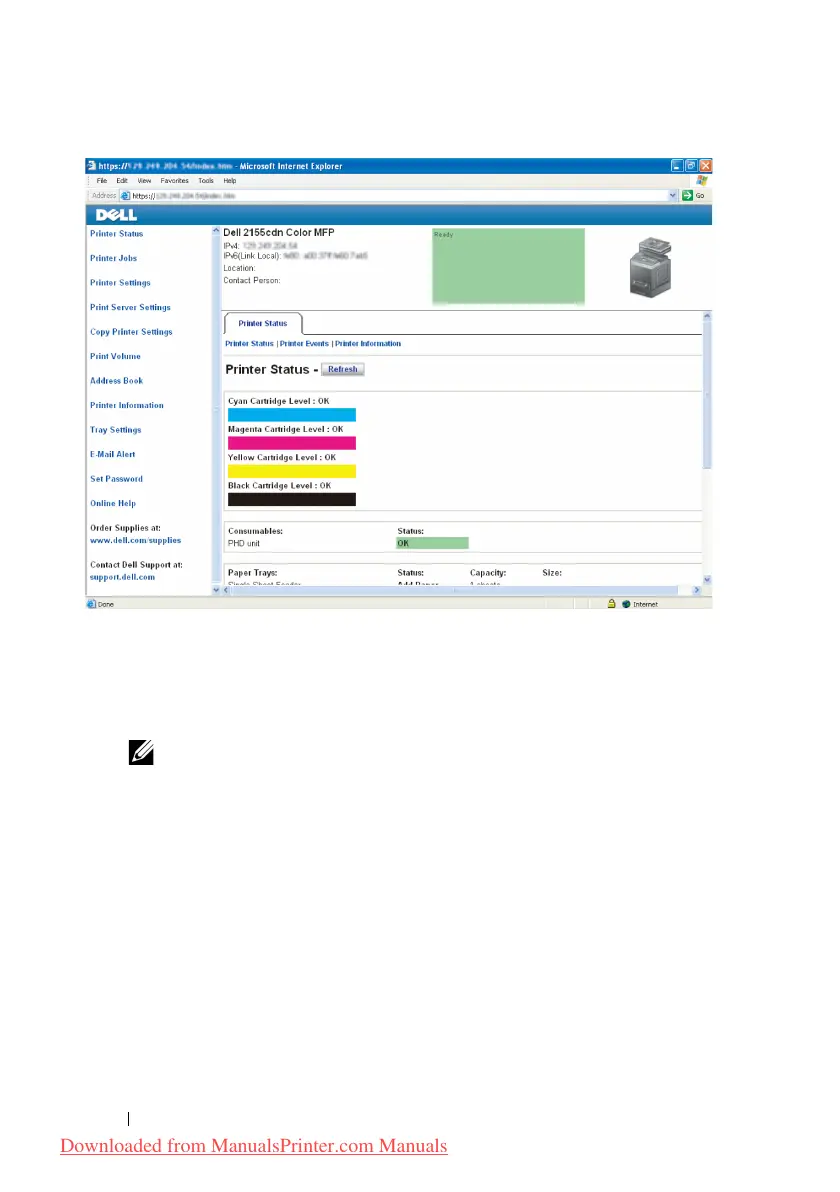
Change the wireless setting of the printer on
Dell Printer Configuration
Web Tool
.
6
Reboot the printer.
7
Restore the wireless settings on your computer.
NOTE: If your computer provides a wireless adapter tool, change the
wireless settings using this tool. Or you can change the wireless settings using
the tool provided with the operating system. See the instructions below.
a
For Windows XP and Windows Server 2003:
b
Select
Network Connections
from Control Panel.
c
Right-click
Wireless Network Connection
and select
Properties
.
d
Select
Wireless Network
tab.
e
Ensure the check box for Use
Windows to configure my wireless
network settings
is checked.
f
Click
Advanced
.
g
Do either of the following:
Downloaded from ManualsPrinter.com Manuals











 To Next Page