User's Guide
- 15 -
Understanding the basic functions of the scanner
• Make quick copies or set the printer to perform specific copy jobs.
• Send a fax using the printer control panel.
• Send a fax to multiple fax destinations at the same time.
• Scan documents and send them to your computer, an e-mail address, or an FTP destination.
• Scan documents and send them to another printer (PDF through an FTP).
Using the ADF and scanner glass
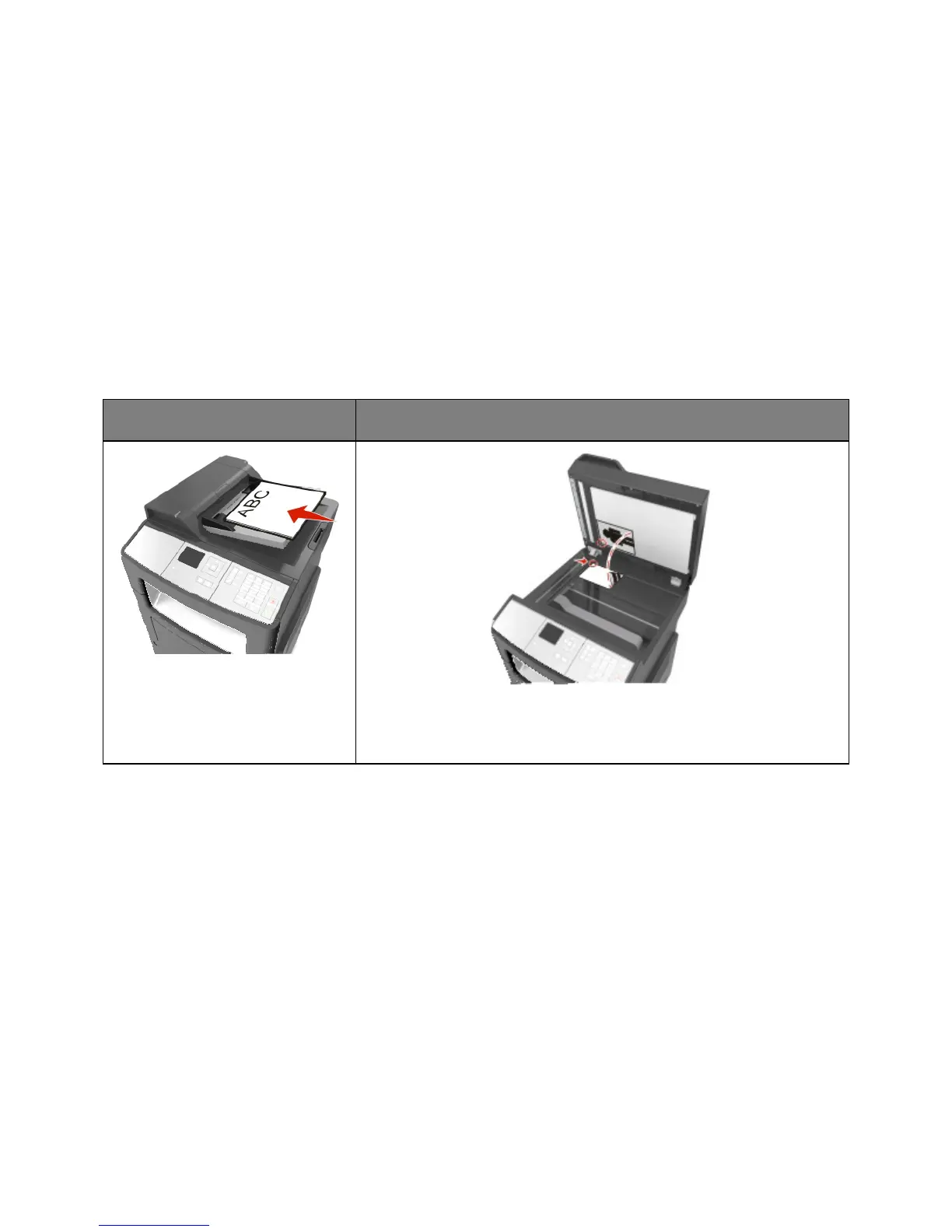
Automatic document feeder (ADF)
Use the ADF for multiple-page
documents.
Use the scanner glass for single-page documents, book pages, small items
(such as postcards or photos), transparencies, photo paper, or thin media
(such as magazine clippings).
Using the ADF
• Load the document into the ADF tray faceup, short edge first.
• Load up to 50 sheets of plain paper into the ADF tray.
• Scan size from 74–217 mm (2.9–8.5 inches) wide to 105–356 mm (4.1–14 inches) long.
• Scan media weights from 52 to 120 g/m
2
(14–32 lb).
• Do not load postcards, photos, small items, transparencies, photo paper, or thin media (such as
magazine clippings) into the ADF tray. Place these items on the scanner glass.



 To Next Page