User's Guide
- 258 -
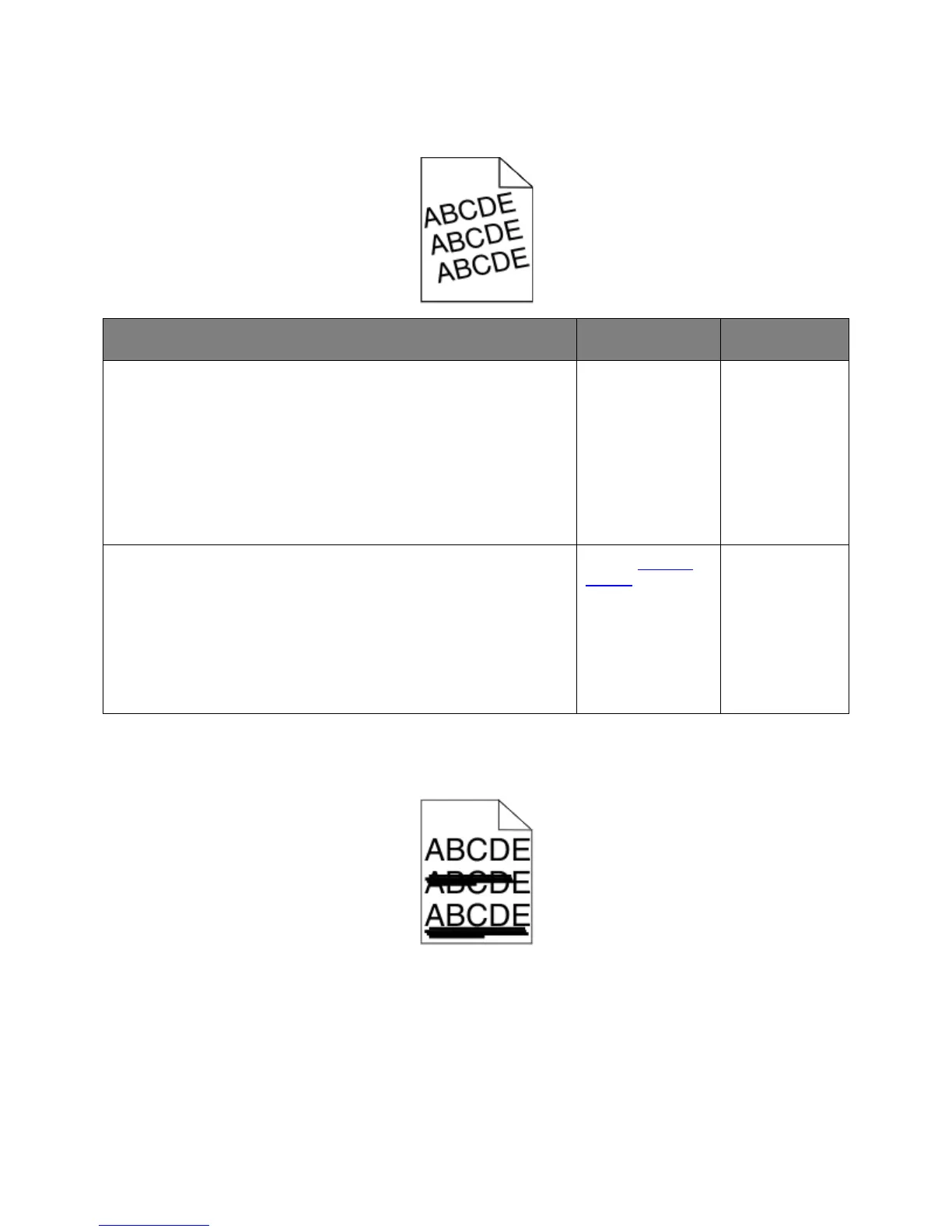
Skewed print
Action Yes No
1. Move the width and length guides in the tray to the correct positions
for the size of the paper loaded.
2. Resend the print job.
Is the print still skewed?
Go to step 2. The problem is
solved.
1. Check if you are printing on a paper that is supported by the tray.
2. Resend the print job.
Is the print still skewed?
support.
solved.
Streaked horizontal lines appear on prints



 To Next Page