User's Guide
- 198 -
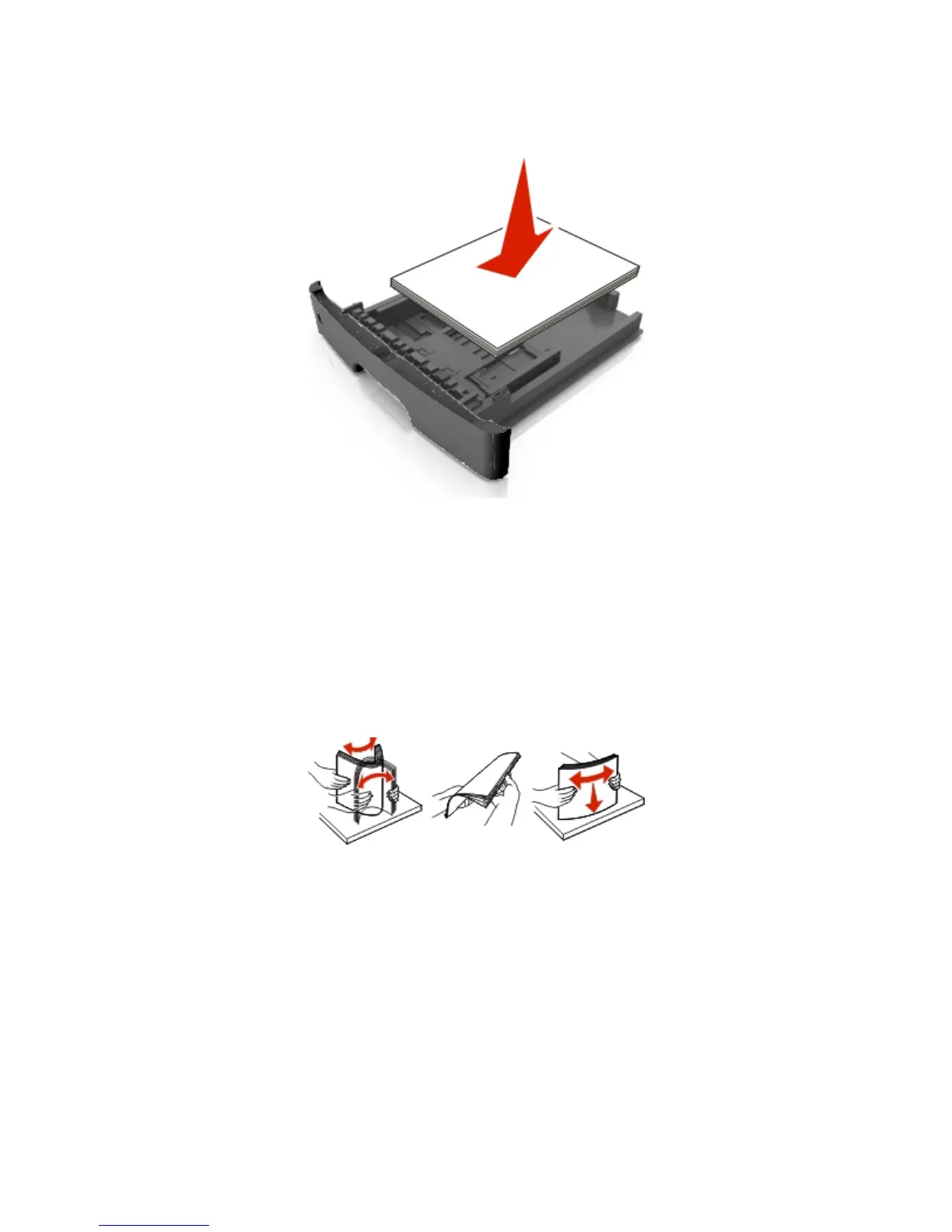
• Do not slide the paper into the tray. Load paper as shown in the illustration.
• Make sure the guides in the tray or the multipurpose feeder are properly positioned and are not
pressing tightly against the paper or envelopes.
• Push the tray firmly into the printer after loading paper.
Use recommended paper
• Use only recommended paper or specialty media.
• Do not load wrinkled, creased, damp, bent, or curled paper.
• Flex, fan, and straighten paper before loading it.
• Do not use paper that has been cut or trimmed by hand.
• Do not mix paper sizes, weights, or types in the same tray.
• Make sure the paper size and type are set correctly on the computer or printer control panel.
• Store paper according to manufacturer recommendations.
Understanding jam messages and locations
When a jam occurs, a message indicating the jam location and information to clear the jam appears on
the printer display. Open the doors, covers, and trays indicated on the display to remove the jam.



 To Next Page