User's Guide
- 197 -
16—Clearing jams
Jam error messages appear on the printer display and include the area of the printer where the jam
occurred. When there is more than one jam, the number of jammed pages is displayed.
Avoiding jams
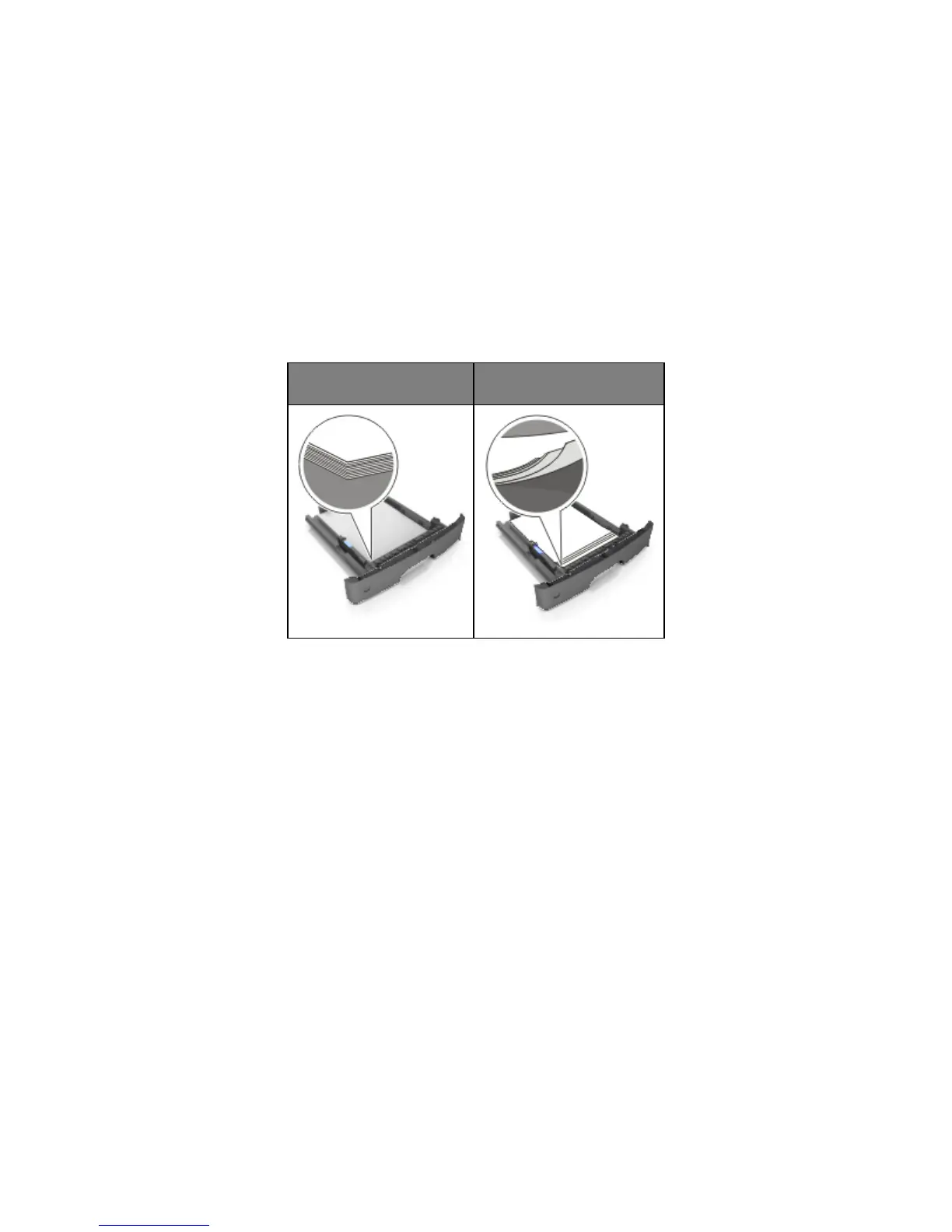
Load paper properly
• Make sure paper lies flat in the tray.
Incorrect loading of paper
• Do not remove a tray while the printer is printing.
• Do not load a tray while the printer is printing. Load it before printing, or wait for a prompt to load it.
• Do not load too much paper. Make sure the stack height is below the maximum paper fill indicator.



 To Next Page