User's Guide
- 256 -
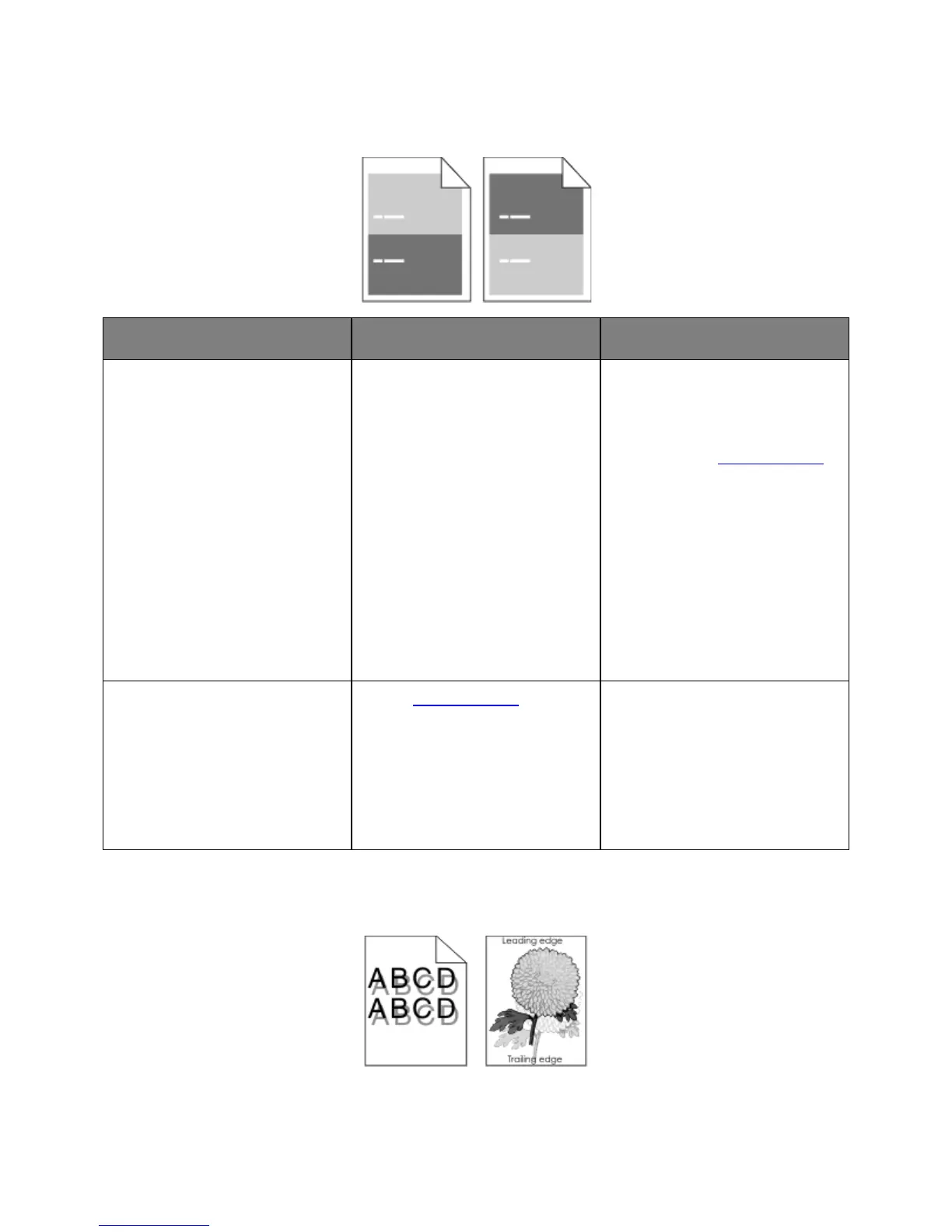
Repeating defects appear on prints
Measure the distance between the
defects.
Check for a distance between
the defects that equals:
- 97 mm (3.82 in.)
- 47 mm (1.85 in.)
- 38 mm (1.5 in.)
Is the distance between defects
equal to one of the listed
measurements?
1. Check if the distance between
the defects equal to 80 mm
(3.15 in.)
2. Take note of the distance, and
then contact
technical support.
Replace the imaging unit, and then
resend the print job.
Do the repeating defects still
appear?
Contact technical support. The problem is solved.
Shadow images appear on prints



 To Next Page