User's Guide
- 178 -
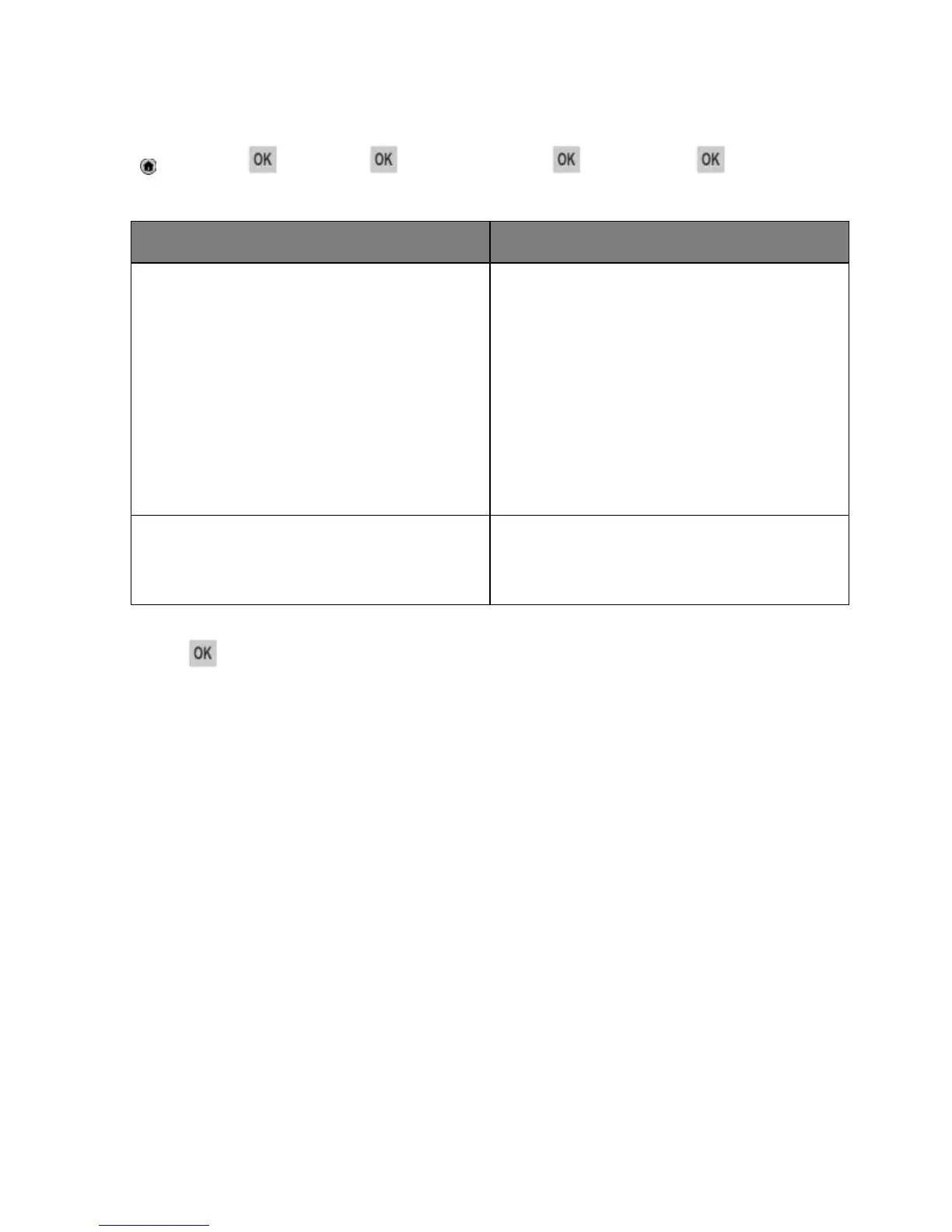
1. From the printer control panel, navigate to:
>Settings > >Settings > >General Settings > >Quiet Mode >
2. Select a setting.
Notes:
• Print jobs process at a reduced speed.
• Printer engine motors do not start until a
document is ready to print. There is a short delay
before the first page is printed.
• The alarm control and cartridge alarm sounds are
turned off.
• The printer ignores the Advance Start command.
Use factory default settings.
Note: This setting supports the performance
specifications of the printer.
3. Press
.
Adjusting Sleep mode
To save energy, decrease the number of minutes before the printer enters Sleep mode. Select from 1 to
120. The factory default setting is 30 minutes.
Note: The printer still accepts print jobs when in Sleep mode.
Using the Embedded Web Server
1. Open a Web browser, and then type the printer IP address in the address field.
Notes:
- View the printer IP address in the TCP/IP section in the Network/Ports menu. The IP address
appears as four sets of numbers separated by periods, such as 123.123.123.123.
- If you are using a proxy server, then temporarily disable it to load the Web page correctly.
2. Navigate to:
Settings >General Settings >Timeouts
3. In the Sleep Mode field, enter the number of minutes you want the printer to wait before it enters
Sleep mode.



 To Next Page