User's Guide
- 241 -
Print quality problems
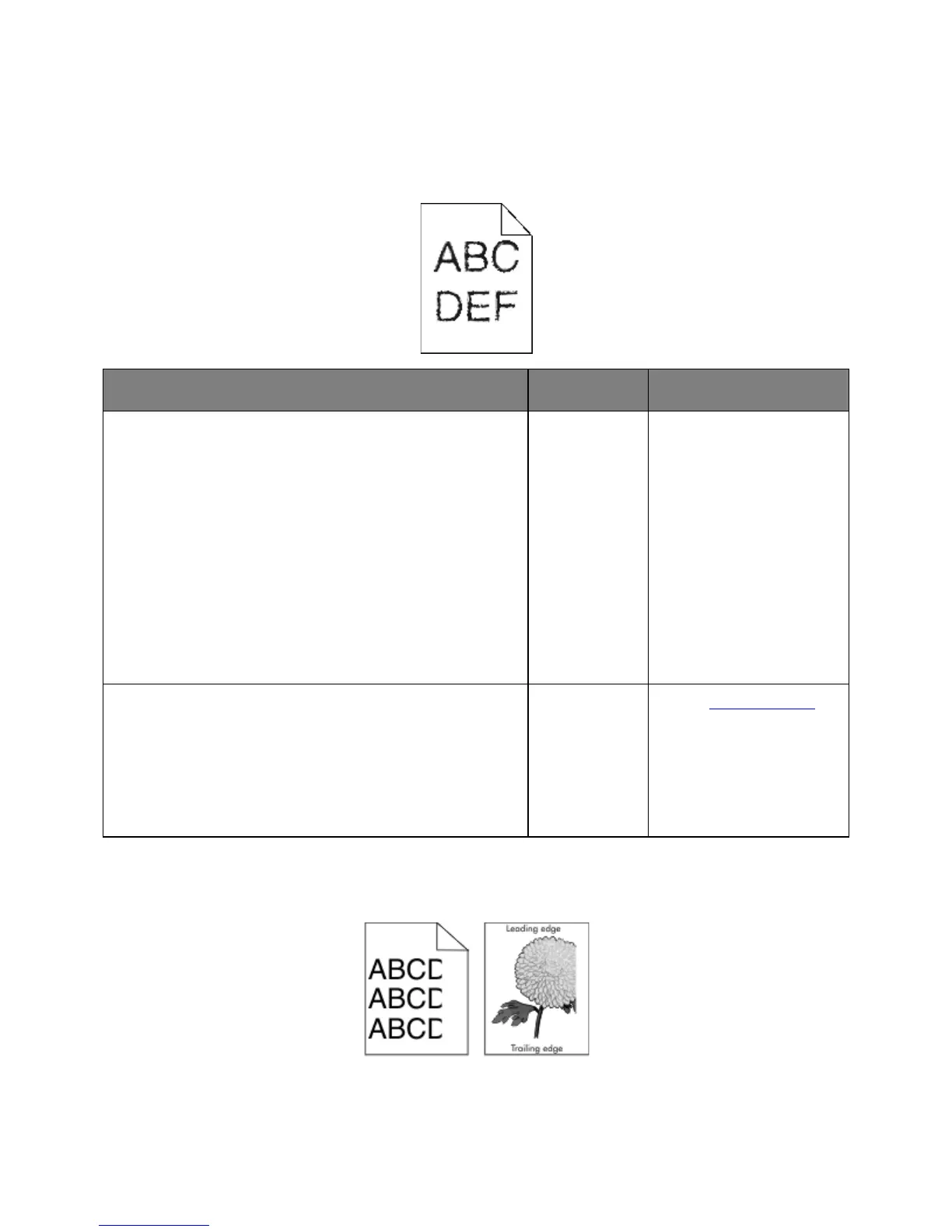
Characters have jagged or uneven edges
1. Print a font sample list to check if the fonts you are using are
supported by the printer.
a. From the printer control panel, navigate to:
Menus >Reports >Print Fonts
b. Select PCL Fonts or PostScript Fonts.
2. Resend the print job.
Are you using fonts that are supported by the printer?
supported by the printer.
Check if the fonts installed on the computer are supported by the
printer.
Are the fonts installed on the computer supported by the printer?
The problem is
solved.
Contact technical support.
Clipped pages or images



 To Next Page