User's Guide
- 189 -
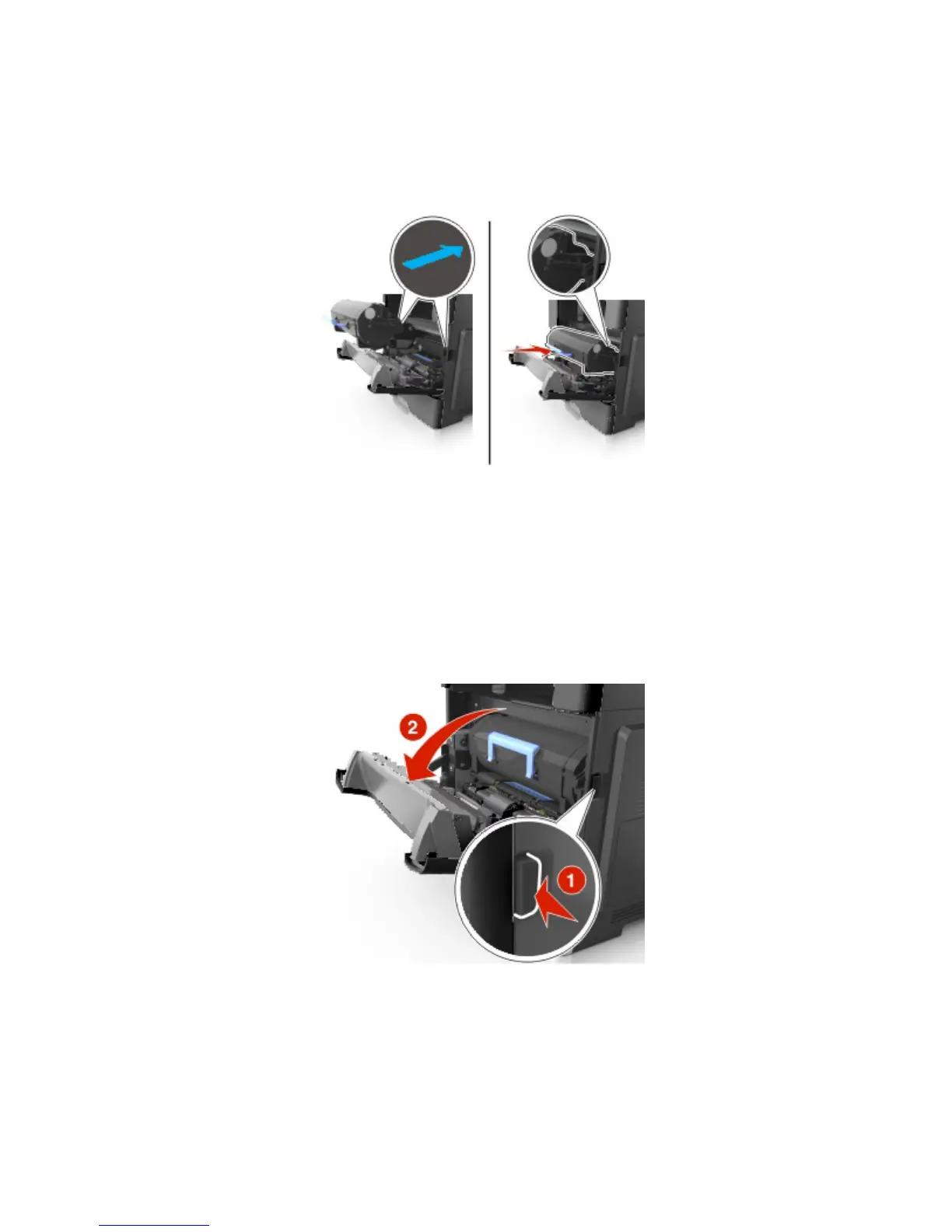
5. Insert the toner cartridge into the printer by aligning the side rails of the cartridge with the arrows on
the side rails inside the printer.
Warning—Potential Damage: Do not expose the imaging unit to direct light for more than 10
minutes. Extended exposure to light may cause print quality problems.
6. Close the front door.
Note: Dispose of the empty toner cartridge according to your local regulations. Do not burn the toner
cartridge.
CAUTION: If you get toner in your eyes, wash it out immediately with cool water and consult a doctor.
Replacing the imaging unit
1. Press the button on the right side of the printer, and then open the front door.



 To Next Page