User's Guide
- 292 -
Power consumption
Product power consumption
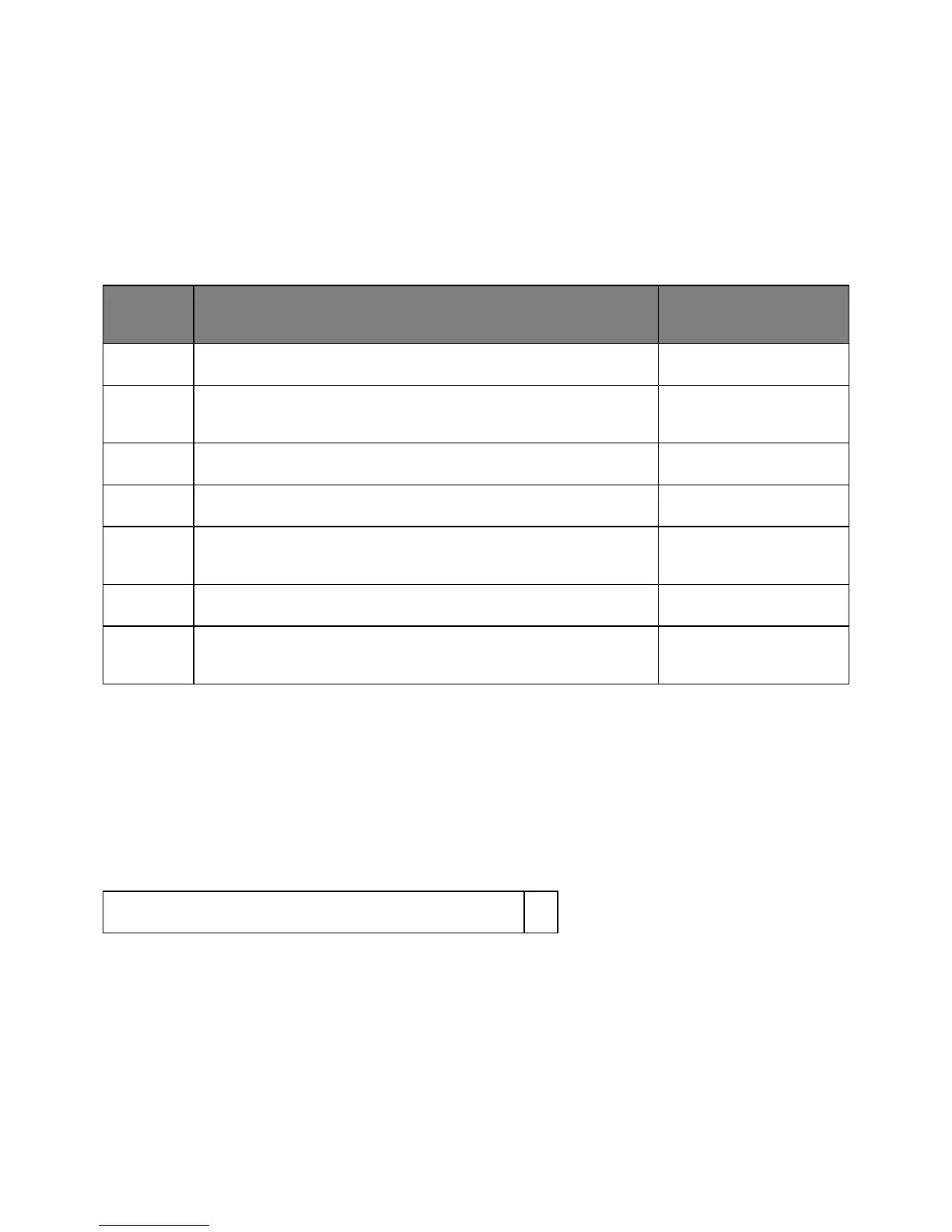
The following table documents the power consumption characteristics of the product.
Note: Some modes may not apply to your product.
(Watts)
Printing The product is generating hard-copy output from electronic inputs. 520 W
Copy The product is generating hard-copy output from hard-copy original
documents.
540 W
Scan The product is scanning hard-copy documents. 20 W
Ready The product is waiting for a print job. 11 W
Mode
The product is in a high-level energy-saving mode.
Hibernate The product is in a low-level energy-saving mode. 0.4 W
Off The product is plugged into an electrical outlet, but the power switch is
turned off.
0 W
The power consumption levels listed in the previous table represent time-averaged measurements.
Instantaneous power draws may be substantially higher than the average.
Sleep Mode
This product is designed with an energy-saving mode called Sleep Mode. The Sleep Mode saves energy
by lowering power consumption during extended periods of inactivity. The Sleep Mode is automatically
engaged after this product is not used for a specified period of time, called the Sleep Mode Timeout.
Factory default Sleep Mode Timeout for this product (in minutes):
By using the configuration menus, the Sleep Mode Timeout can be modified between 1 minute and 120
minutes. Setting the Sleep Mode Timeout to a low value reduces energy consumption, but may increase
the response time of the product. Setting the Sleep Mode Timeout to a high value maintains a fast
response, but uses more energy.



 To Next Page