User's Guide
- 16 -
Using the scanner glass
When using the scanner glass:
• Place the document facedown on the scanner glass in the corner with the green arrow.
• Scan or copy documents up to 216 x 297 mm (8.5 x 11.69 inches).
• Copy books up to 25 mm (1 inch) thick.
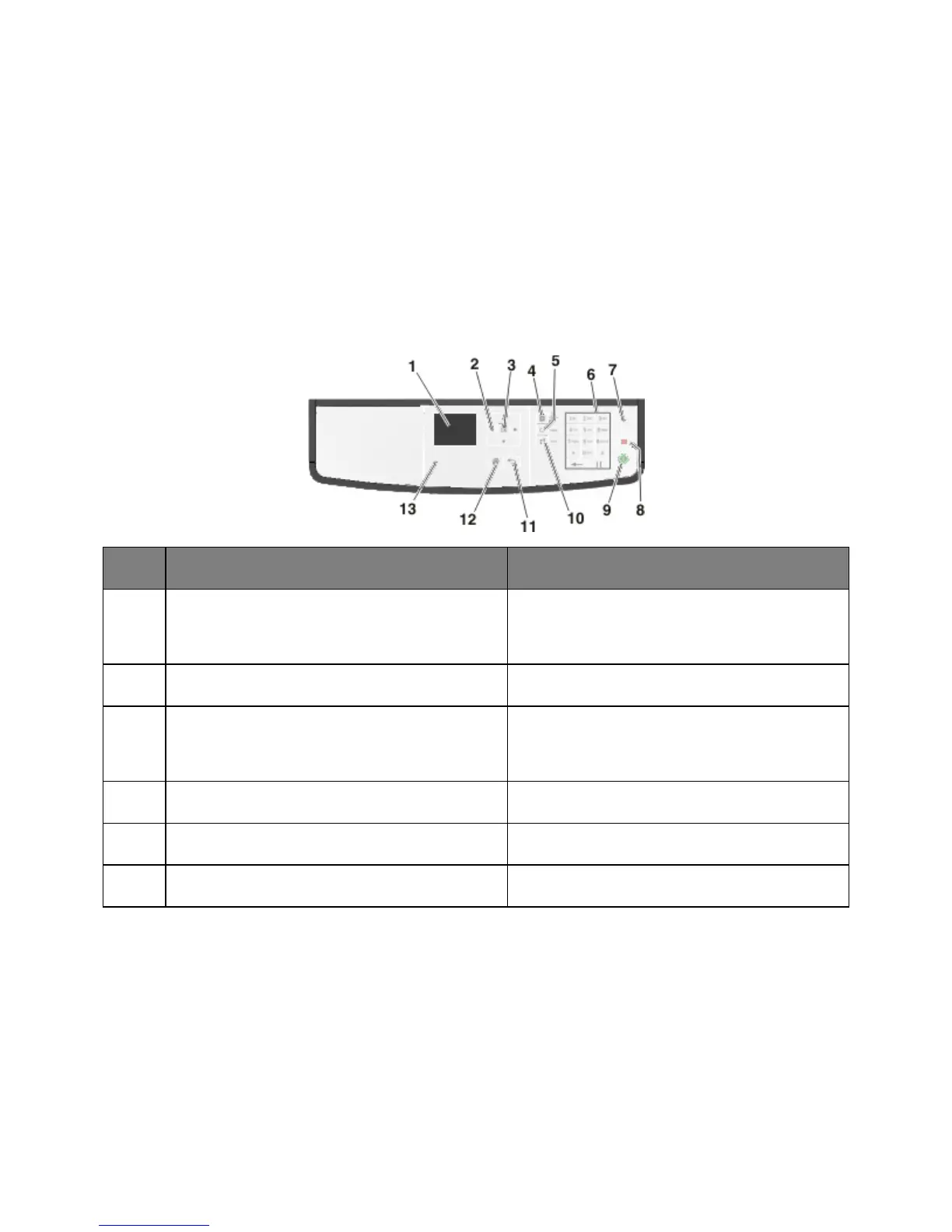
Using the printer control panel
Use the To
Display
• View the printer status and messages.
• Set up and operate the printer.
Scroll up and down or left and right.
• Select menu options.
• Save settings.
View all the stored addresses.
View the last number dialed.
Enter numbers, letters, or symbols.



 To Next Page