User's Guide
- 243 -
Compressed images appear on prints
Note: Printing on letter-size paper using a 220-volt fuser compresses images.
Action Yes No
1. Make sure the size of the paper loaded in the tray matches the fuser
type.
Note: Use a 110-volt fuser for printing on letter-size paper and a 220-
volt fuser for printing on A4-size paper.
2. Resend the print job.
Do compressed images still appear?
The problem is
solved.
Go to step 2.
1. Replace the fuser. For more information on installing the fuser, see the
instruction sheet that came with the part.
2. Resend the print job.
Do compressed images still appear?
solved.
support.
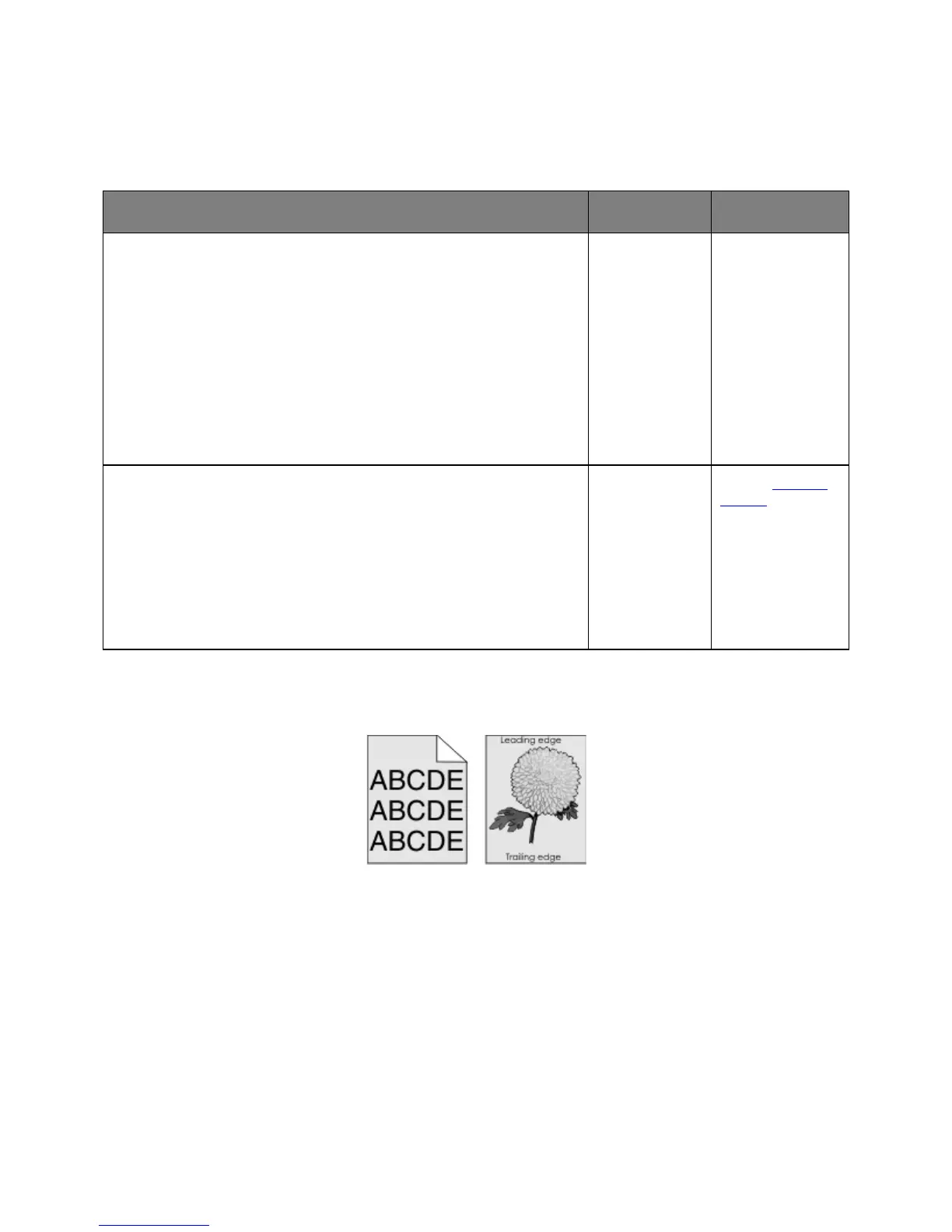
Gray background on prints



 To Next Page