User's Guide
- 81 -
9—Faxing
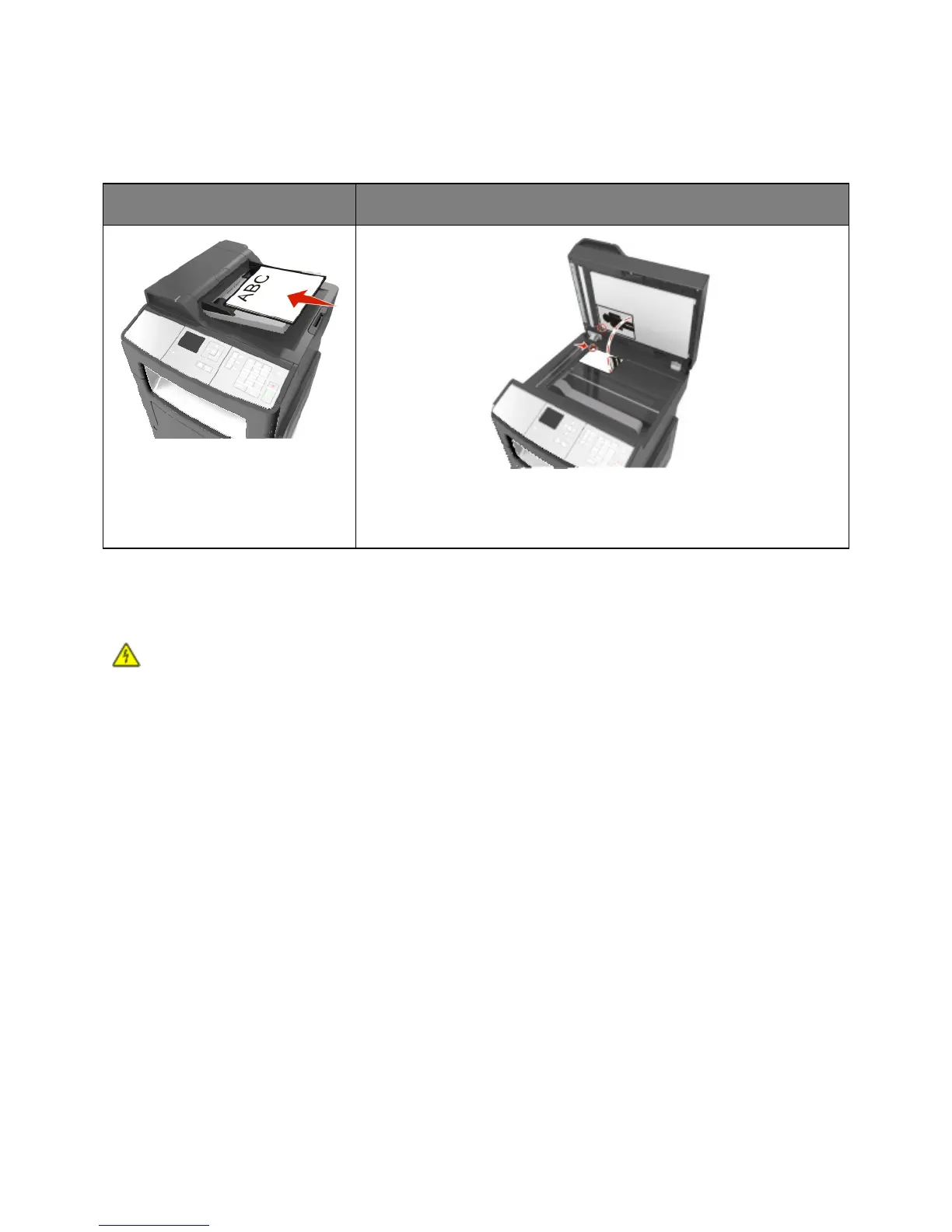
Automatic document feeder (ADF)
Use the ADF for multiple-page
documents.
Use the scanner glass for single-page documents, book pages, small items
(such as postcards or photos), transparencies, photo paper, or thin media
(such as magazine clippings).
Setting up the printer to fax
CAUTION—SHOCK HAZARD: Do not use the fax feature during a lightning storm. Do not set up
this product or make any electrical or cabling connections, such as the fax feature, power cord, or
telephone, during a lightning storm.
Notes:
• The following connection methods are applicable only in select countries or regions.
• During the initial printer setup, clear the fax function check box and any other function you plan to set
up later, and then press Continue.
• The indicator light may blink red if the fax function is enabled and not fully set up.
Warning—Potential Damage: Do not touch cables or the printer in the area shown while actively
sending or receiving a fax.



 To Next Page