User's Guide
- 271 -
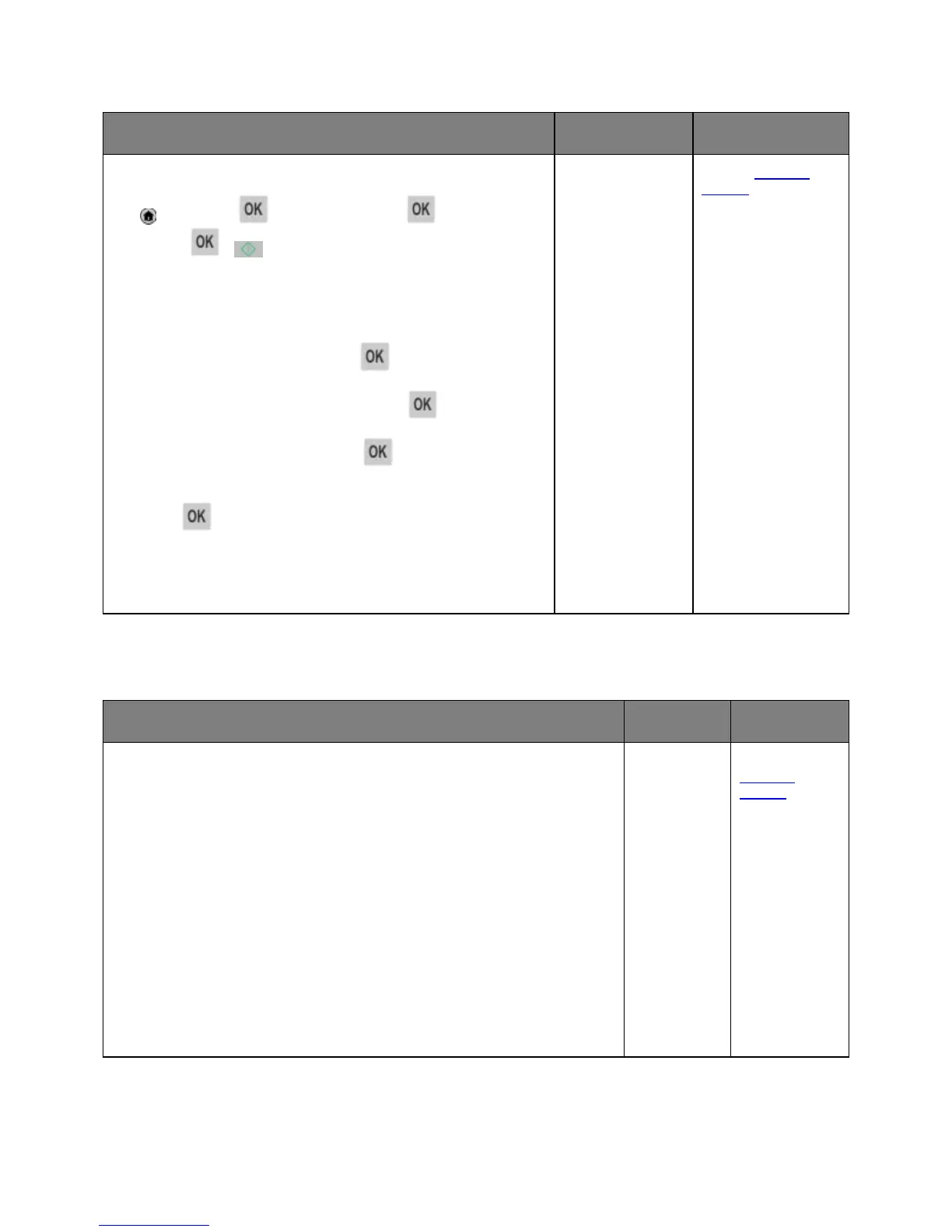
1. From the printer control panel, navigate to:
>Settings > >General Settings > >Run initial
setup >
>
2. Turn off the printer, and then turn it back on.
The “Select your language” screen appears on the printer
display.
3. Select a language, and then press
.
4. Select a country or region, and then press .
5. Select a time zone, and then press
.
6. Press the up or down arrow button to scroll to Fax, and then
press
.
Is the fax function set up?
solved.
support.
Caller ID is not shown
Contact your telephone company to check if your telephone line is subscribed to
the caller ID service.
Notes:
• If your region supports multiple caller ID patterns, then you may have to
change the default setting. There are two settings available: FSK (pattern 1)
and DTMF (pattern 2).
• The availability of these settings in the Fax menu depends on whether your
country or region supports multiple caller ID patterns.
• Contact your telephone company to determine which pattern or switch
setting to use.
Does the caller ID appear?
is solved.
technical
support
.



 To Next Page