User's Guide
- 191 -
5. Remove all packing materials from the imaging unit.
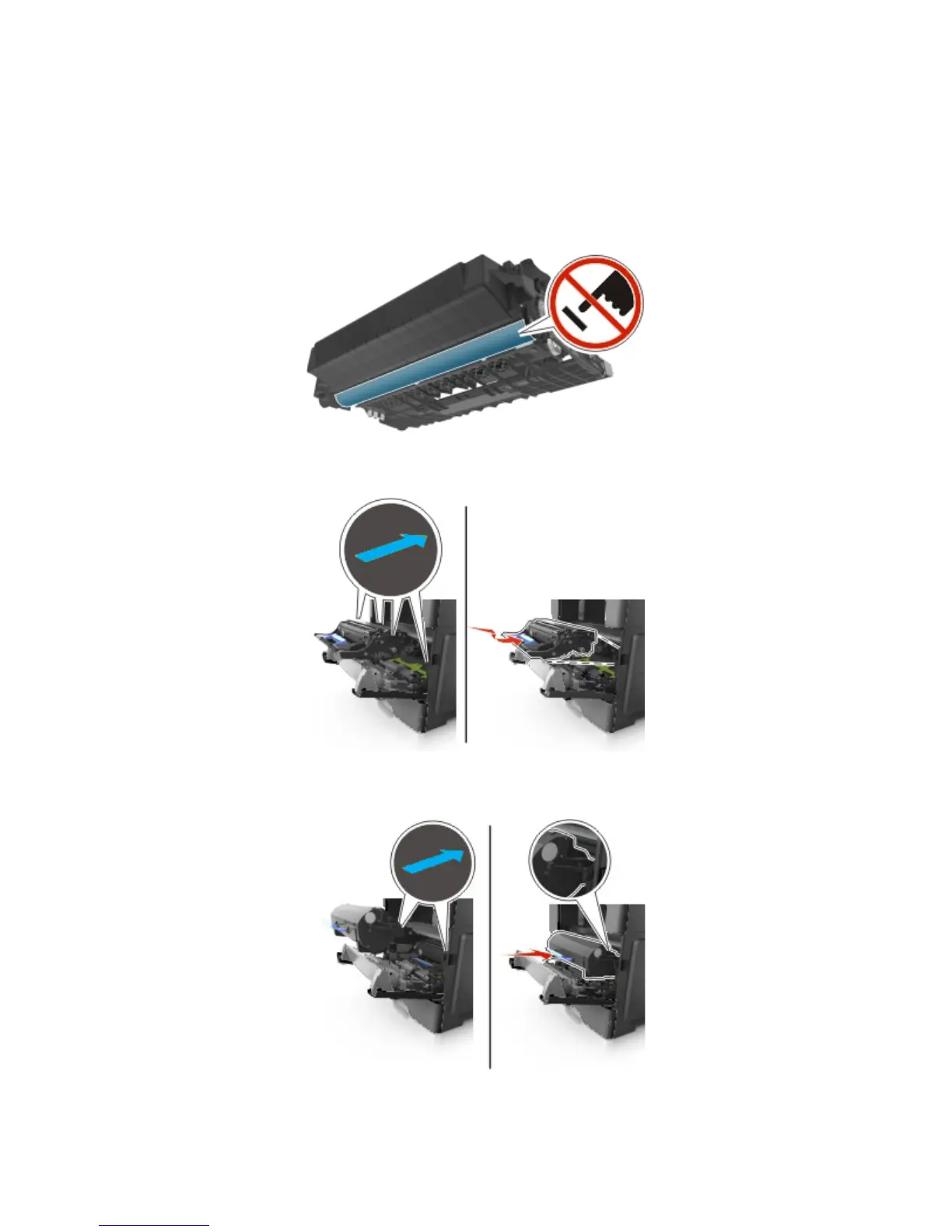
Warning—Potential Damage: Do not expose the imaging unit to direct light for more than 10
minutes. Extended exposure to light may cause print quality problems.
Warning—Potential Damage: Do not touch the photoconductor drum. Doing so may affect the print
quality of future print jobs.
6. Insert the imaging unit into the printer by aligning the arrows on the side rails of the imaging unit with
the arrows on the side rails inside the printer.
7. Insert the toner cartridge into the printer by aligning the side rails of the cartridge with the arrows on
the side rails inside the printer.



 To Next Page