User's Guide
- 42 -
- Load letterhead facedown, with the top edge of the sheet toward the front of the tray. For two-
sided printing, load letterhead faceup with the bottom edge of the sheet toward the front of the
tray.
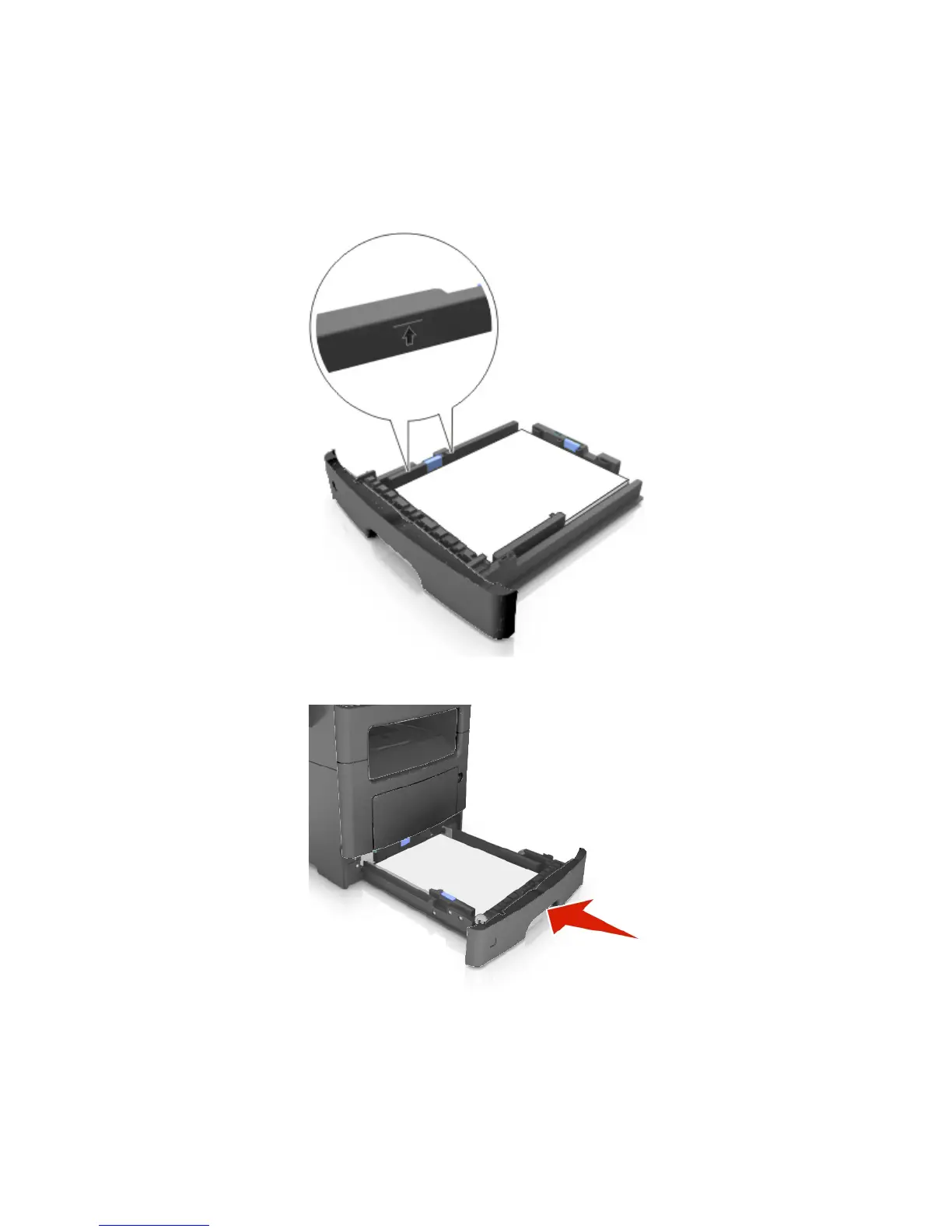
- Make sure the paper is below the maximum paper fill indicator located on the side of the width
guide.
6. Insert the tray.
7. From the printer control panel, set the paper size and paper type in the Paper menu to match the
paper loaded in the tray.
Note: Set the correct paper size and type to avoid paper jams and print quality problems.



 To Next Page