User's Guide
- 90 -
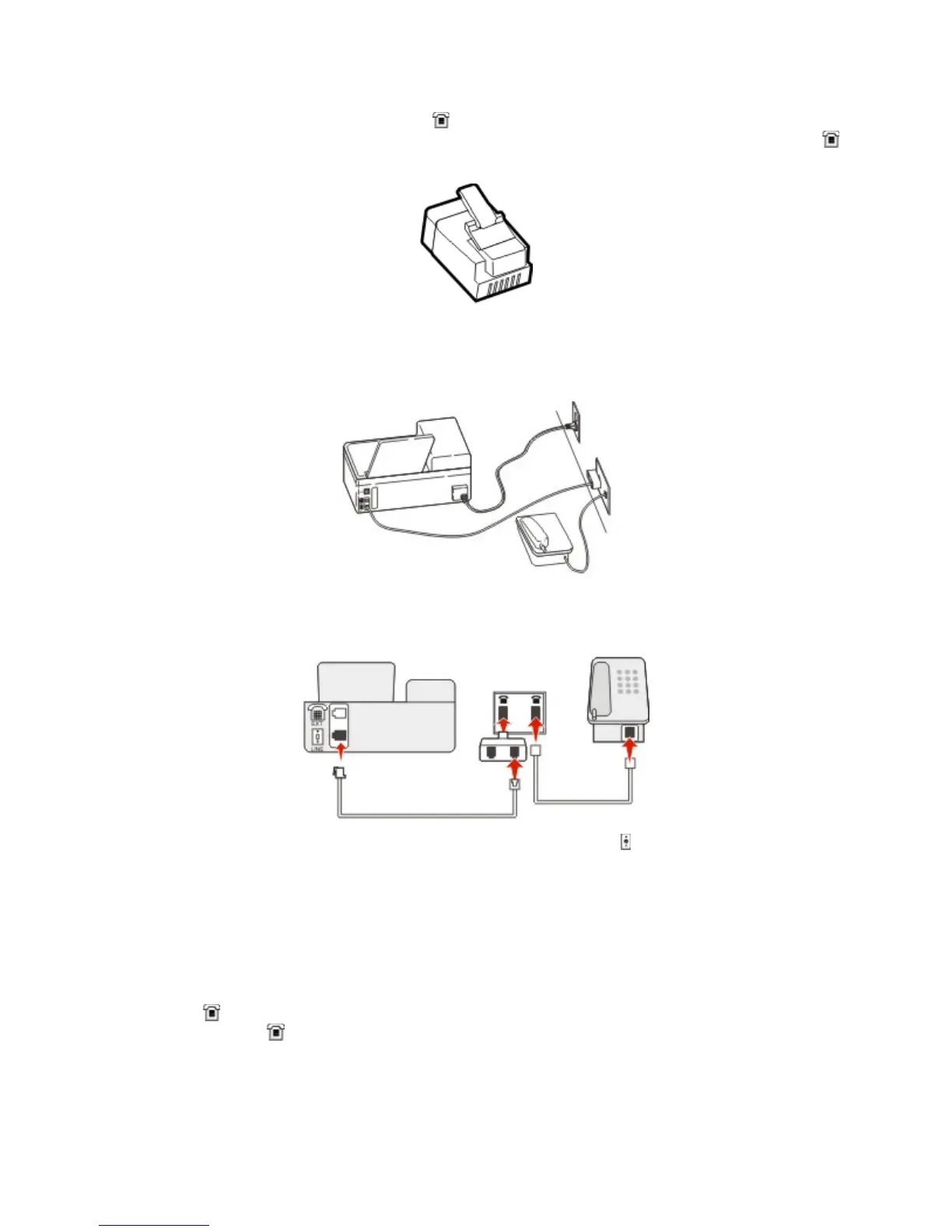
There may be an adapter plug installed in the
port of the printer. If you are using a telephone adapter
or a facility that has a cascaded or serial wiring scheme, then do not remove the adapter plug from the
port of the printer.
Connecting the printer to a non-RJ-11 wall jack
1. Connect one end of the telephone cable that came with printer to the
port of the printer.
2. Connect the other end of the cable to the RJ-11 adapter, and then connect the adapter to the wall
jack.
3. If you want to connect another device (telephone or answering machine) to the same wall jack, and if
the device has a non-RJ-11 connector, then connect it directly to the telephone adapter.
Notes:
- The
port of the printer may have an adapter plug for use with the adapter. Do not remove the
plug from the
port of the printer.
- In some countries or regions, the printer may not come with a telephone adapter or an adapter
plug.



 To Next Page