Subnetwork Installation Guidelines
ECLYPSE User Guide 145
Setting the Allure EC-Smart-Air and EC-Smart-
Comfort Communicating Sensor Series’ Subnet ID
Address
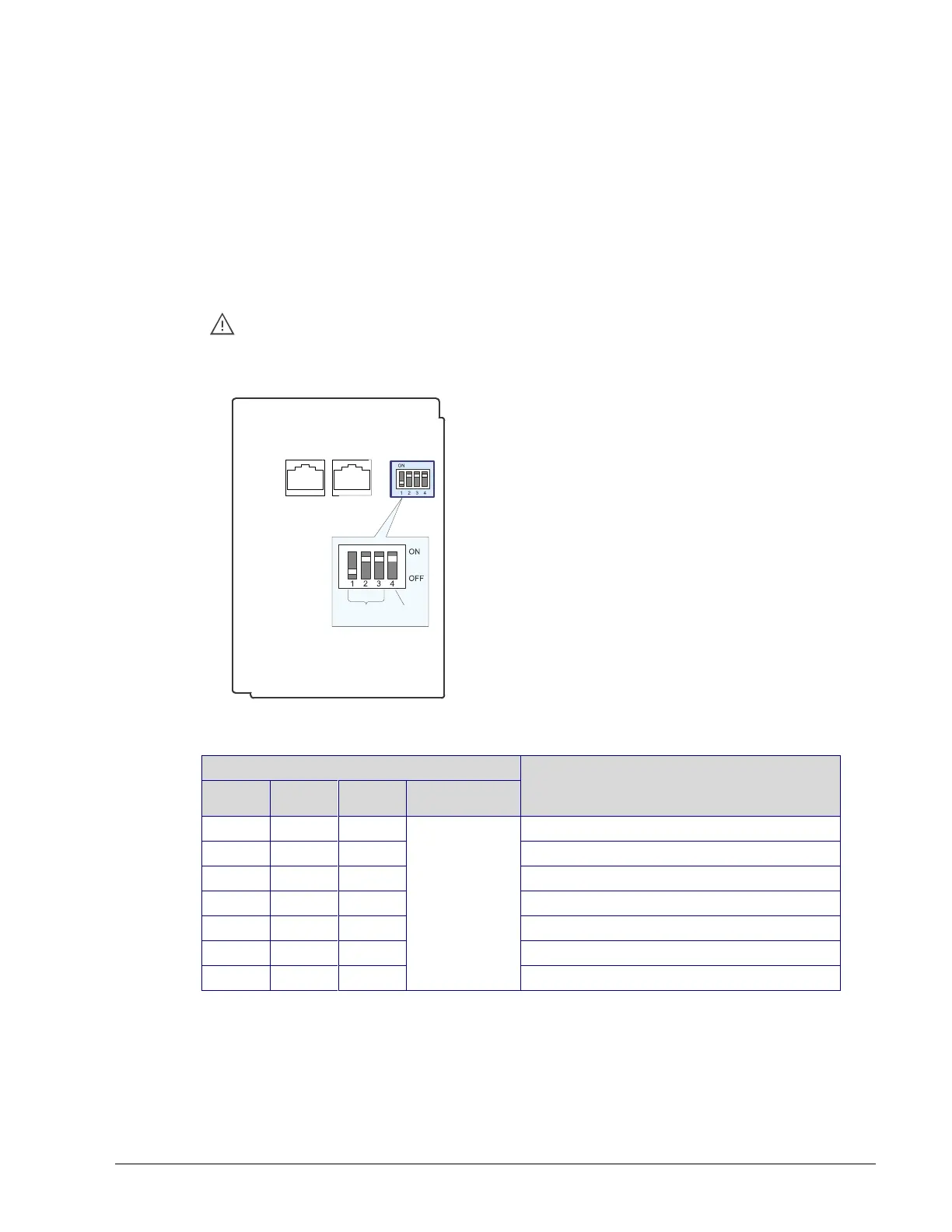
Each Allure EC-Smart-Air or EC-Smart-Comfort communicating sensor connected to a
controller’s Subnet Port must be set to a unique subnet ID address. This address should
correspond to the block number of the associated Subnet Extension block in
EC-gfxProgram. The address is set through a DIP switch located inside the sensor near the
RJ-45 connectors.
Allure EC-Smart-Comfort and EC-Smart-Air communicating sensor series share the
same Subnet ID range: the same address cannot be assigned concurrently to an
Allure EC-Smart-Comfort communicating sensor series and to an Allure EC-Smart-
Air communicating sensor series.
Allure EC-Smart-Comfort / EC-Smart-Air
Front Cover, Interior View
Set the Subnet
ID Address
EOL
Termination
RJ-45 Subnetwork Pass-
Through Connectors
Figure 12-10: Setting the Allure EC-Smart-Air or EC-Smart-Comfort
communicating sensor’s Subnet ID Address
Allure EC Smart-Air or EC-Smart-
Comfort communicating sensor’s
Subnet ID Address
OFF: EOL
disabled
ON: EOL
enabled
Table 12-7: Allure EC-Smart-Air or EC-Smart-Comfort communicating sensor’s
Subnet ID Address DIP Switch Settings
Figure 12-10 shows an example of how to set the Allure EC-Smart-Air or EC-Smart-Comfort
communicating sensor’s Subnet ID address DIP switch to 6 and how to set the EOL
termination to ON.



 To Next Page