IPv4 Communication Fundamentals
24 ECLYPSE User Guide
Network Address Translation / Firewall
A router’s uplink port provides Network Address Translation (NAT) and firewall functions.
NAT is a method to hide the private IP addresses of a range of devices (connected to LAN
ports) behind a single IP address presented at the WAN uplink port. NAT uses a mechanism
to track requests to WAN IP addresses and readdresses the outgoing IP packets on exit so
they appear to originate from the router itself. In the reverse communications path, NAT
again readdresses the IP packet’s destination address back to the original source private IP
address.
Due to this tracking mechanism, only requests originating from the LAN side can initiate
communications. A request from the WAN to the router cannot be mapped into a private
address as there is no outbound mapping for the router to use to properly readdress it to a
private IP address. This is why a NAT acts as a firewall that blocks unsolicited access to the
router’s LAN side.
Most routers allow you to open a port in the firewall so that WAN traffic received at a specific
port number is always forwarded to a specific LAN IP address. The standard port numbers
used by ECLYPSE controllers is explained in ECLYPSE Controller IP Network Protocols and
Port Numbers on page 26.
IP Network Segmentation
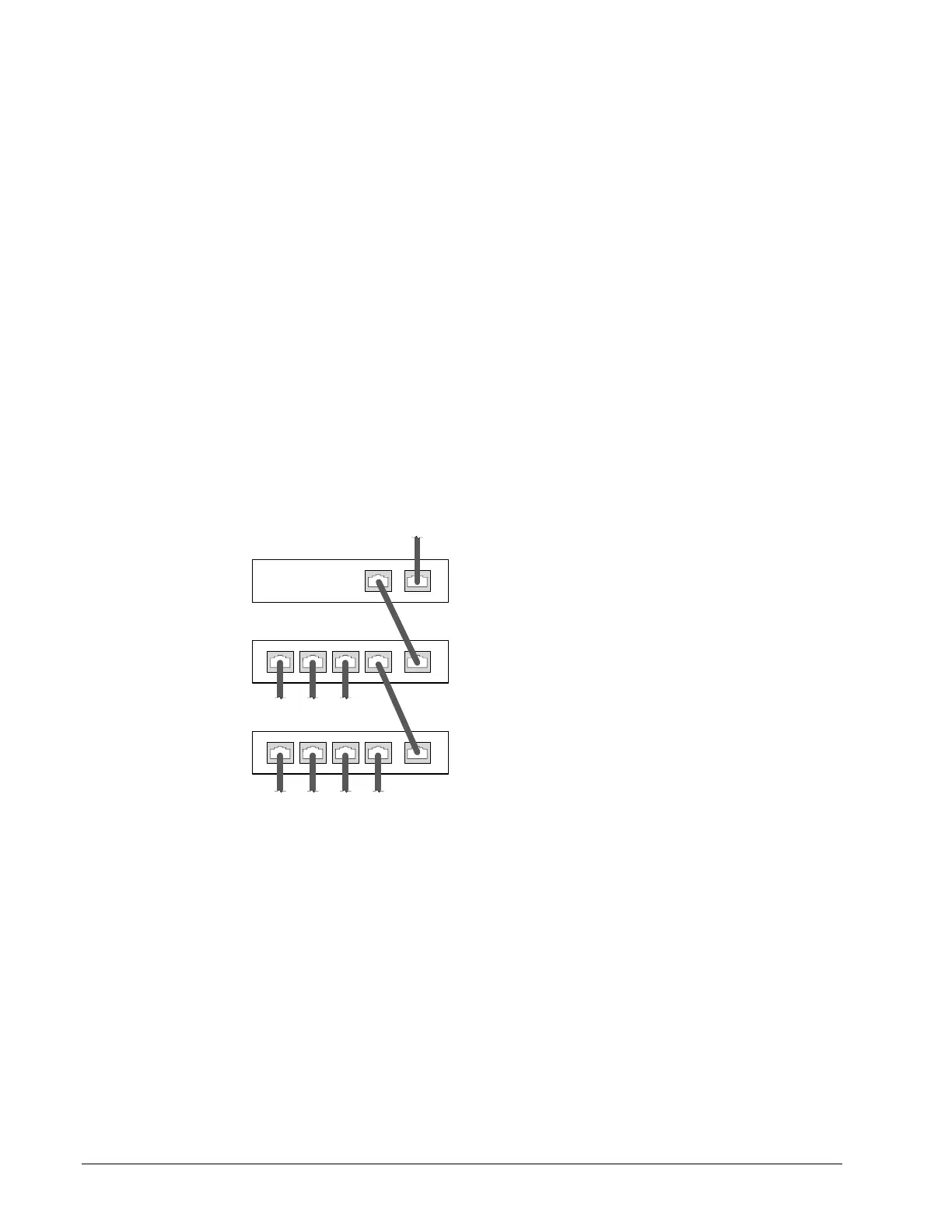
For efficient network planning, normally the IP controllers will be assigned to their own
network segment of an IP network or subnetwork. This is done as shown in the figure below.
1
UPLINK
2 3 4
1
UPLINK
2 3 4
Router for
HVAC IP
Controllers
Company
Computer
Network
Gateway Router
To
Device
To
Device
To
Device
To IP
Controller
To IP
Controller
To IP
Controller
To IP
Controller
Network
LAN
ISP Modem (Fiber, Cable, DSL)
To ISP Network
Figure 3-3: Network Segment for HVAC IP Controllers



 To Next Page