ECLYPSE Web Interface
ECLYPSE User Guide 79
Network Port IP
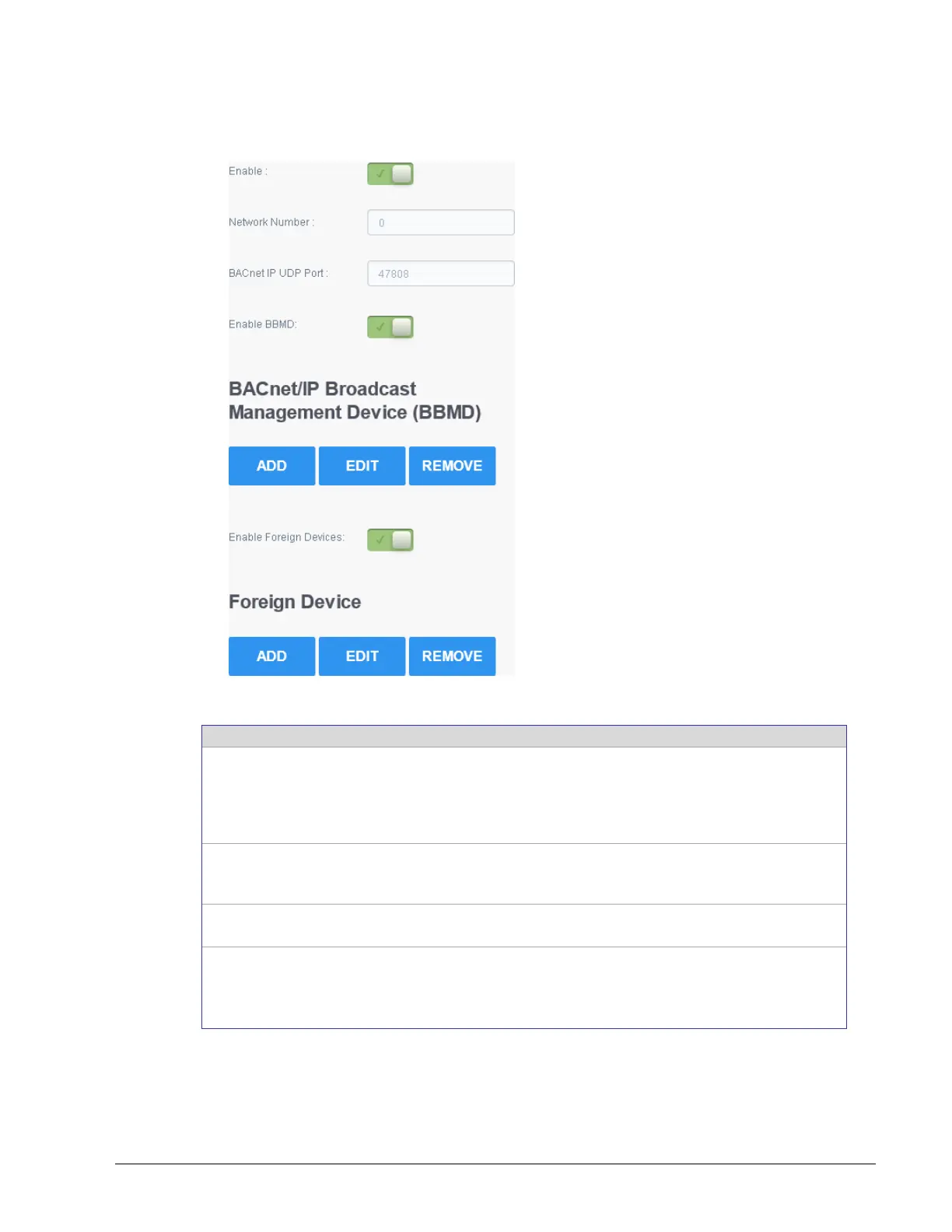
This sets the IP network configuration parameters including BACnet Broadcast Management
Device (BBMD) and Foreign Device for intranetwork connectivity.
Figure 8-9: BACnet IP Configuration
This enables/disables the routing of BACnet packets between
BACnet MS/TP controllers connected to the ECLYPSE Connected
System Controller’s RS-485 port and BACnet/IP controllers
connected to the ECLYPSE Connected System Controller’s Ethernet
Switch ports.
A network number identifies a LAN for routing purposes. All
controllers with the same network number are members of the same
logical BACnet network. See Device Addressing on page 125.
This is the standard BACnet/IP port number (UDP 47808) used by
BACnet devices to communicate.
BBMD allows broadcast message to pass through a router. See
BBMD Settings on page 80.
To enable this feature, set Enable BBMD on only one device on
each subnet.



 To Next Page