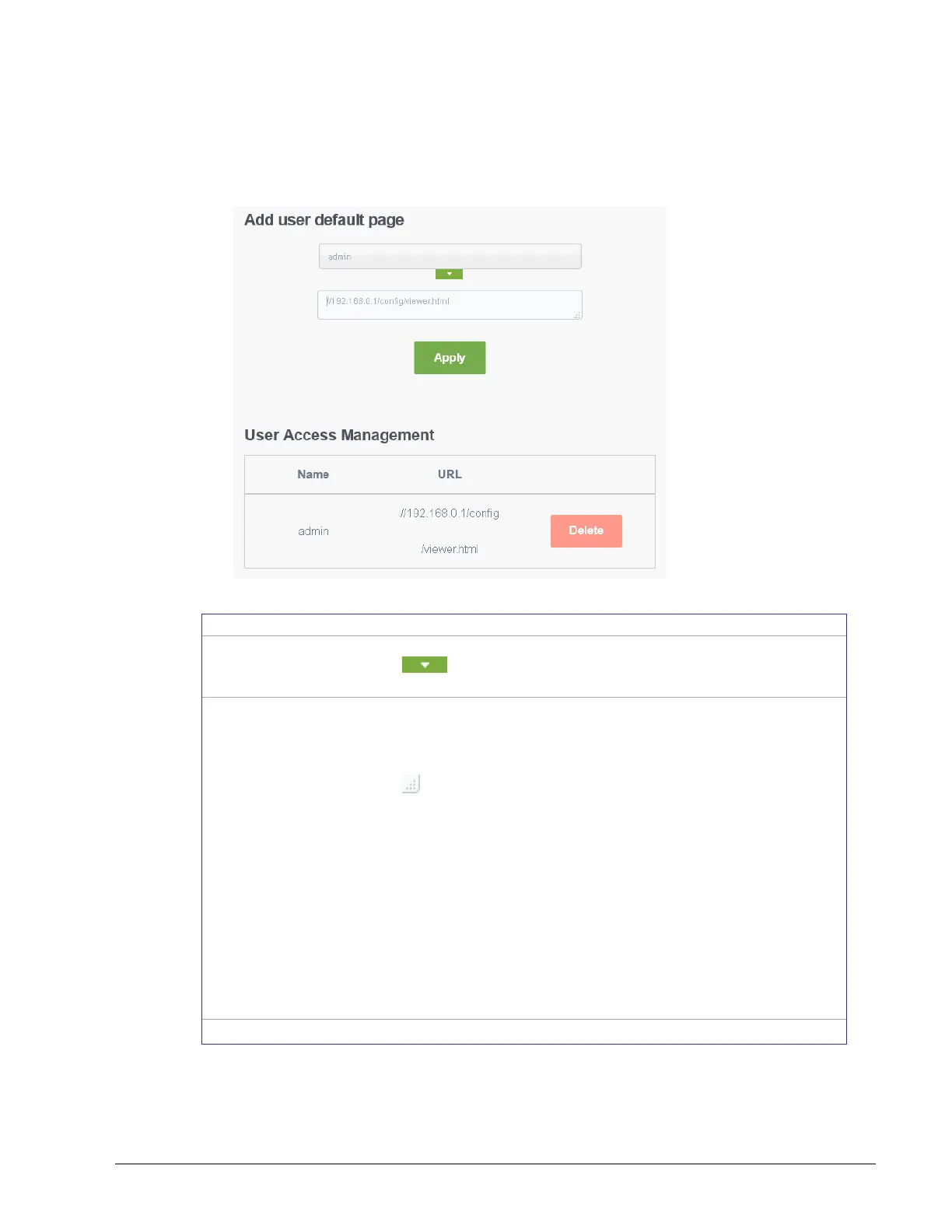
Set the user’s username they use when logging into the controller.
Click to view and select a user from a list of currently
configured users.
This sets the landing page that will be displayed to individual users
when they logging in to the controller. The URL for any page the
controller can serve according to the user’s access rights can be
used (see User Management on page 85).
Click in the lower right corner to resize the window.
The username of the account that will be redirected to a specific web
page or URL.
In the top field, enter the user name.
In the bottom field, enter the full URL of the web page. This
should be copied from your Web browser’s address bar
including HTTP:\\ or HTTPS:\\ when you have navigated to
the target page. For example, if the connection to the
controller is encrypted (only the HTTPS protocol has been
enabled in System Settings) and you do not specify
HTTPS:\\ in the URL, the controller will default the address
to HTTP protocol, which will direct the user’s browser to a
URL that will fail to load.



 To Next Page