ECLYPSE Web Interface
82 ECLYPSE User Guide
Remove a foreign device from this controller’s Broadcast Distribution
Table.
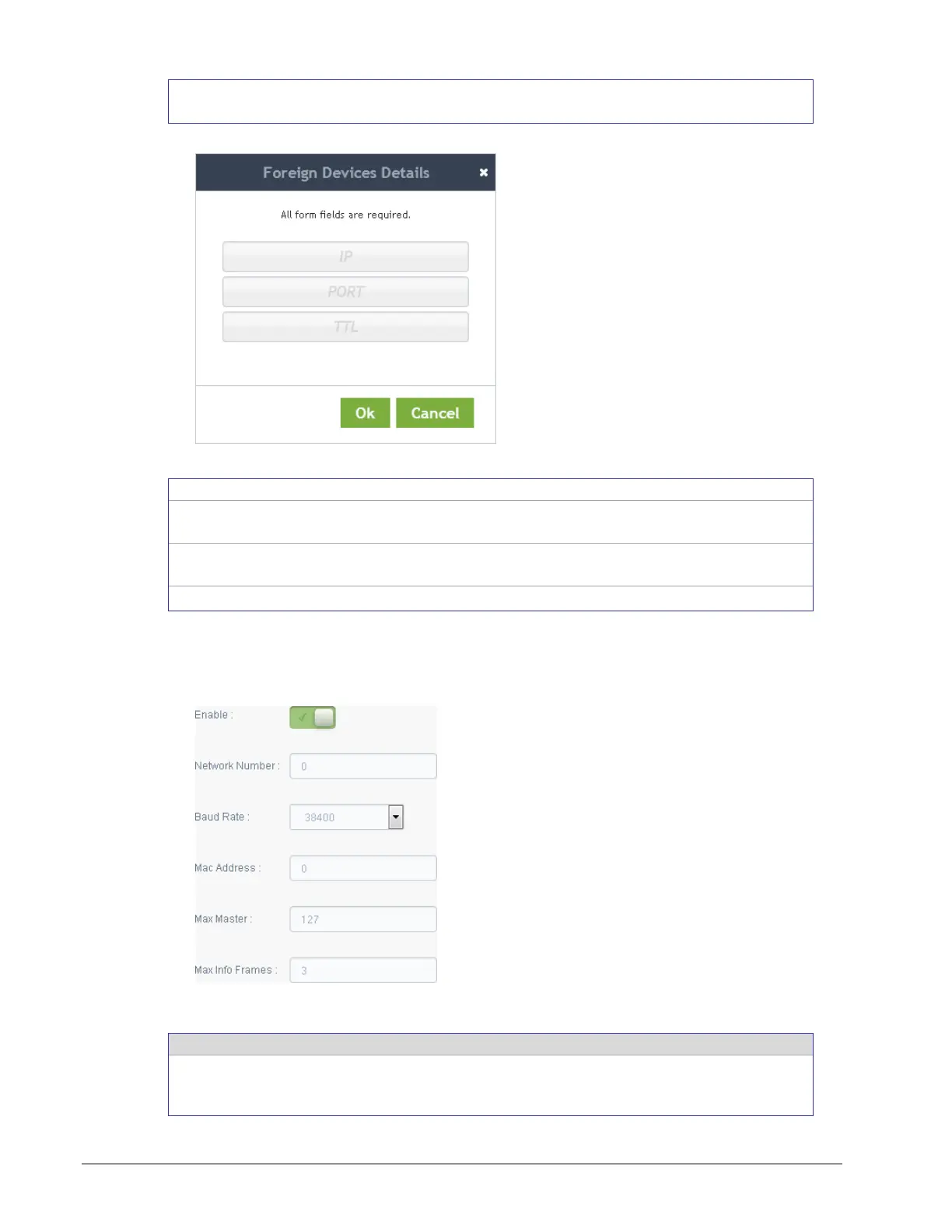
Figure 8-13: Adding a Foreign Device
The IP address of a controller (foreign device) located on another
subnetwork.
The port number for the BACnet service of the controller located on
the other subnetwork.
This is the delay after which the foreign device is forgotten.
Network Port MS/TP
This sets the MS/TP network configuration parameters.
Figure 8-14: BACnet MS/TP Configuration
This enables/disables the controller’s BACnet MS/TP connection. If
the controller has been configured to use Modbus RTU, this option
cannot be enabled. First disable Modbus RTU in EC-gfxProgram.



 To Next Page