Resetting or Rebooting the Controller
164 ECLYPSE User Guide
Resetting or Rebooting the Controller
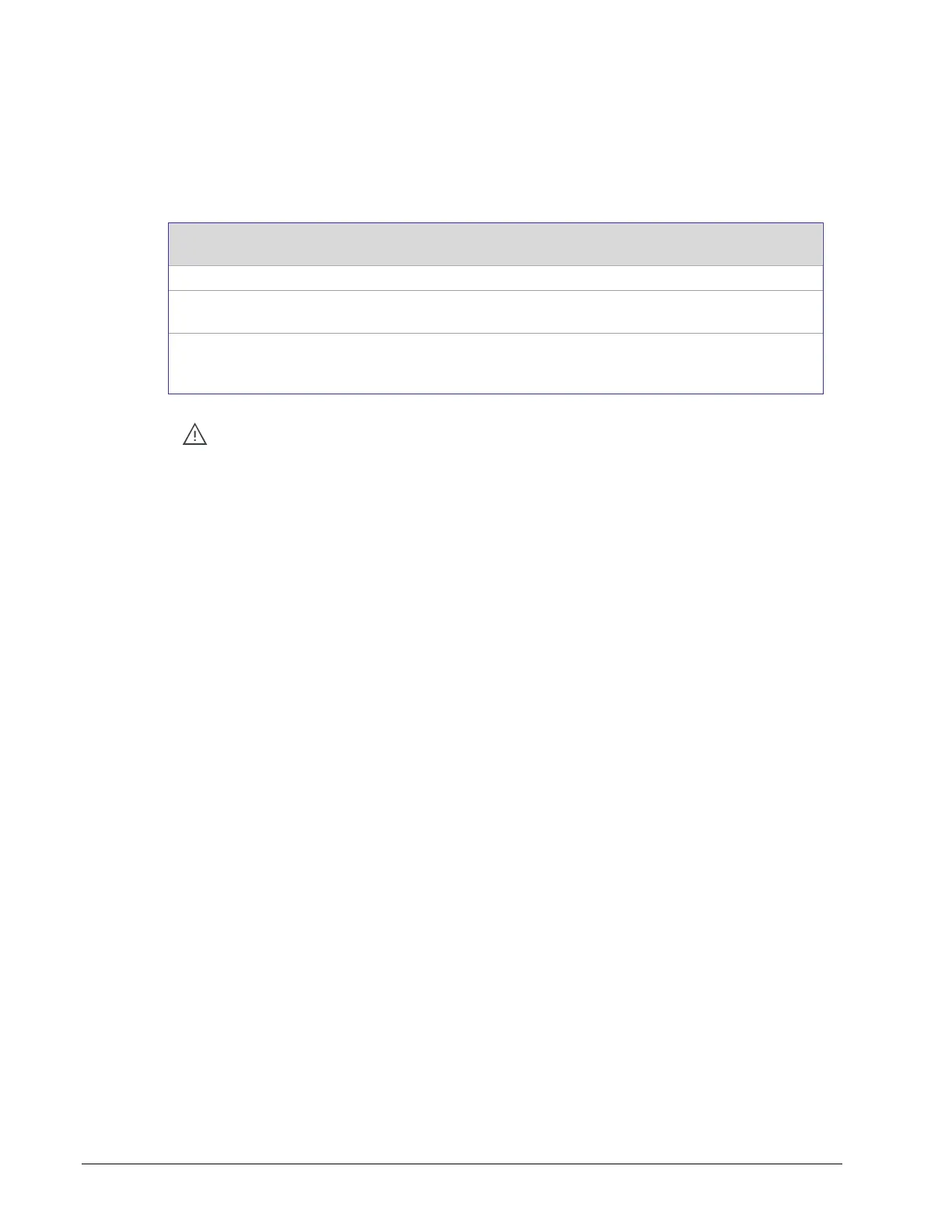
The reset button is located between the RS-458 and Ethernet connectors on connected
system controllers and underneath the cover on connected VAV controllers. Depending on
the amount of time the reset button is held down, different actions are taken by the
controller.
Restart / reboot the controller.
Reset both Ethernet and Wi-Fi IP addresses back to factory default
settings.
Reset the controller to its factory default settings. User accounts (user
names and passwords) will also be reset to the factory default settings and
the controller license will be cleared.
Always backup the controller's license through the controller's Web interface
before you hold the reset button for 20 seconds. Once the controller reboots, you
will have to install the license through the controller's Web interface.
To backup and install the license, see System Settings on page 91. Click Export
To PC to backup the controller's license to your PC. Click Import From PC to
restore the controller's license file from your PC.



 To Next Page