ECLYPSE Web Interface
86 ECLYPSE User Guide
Local RADIUS Server
When Authentication is set to Local, the following configuration parameters are available.
This controller can be used as a RADIUS server by other controllers on the network. In this
scenario, the other controllers must be configured to use the Remote RADIUS server mode
with this controller’s IP address. This centralizes access management on this controller
thereby saving time by eliminating the need to add users to each controller individually. Set
the port numbers and shared key that other controllers will use to connect to this controller.
See Supported RADIUS Server Architectures on page 61.
The port values of 1812 for authentication and 1813 for accounting are RADIUS standard
port numbers. However, other port numbers may be used. No matter which port numbers
are used, make sure that the port numbers are unused by other services on this controller
and that both the RADIUS server and the RADIUS clients use the same port number values.
See also ECLYPSE IP Network Port Numbers and Protocols on page 28.
The RADIUS server authentication port number.
The RADIUS server accounting port number.
This is an encryption key that devices use to encrypt and decrypt
user authentication credentials that are sent between devices. The
shared key should be a long string of up 32 alphanumeric characters
and symbols that would be difficult to guess. For example,
he^sg3iq6pg2*gqw@89hsm,wz[
This same key must be copied to the remote RADIUS client.
Click to generate a random 32 character shared key.
Click to copy the shared key to the clipboard.
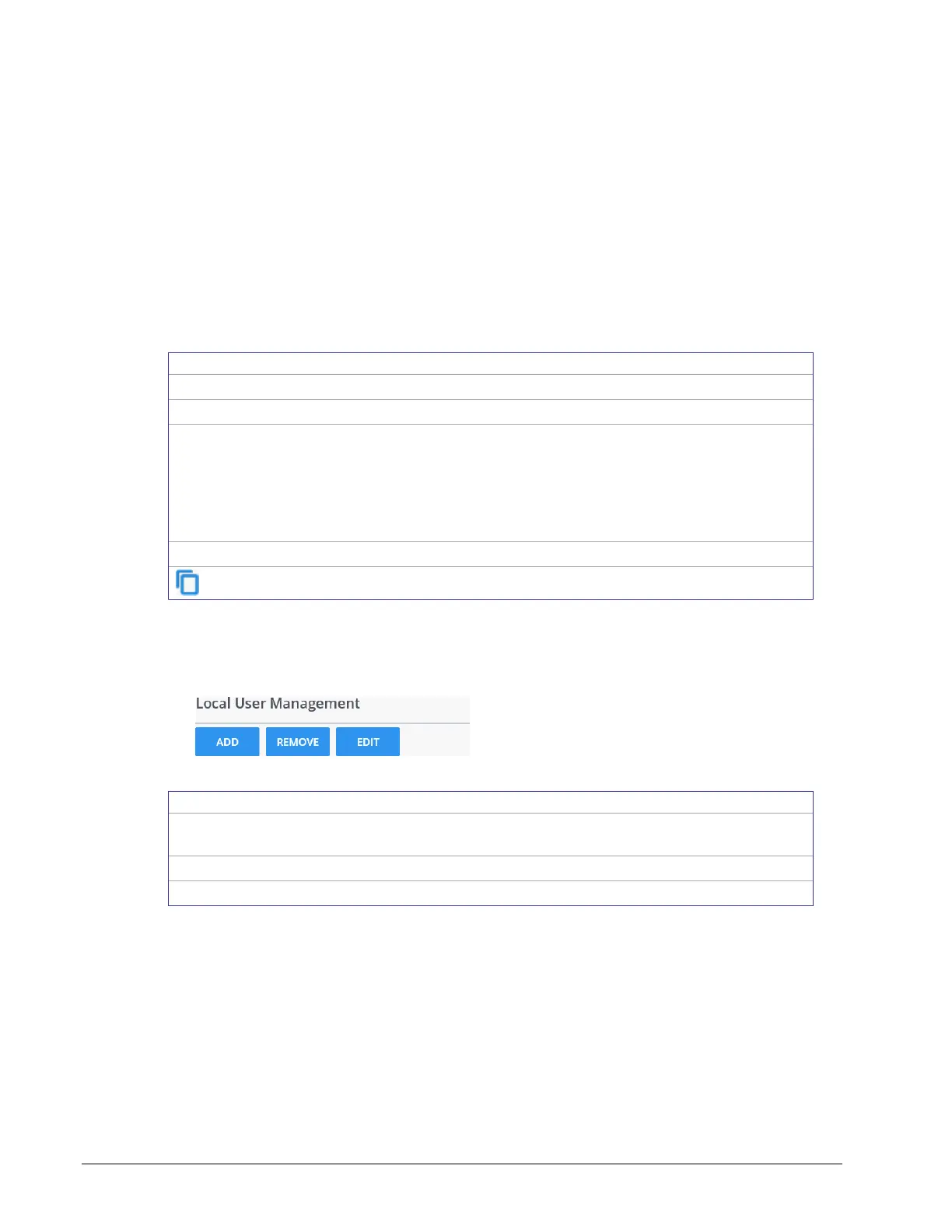
Local User Management
User access to this controller and to other controllers that are using this controller as their
RADIUS server are managed by adding them to the Local User Management shown below.
Figure 8-17: Local User Management
Add a new user to user management. These users will have login
access to the controller.
Remove a user from user management.
Edit a user’s information.



 To Next Page