First Time Connection to an ECLYPSE Controller
60 ECLYPSE User Guide
Connecting to the Controller’s Configuration Web
Interface
The ECLYPSE Series Controller configuration can be made through the controller’s
configuration Web interface to set all the controller’s configuration parameters including the
controller’s IP address according to your network planning.
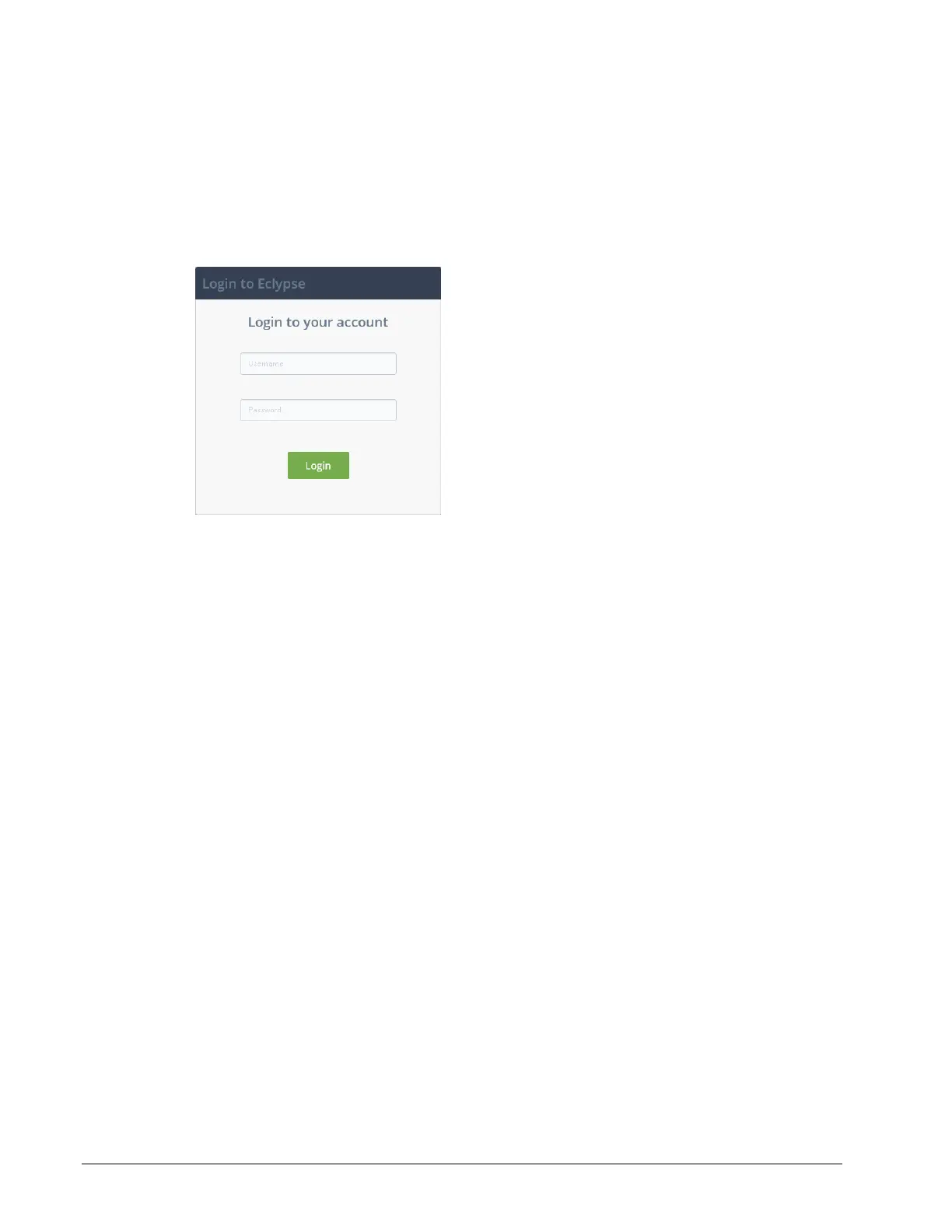
Once connected to the controller, you must login to the configuration Web interface.
The controller’s configuration Web interface default Username is admin and password is
admin. Click Login.
Next Steps
In Network Settings, configure the controller’s network parameters so that they are
compatible with your network. See ECLYPSE Web Interface on page 67.
It is important to create new user accounts with strong passwords to protect the controller
from unauthorized access. Remove the factory default account admin / admin as this is a
commonly known security breech. See User Management on page 85 and Supported
RADIUS Server Architectures on page 61 .



 To Next Page