ECLYPSE Web Interface
ECLYPSE User Guide 81
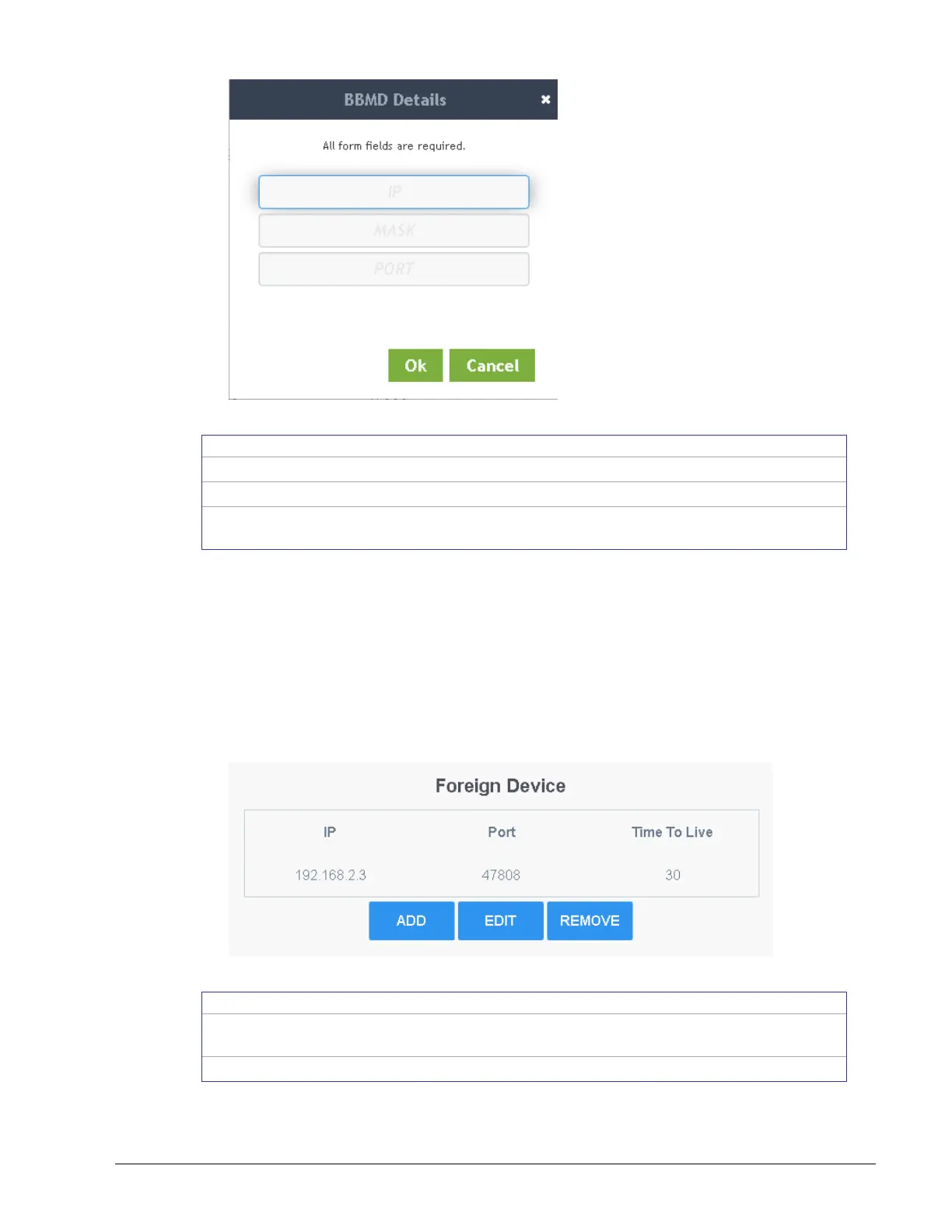
Figure 8-11: Adding a BBMD
The IP address of the BBMD located on the other subnetwork.
The subnetwork mask for the other subnetwork.
The port number for the BACnet service of the BBMD located on the
other subnetwork.
Foreign Device Settings
Some BACnet/IP devices also support a feature called Foreign Device Registration (FDR).
FDR allows a BACnet/IP device to send broadcast messages to a device with BBMD
enabled. The BBMD-enabled device will then forward these broadcast messages to all other
BBMDs and onto all other FDR devices. If a subnet has only FDR supported devices then it
does not need a local BBMD. These devices can register directly with a BBMD on another
subnetwork.
In the Foreign Device table, add the IP addresses for the controllers located on other
subnetworks.
Figure 8-12: Foreign Device Settings
Add the IP addresses for the controllers (foreign devices) located on
other subnetworks.
Edit a foreign device’s information.



 To Next Page