Vigor2760 Series User’s Guide
139
Available parameters are listed below:
Item Description
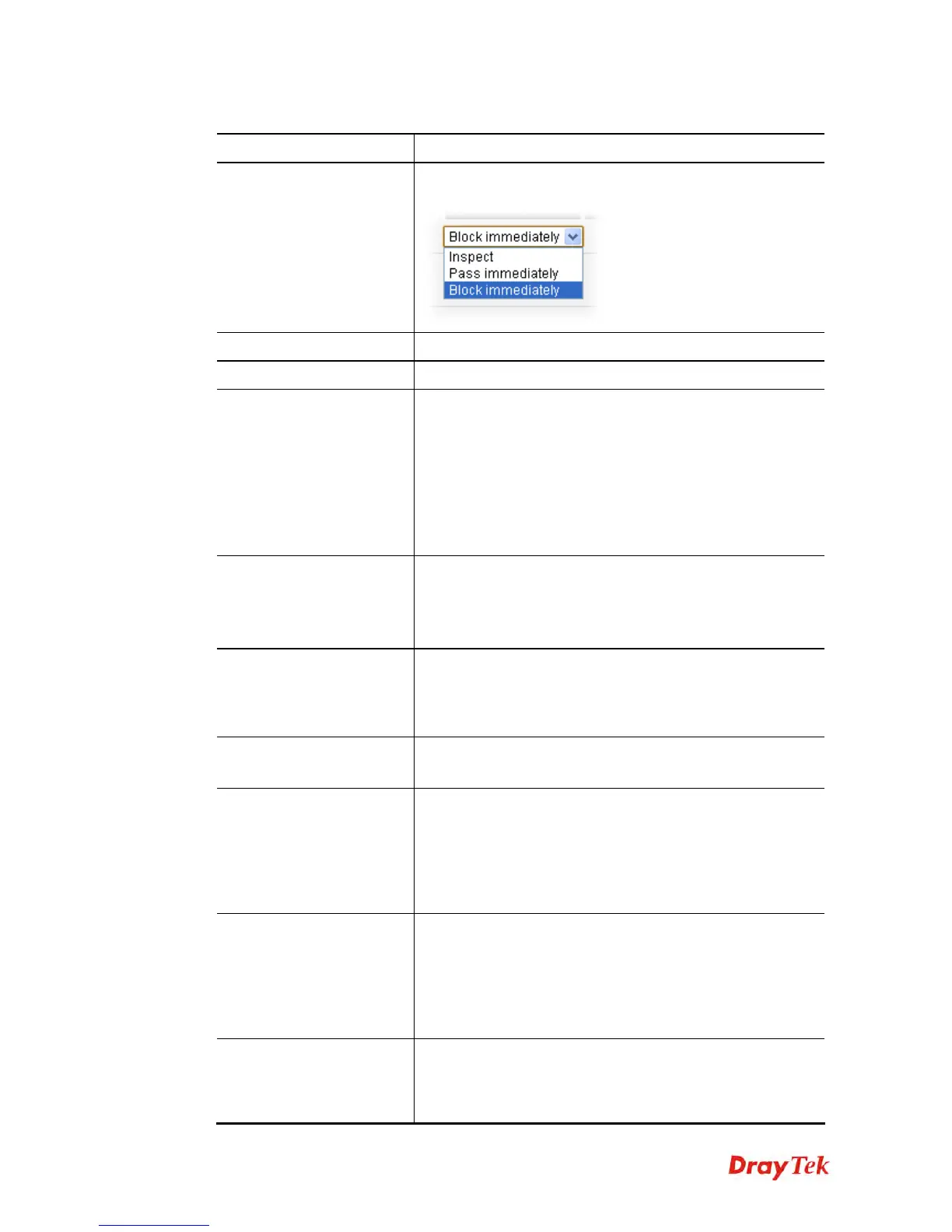
Action
Choose the action to be taken when packets match the default
rule.
Log
Check the box to record related information on Syslog.
NAT
Check the box to enable the NAT function.
User Management
When it is disabled, the general firewall rule will be applied
to all of the users/user groups.
If it is enabled, you have to add more filter profiles with
identity authentication.
All the incoming packets must be filtered with identity
authentication first. If the packets doest not pass the identity
authentication, they will not be filtered with current filter
rule but filtered by next filter rule directly.
Bandwidth Limit
It is available only when User Management is disabled.
TX Bandwidth – Specify the bandwidth for transmitted
data.
RX Bandwidth – Specify the bandwidth for receiving data.
Session Limit
It is available only when User Management is disabled.
The number typed here is the total sessions of the packets
that do not match the filter rule configured in this page. The
default setting is 30000.
Quality of Service
(QoS)
It is available only when User Management is disabled.
Use the drop down list to specify the class of QoS.
Web Content Filter
(WCF)
It is available only when User Management is disabled.
Select one of the Web Content Filter profile settings for
applying with this router. If there is no profile for you to
select, please open CSM>>Web Content Filter to create a
new profile first. Later, return to such page and choose the
one you need.
URL Content Filter
(UCF)
It is available only when User Management is disabled.
Select one of the URL Content Filter profile settings for
applying with this router. If there is no profile for you to
select, please open CSM>>URL Content Filter to create a
new profile first. Later, return to such page and choose the
one you need.
Application Filter
(APPF)
It is available only when User Management is disabled.
Select an APPF profile for global IM/P2P application
blocking. If there is no profile for you to select, please open
CSM>>APP Enforcement to create a new profile first.











 To Next Page