Vigor2760 Series User’s Guide
222
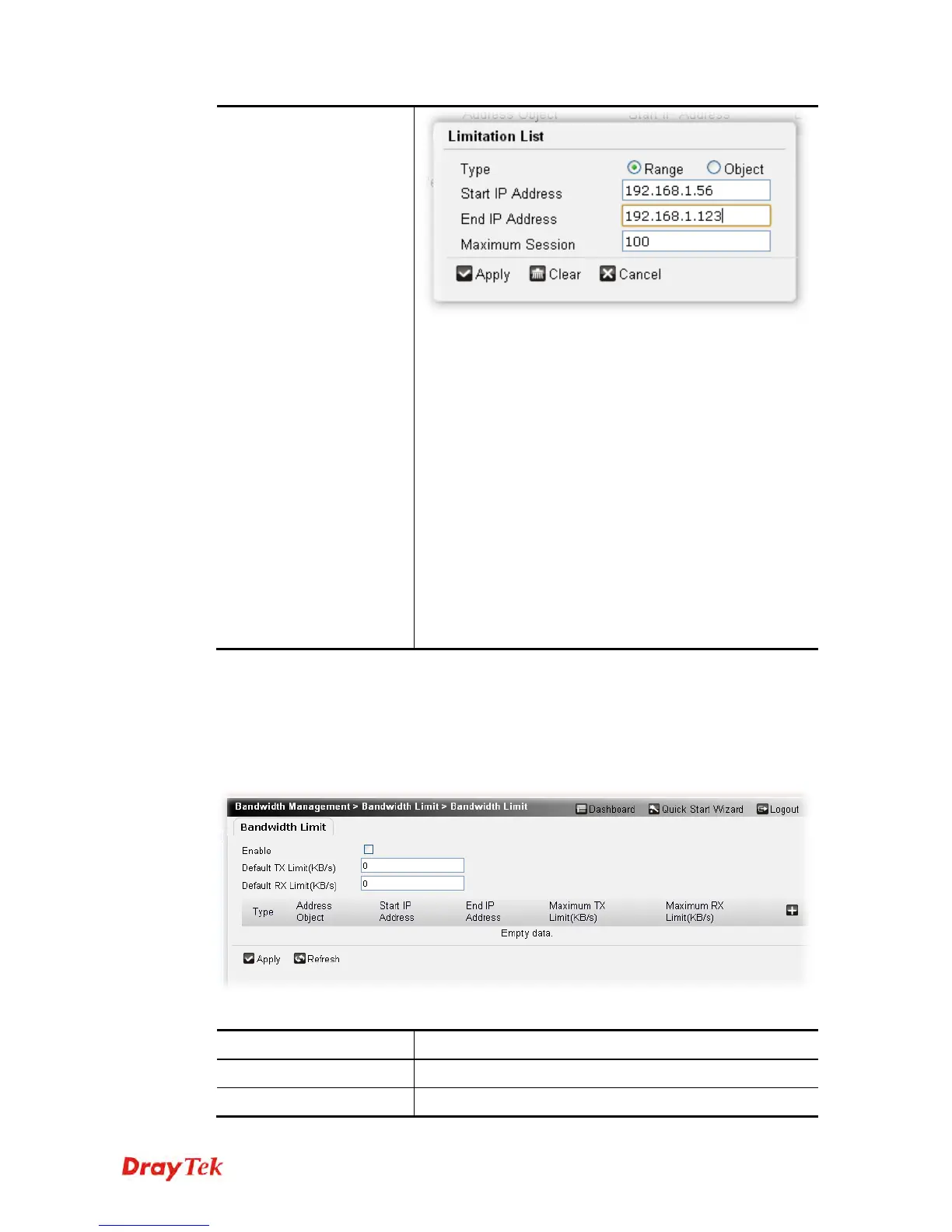
Type – Choose Range (you have to specify start IP and
end IP) or Object (you have to choose an IP object) as the
Type to determine next information to be specified.
Start IP Address –It is available when Range selected as
the Type. Specify the starting point (IP address) which is
suitable for such session limit.
End IP Address –It is available when Range selected as
the Type. Specify the ending point (IP address) which is
suitable for such session limit.
Address Object – It is available when Object is selected
as the Type.
Maximum Session - Define the available session number
for each host in the specific range of IP addresses. If you do
not set the session number in this field, the system will use
the default session limit for the specific limitation you set
for each index.
Click Apply to save the settings.
4
4
.
.
8
8
.
.
2
2
B
B
a
a
n
n
d
d
w
w
i
i
d
d
t
t
h
h
L
L
i
i
m
m
i
i
t
t
The downstream or upstream from FTP, HTTP or some P2P applications will occupy large of
bandwidth and affect the applications for other programs. Please use Limit Bandwidth to make
the bandwidth usage more efficient.
Available settings are explained as follows:
Item Description
Enable
Check the box to activate the function of bandwidth limit.
Default TX Limit
Define the default capacity of the upstream for each











 To Next Page