Vigor2760 Series User’s Guide
53
3
3
.
.
2
2
H
H
o
o
w
w
t
t
o
o
M
M
a
a
k
k
e
e
a
a
V
V
o
o
I
I
P
P
P
P
h
h
o
o
n
n
e
e
C
C
a
a
l
l
l
l
w
w
i
i
t
t
h
h
V
V
i
i
g
g
o
o
r
r
R
R
o
o
u
u
t
t
e
e
r
r
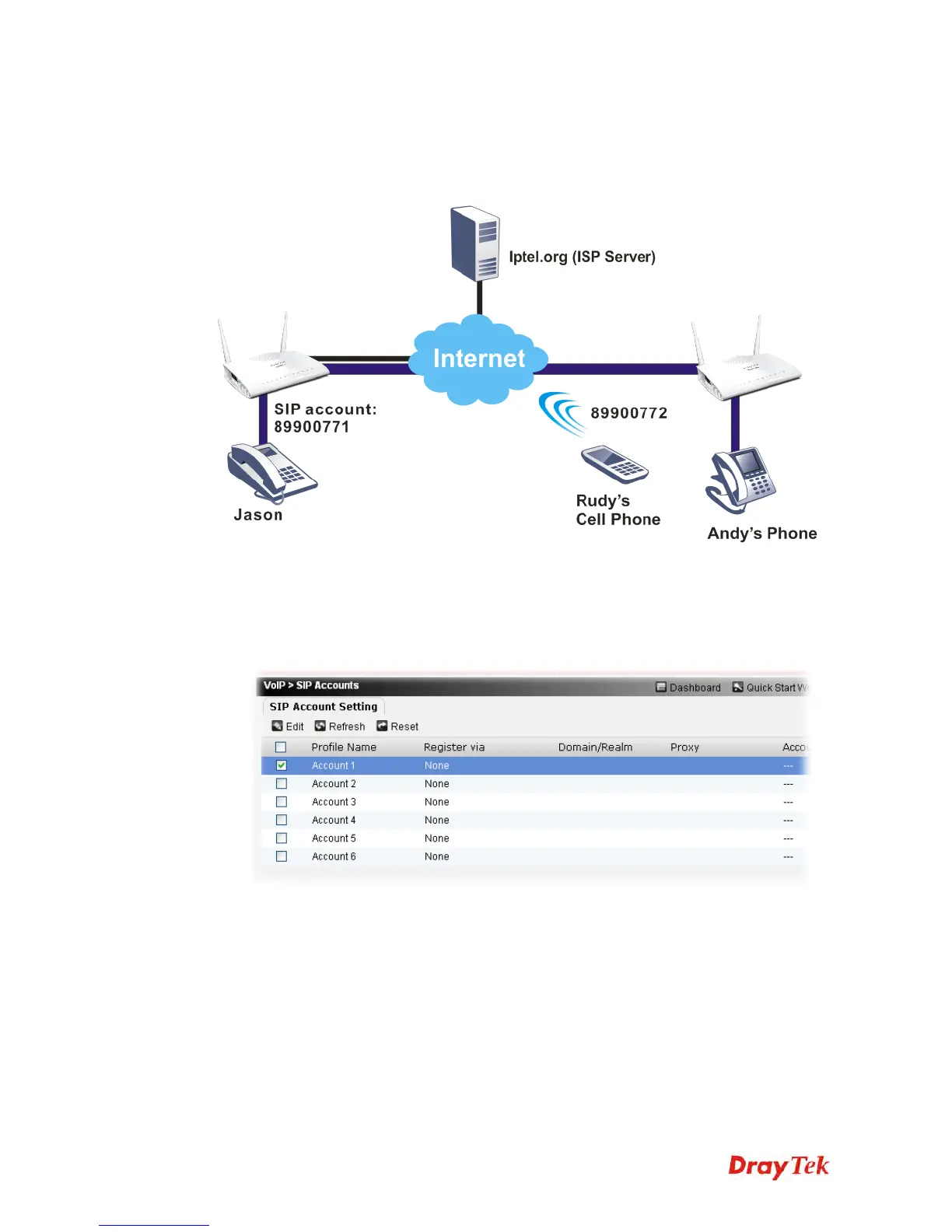
The following figure briefly illustrates the way that Jason can use to make a VoIP phone call
to his friend, Rudy or Andy.
Configuration for the Caller -- Jason
1. Make sure the network connection is OK.
2. Register an SIP account to your SIP proxy.
3. Open VoIP>>SIP Accounts to get the following page.











 To Next Page