Vigor2760 Series User’s Guide
161
4
4
.
.
4
4
.
.
3
3
.
.
2
2
K
K
e
e
y
y
w
w
o
o
r
r
d
d
G
G
r
r
o
o
u
u
p
p
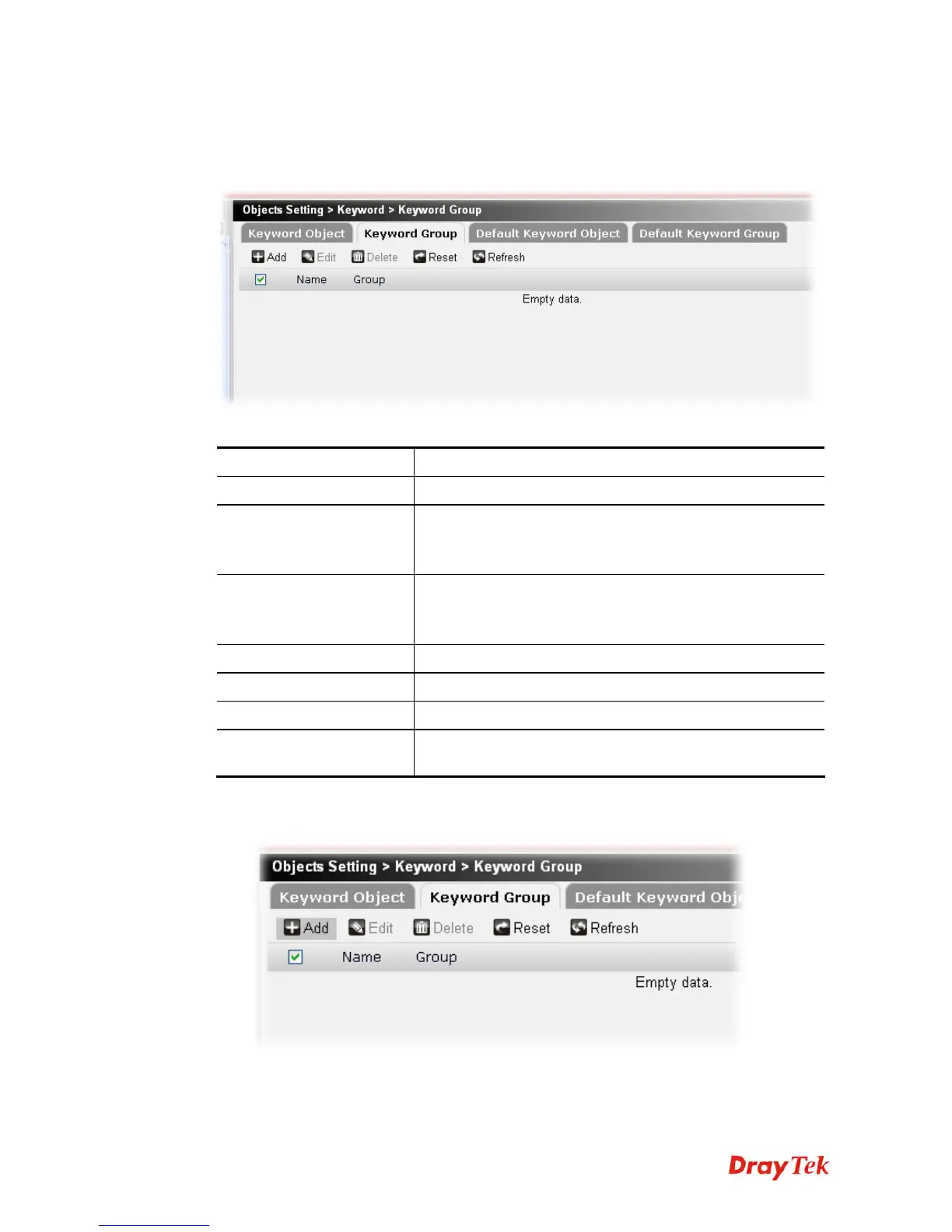
You can bind several keyword objects into one group. The keyword groups set here will be
chosen as black /white list in CSM >>URL /Web Content Filter Profile.
Each item will be explained as follows:
Item Description
Add
Create a new keyword group profile.
Edit
Modify the selected keyword group profile.
You have to check the keyword group you want and then
click this button to open the edit window for modification.
Delete
Remove the selected keyword group.
You have to check the keyword group you want and then
click this button.
Reset
Click it to retrieve the default settings of this page.
Refresh
Click it to fresh the web page.
Name
Display the name of the profile.
Group
Display the keyword object profiles grouped under such
group.
To create a new keyword object group profile, please do the following:
1. Click the Add button.











 To Next Page