Vigor2760 Series User’s Guide
64
default route for such WAN profile.
Alias IP Address - All the IP address (es) defined
here will be allowed to access to the interface
defined in this profile.
IPv6 Setting – It is available when IPv6 is selected as IP
Version.
IP Address – Type an IP address for the protocol.
Gateway – Type an IP address to the gateway for
the protocol.
Default Route - Check the box to enable the
default route for such WAN profile.
Detect Setting - Such function allows you to verify whether
network connection is alive or not through or Ping detection
or Auto detection.
Connection Detection - Check the box of
Connection Detection to enable such function.
Connection Detection Mode - Choose the
detection mode.
Always On - If you want to connect to Internet all the time,
check the Always On box.
Advanced Settings
MAC Address – Check to box to display the MAC address
field and type the MAC address here.
Schedule – If you have several schedule profiles, you can
select one of the profiles or select several profiles here. The
router will execute network connection through such WAN
profiles at the specified time.
Apply
Click it to save the settings.
Clear
Click it to remove the modification of the web page.
Cancel
Click it to return to previous web page.
After finished the settings above, click Apply to save the settings then click Cancel to return
to previous page.
4
4
.
.
1
1
.
.
1
1
.
.
8
8
W
W
A
A
N
N
D
D
S
S
L
L
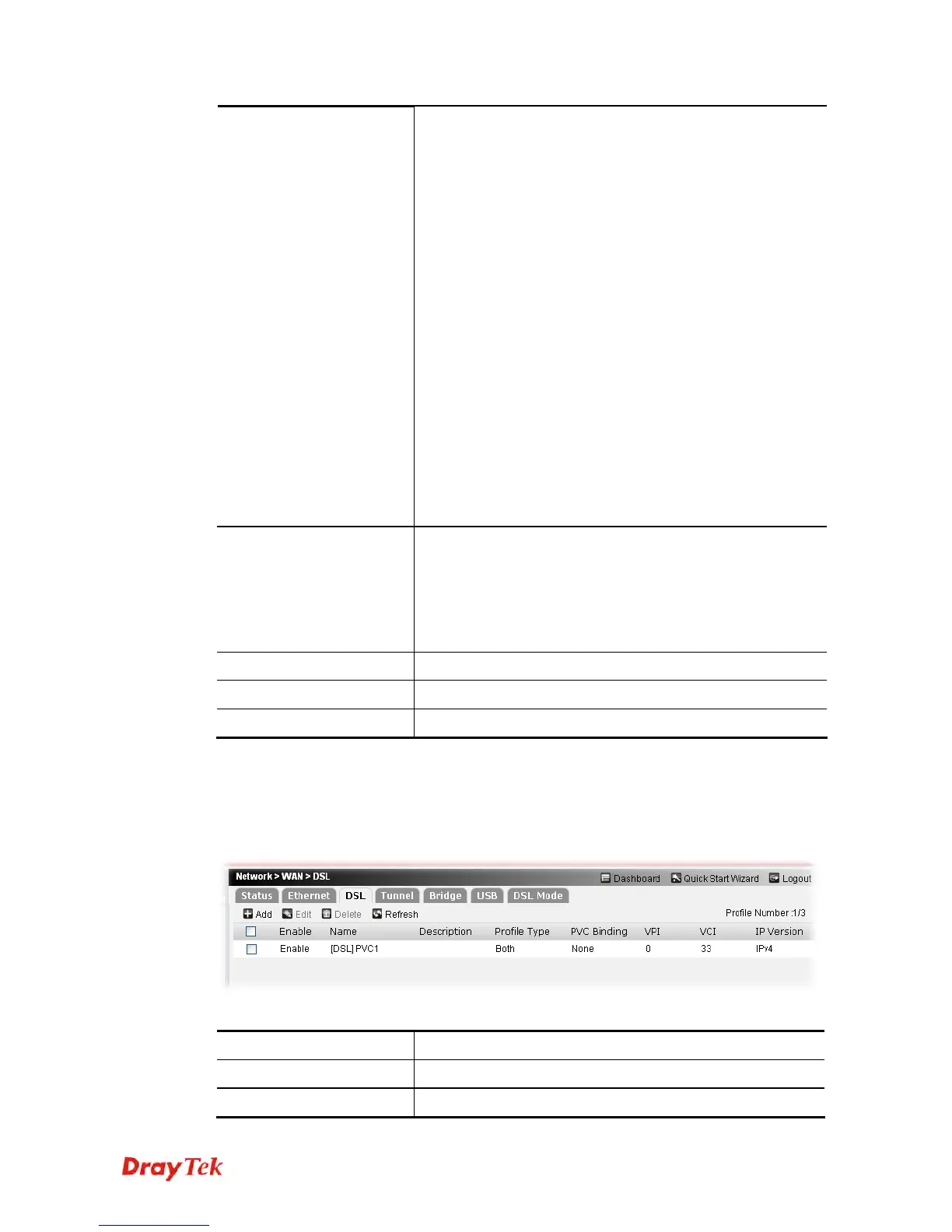
This page allows you to configure DSL settings for WAN interface.
Each item will be explained as follows:
Item Description
Add
Create new WAN profiles.
Edit
Edit the selected WAN profile.











 To Next Page