Vigor2760 Series User’s Guide
190
4
4
.
.
6
6
.
.
4
4
P
P
r
r
i
i
v
v
i
i
l
l
e
e
g
g
e
e
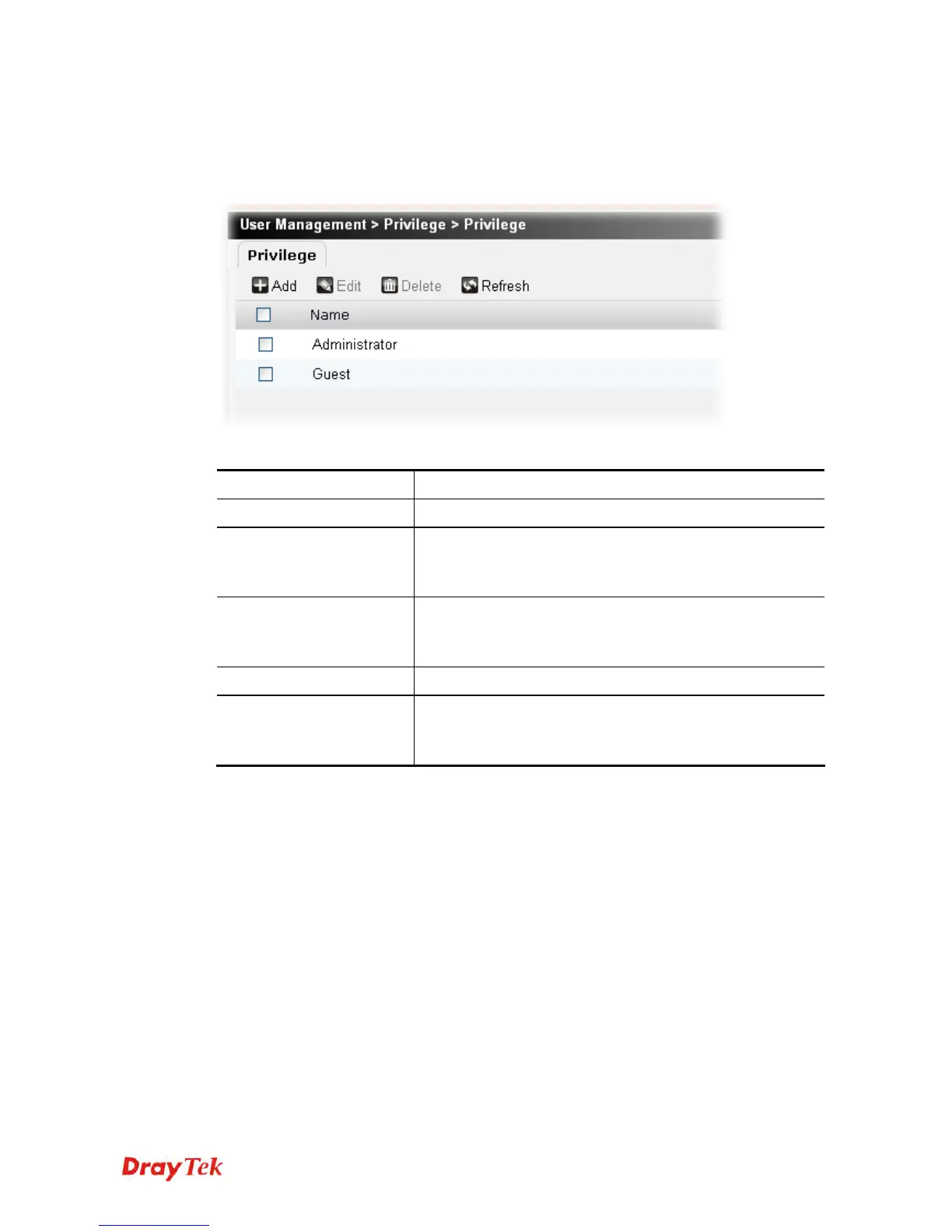
This page allows you to configure different privilege profile for the user object. Different
privilege represents different authority that the user group will have. The great the authority is,
the more functions the user /user group will have.
Each item will be explained as follows:
Item Description
Add
Create a new privilege profile.
Edit
Modify the selected privilege profile.
You have to check the privilege profile you want and then
click this button to open the edit window for modification.
Delete
Remove the selected privilege profile.
You have to check the privilege profile you want and then
click this button.
Refresh
Click it to fresh the web page.
Name
Display the name of the privilege profile.
The profiles with names – Administrator and Guest are
defined in default.











 To Next Page