Vigor2760 Series User’s Guide
302
User Management>>Privilege, it is impossible for you to
modify the value here.
Data Quota Unit
Display the unit of the Data Quota.
Apply
Click it to save the settings.
Clear
Click it to remove the modification of the web page.
Cancel
Click it to return to previous web page.
3. After finished the settings above, click Apply to save the file. Now, the data flow
monitor setting page has been modified.
4
4
.
.
1
1
4
4
.
.
5
5
S
S
y
y
s
s
t
t
e
e
m
m
T
T
a
a
b
b
l
l
e
e
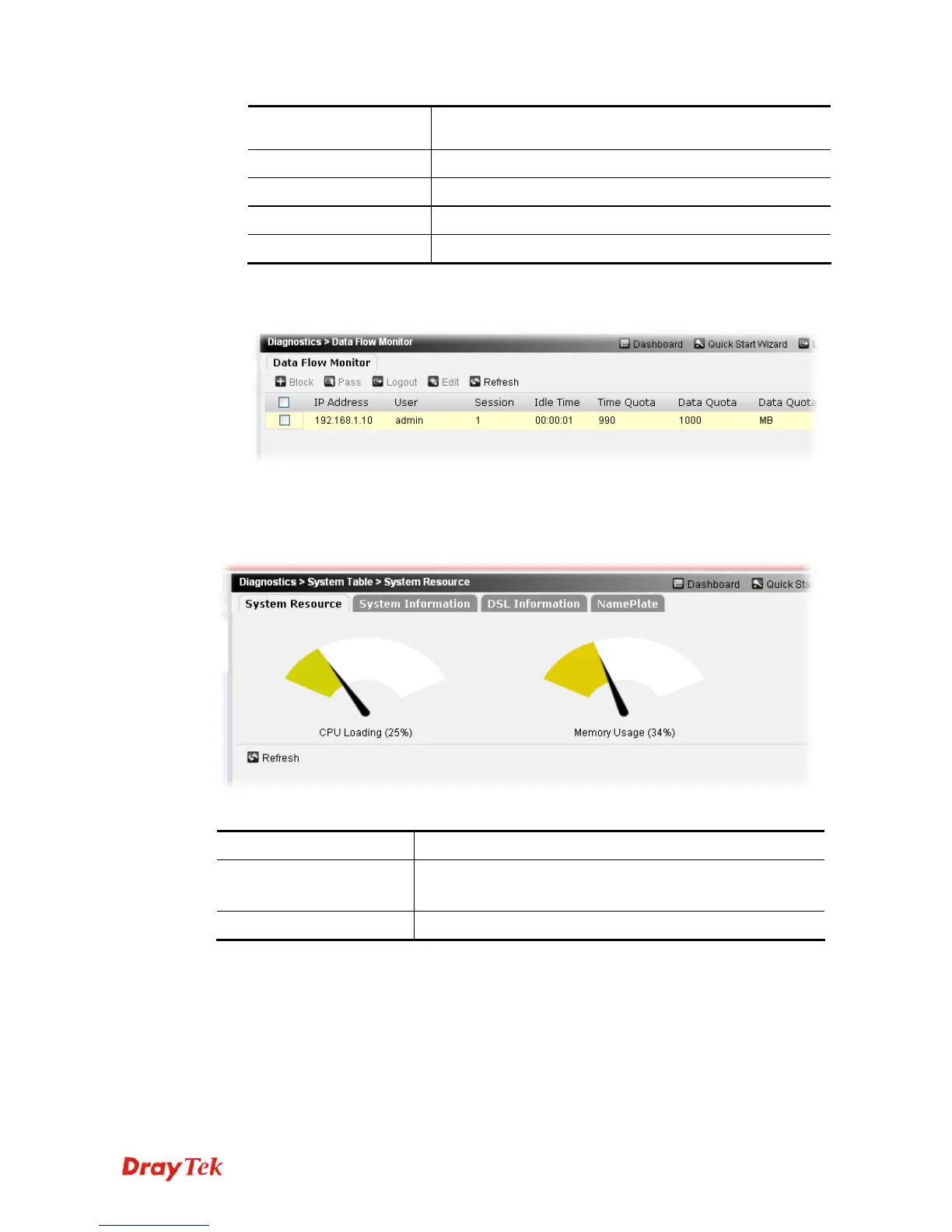
The information displayed here is available for technical support if encountering troubles in
using Vigor router.
Each item will be explained as follows:
Item Description
CPU Loading /
Memory Usage
The used memory and remaining capacity will be displayed.
Refresh
Click it to refresh the web page.
Basic system information will be seen by clicking Diagnostics>>System Table>>System
Information.











 To Next Page