Vigor2760 Series User’s Guide
208
4
4
.
.
7
7
.
.
3
3
D
D
i
i
a
a
l
l
P
P
l
l
a
a
n
n
4
4
.
.
7
7
.
.
3
3
.
.
1
1
P
P
h
h
o
o
n
n
e
e
B
B
o
o
o
o
k
k
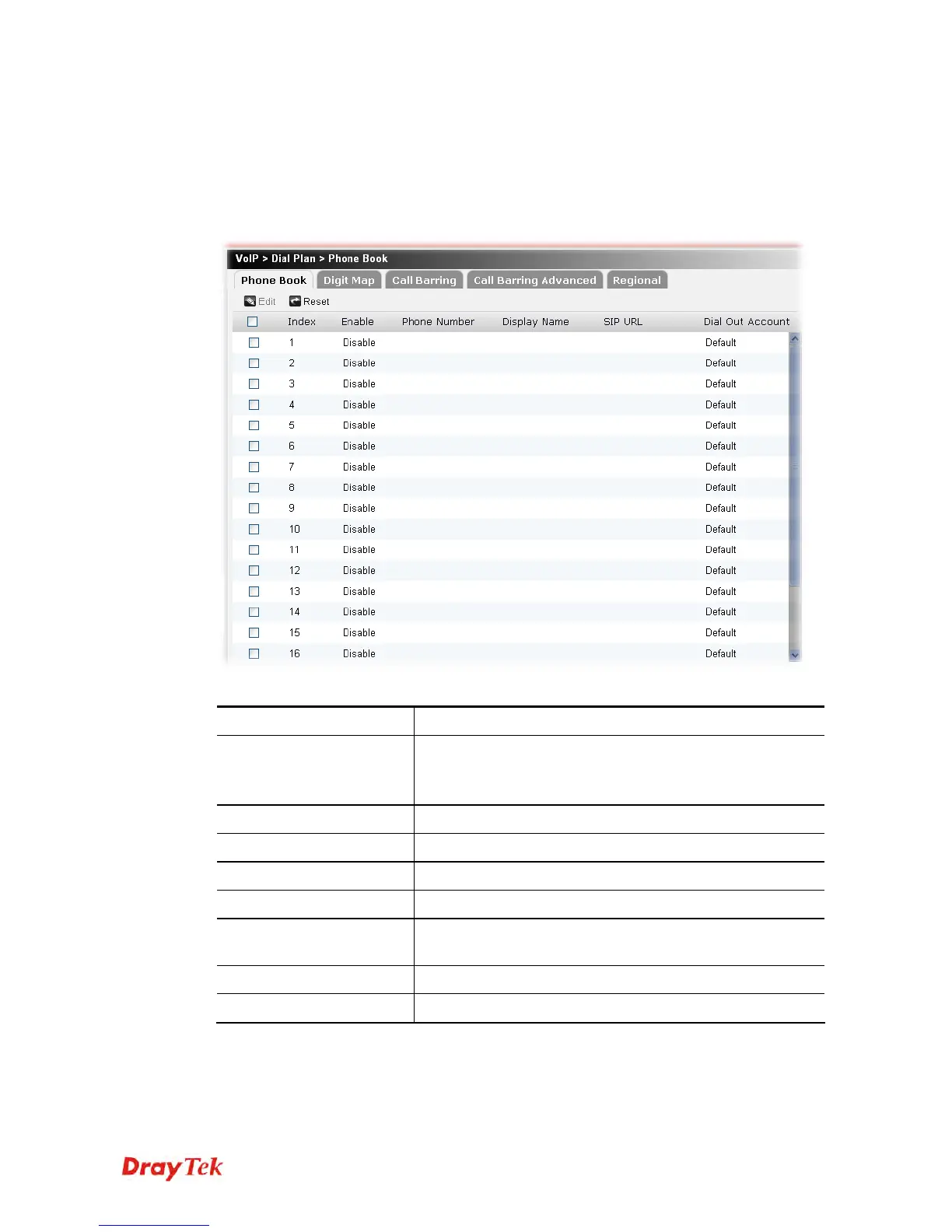
In this section, you can set your VoIP contacts in the “phonebook”. It can help you to make
calls quickly and easily by using “speed-dial” Phone Number. There are total 20 index entries
in the phonebook for you to store all your friends and family members’ SIP addresses.
Each item will be explained as follows:
Item Description
Edit
Edit the selected phone book profile.
To edit the profile, simply check the profile box you want to
edit and then click this button.
Reset
Click it to rest to factory default settings.
Index
Display the sequence number of the profile.
Enable
Display the status (enable or disable) for this profile.
Phone Number
Display the speed-dial number for this profile.
Display Name
Display the Caller-ID that you want it to be displayed on
your friend’s screen.
SIP URL
Display the SIP Address for this profile.
Dial Out Account
Display the SIP account for this profile.











 To Next Page