Vigor2760 Series User’s Guide
57
A
A
d
d
v
v
a
a
n
n
c
c
e
e
d
d
W
W
e
e
b
b
C
C
o
o
n
n
f
f
i
i
g
g
u
u
r
r
a
a
t
t
i
i
o
o
n
n
This chapter will guide users to execute advanced (full) configuration.
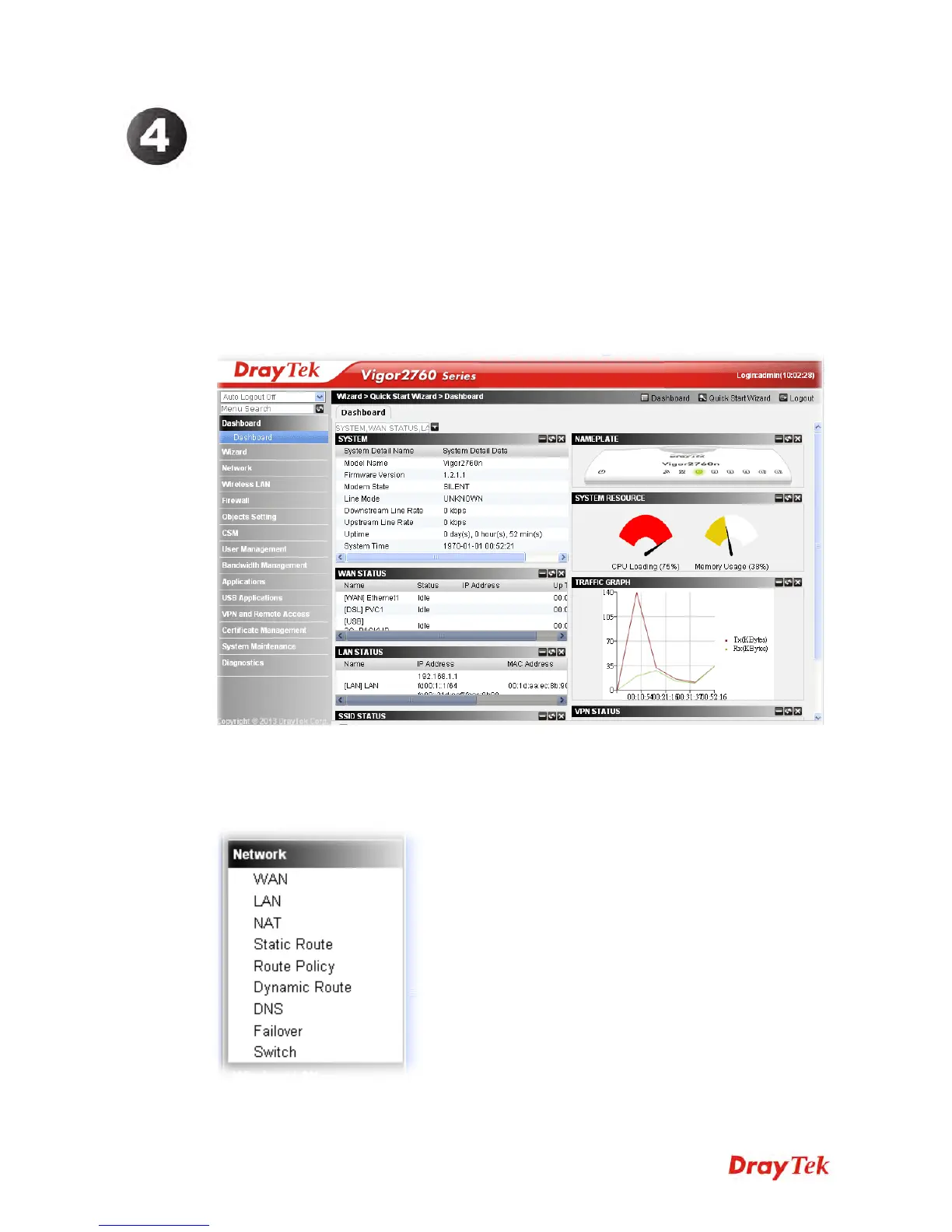
1. Open a web browser on your PC and type http://192.168.1.1. The window will ask for
typing username and password.
2. Please type “admin/admin” on Username/Password for administration operation.
Now, the Main Screen will appear.
4
4
.
.
1
1
N
N
e
e
t
t
w
w
o
o
r
r
k
k
This menu allows you to configure network settings such as WAN, LAN, NAT, DHCP, Static
Route, Dynamic Route, DNS, Failover and Switch.











 To Next Page