Vigor2760 Series User’s Guide
180
4
4
.
.
6
6
U
U
s
s
e
e
r
r
M
M
a
a
n
n
a
a
g
g
e
e
m
m
e
e
n
n
t
t
User Management is a security feature which disallows any IP traffic (except DHCP-related
packets) from a particular host until that host has correctly supplied a valid username and
password. Instead of managing with IP address/MAC address, User Management function
manages hosts with user account. Network administrator can give different firewall policies or
rules for different hosts with different User Management accounts. This is more flexible and
convenient for network management.
Moreover, the function of Advertisement allows you to display special message for your
company or for personal request.
4
4
.
.
6
6
.
.
1
1
U
U
s
s
e
e
r
r
P
P
r
r
o
o
f
f
i
i
l
l
e
e
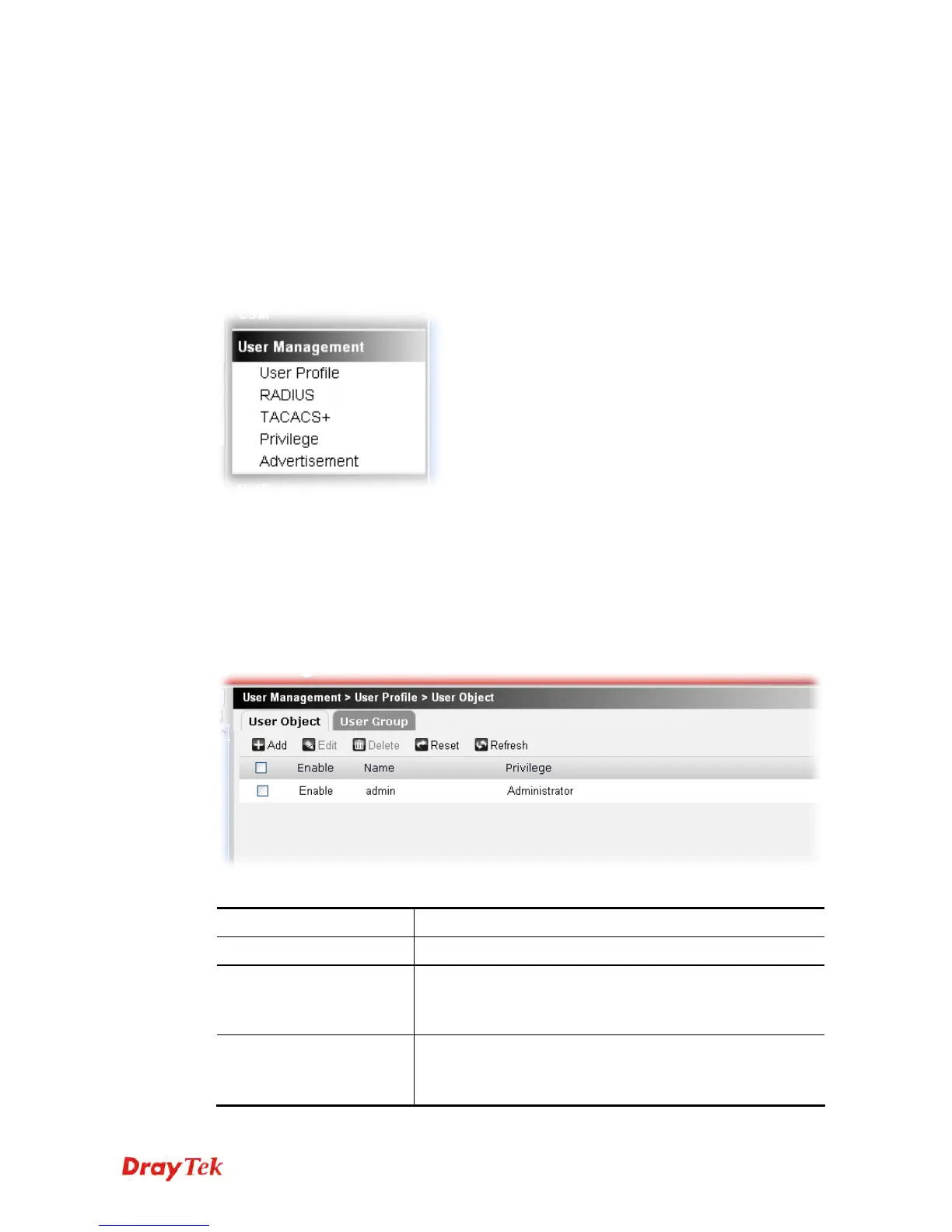
You can set customized profiles for user object and user group.
The user profile (including user object and user group) can be found on Firewall>>Filter
Setup and available for choosing as filter rule.
4
4
.
.
6
6
.
.
1
1
.
.
1
1
U
U
s
s
e
e
r
r
O
O
b
b
j
j
e
e
c
c
t
t
This page allows you to configure user object profiles.
Each item will be explained as follows:
Item Description
Add
Create a new user object profile.
Edit
Modify the selected user object profile.
You have to check the user object profile you want and then
click this button to open the edit window for modification.
Delete
Remove the selected user object profile.
You have to check the user object profile you want and then
click this button.











 To Next Page