Vigor2760 Series User’s Guide
239
Internal Proxy Interface
(Down Stream)
It is used to specify the LAN interface (for internal
connection) for applying such function.
Select the LAN interfaces where the IPTV clients will reside.
Use the “>” button to move the selected item listed in
Available Items onto Selected Items.
Available Items – Display all the available user objects
based on the type you specify above.
Selected Items – Display the user object selected for such
group profile.
Apply
Click it to save the settings.
Refresh
Click it to remove the modification of the web page.
After finished the settings above, click Apply to save the settings.
4
4
.
.
9
9
.
.
5
5
W
W
a
a
k
k
e
e
o
o
n
n
L
L
A
A
N
N
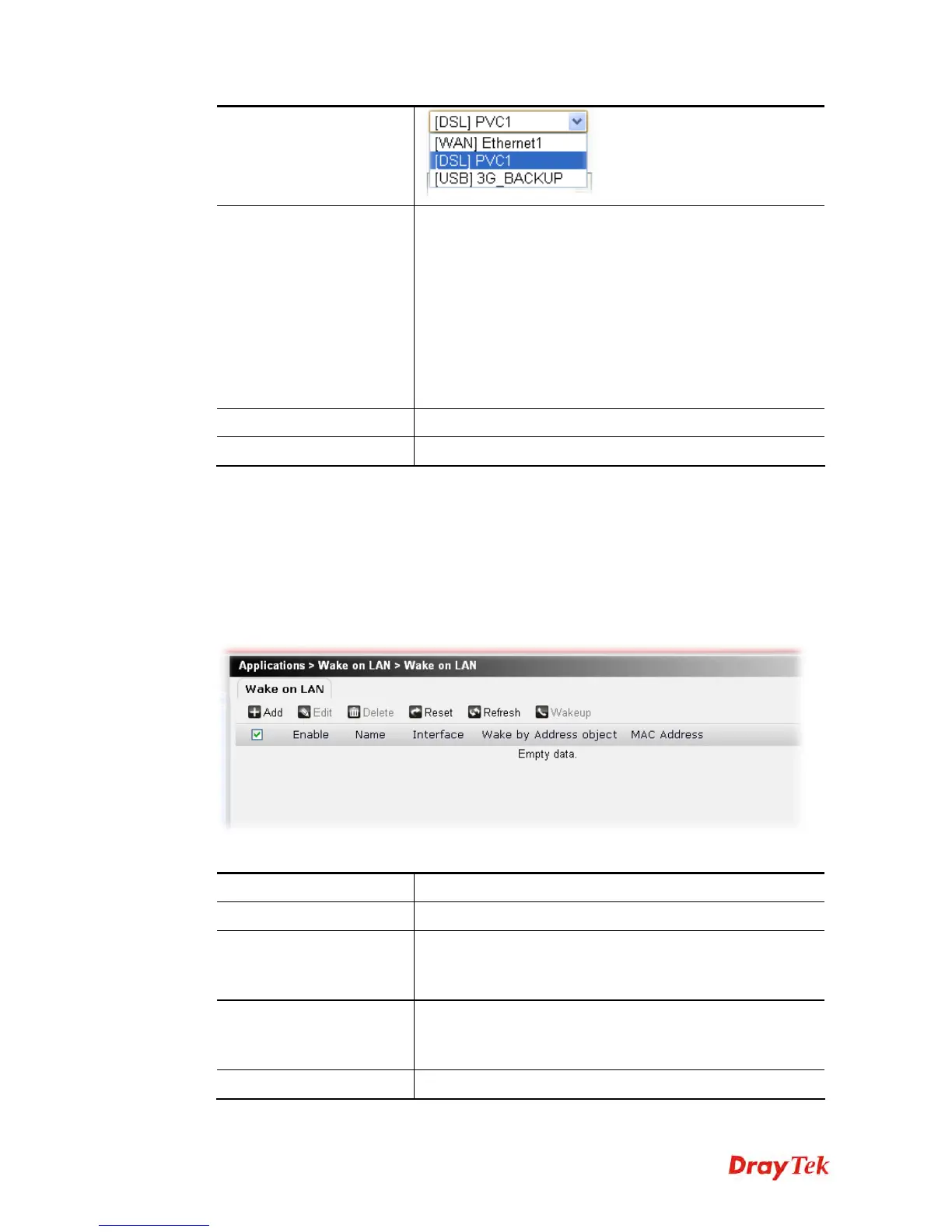
A PC client on LAN can be woken up by the router it connects. When a user wants to wake up
a specified PC through the router, he/she must type correct MAC address of the specified PC
on this web page of Wake on LAN (WOL) of this router.
In addition, such PC must have installed a network card supporting WOL function. By the
way, WOL function must be set as “Enable” on the BIOS setting.
Each item will be explained as follows:
Item Description
Add
Create a new wake on LAN profile.
Edit
Modify the selected profile.
You have to check the profile you want and then click this
button to open the edit window for modification.
Delete
Remove the selected profile.
You have to check the profile you want and then click this
button.
Reset
Click it to retrieve the default settings of this page.











 To Next Page