Vigor2760 Series User’s Guide
65
To edit the profile, simply check the profile box you want to
edit and then click this button.
Delete
Remove the selected WAN profile.
Refresh
Click it to refresh the web page.
Enable
Display the activation status for such DSL interface.
Enable – The DSL interface is activated.
Disable – The DSL interface is not activated.
Name
Display the profile name for DSL/USB interface.
Description
Display a brief description for such profile.
Profile Type
Display the nature (ADSL, VDSL2 or both) for such profile.
PVC Binding
Display the PVC profiles selected by such profile.
VPI
Display the value of VPI.
VCI
Display the value of VCI.
IP Version
Display the IP version (IPv4 or IPv6) for such connection.
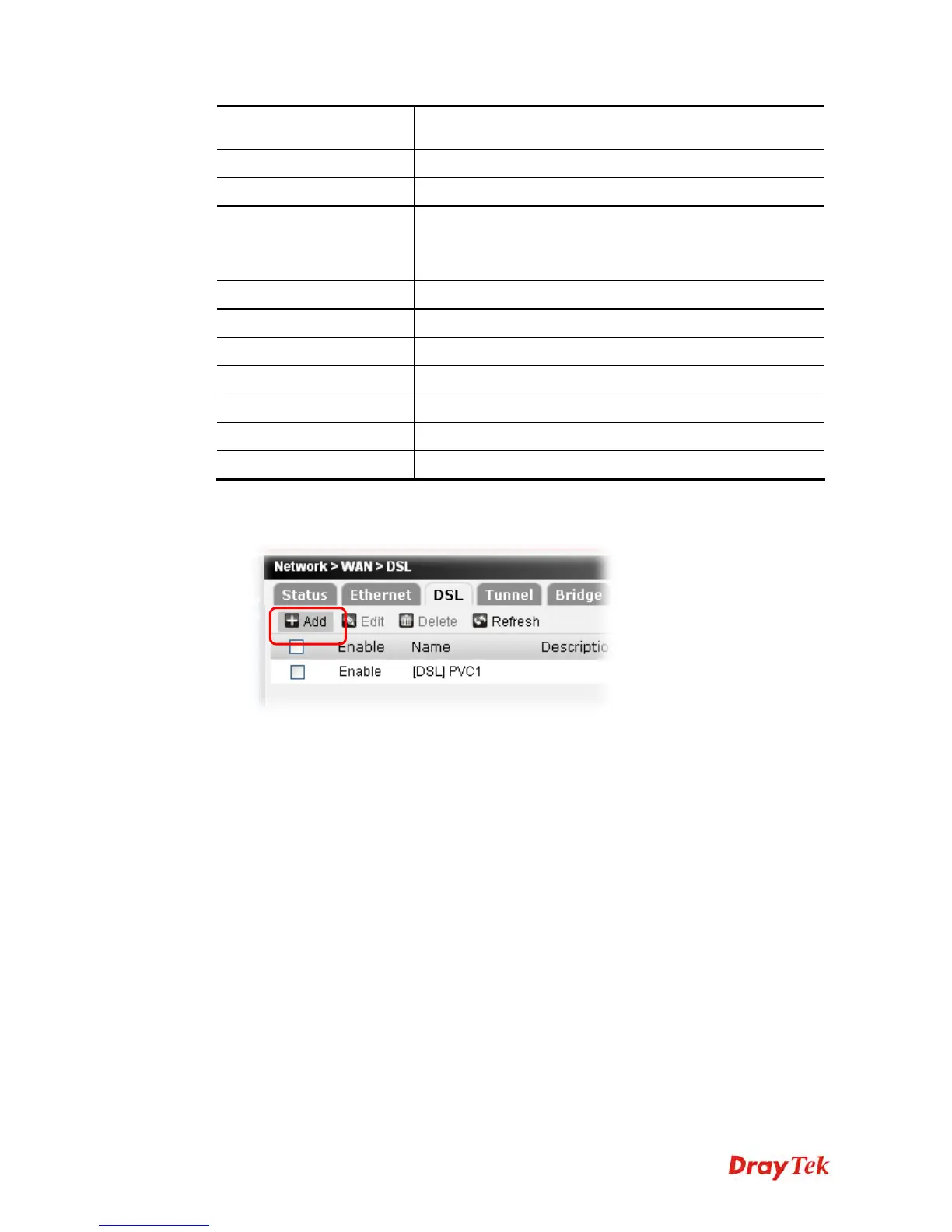
To add a new WAN profile, please do the following:
1. Click the Add button.
2. The following setting page will appear.











 To Next Page