Vigor2760 Series User’s Guide
184
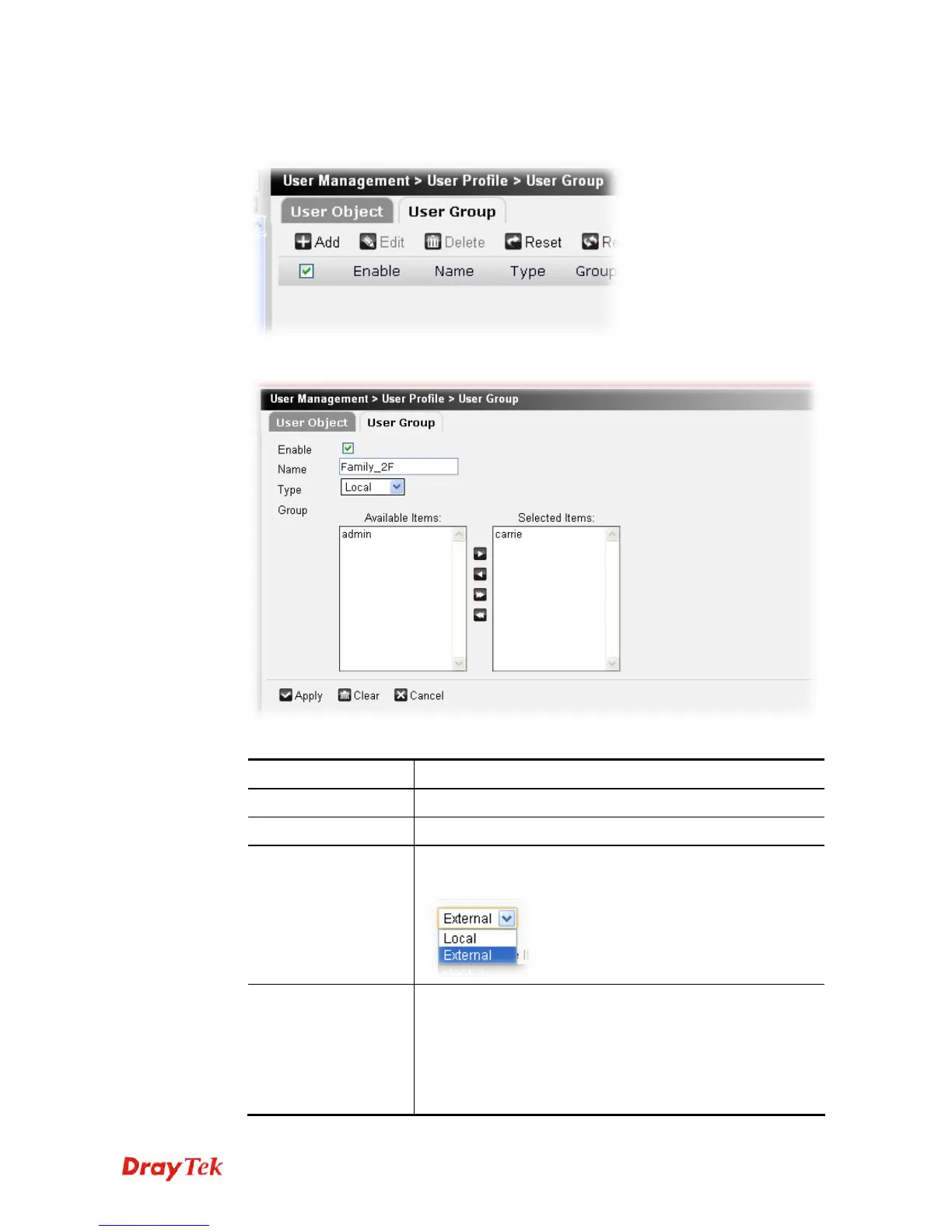
To create a new user group profile, please do the following:
1. Click the Add button.
2. The following setting page will appear.
Available parameters are listed below:
Item Description
Enable
Check this box to enable the user object.
Name
Type a name for such user group.
Type
Choose the type you want to display the available user
objects.
Group
Use the “>” button to move the selected item listed in
Available Items onto Selected Items.
Available Items – Display all the available user objects
based on the type you specify above.
Selected Items – Display the user object selected for such
group profile.











 To Next Page